Editing & post-production
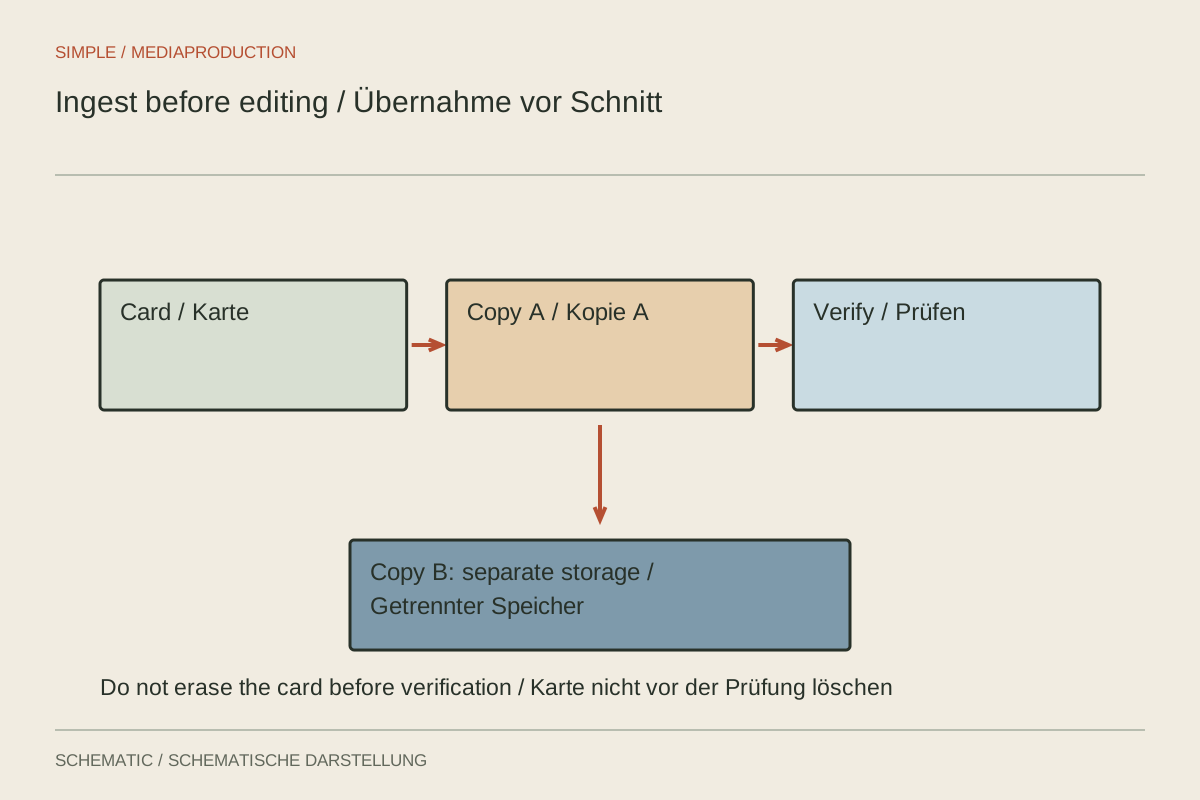
Ingesting footage before editing
Importing is not the same as backing up. Copy cards traceably, verify files and only then begin editing.
30 articles
Select the story, connect shots and balance sound and colour.
Editing & post-production
Importing is not the same as backing up. Copy cards traceably, verify files and only then begin editing.
Editing & post-production
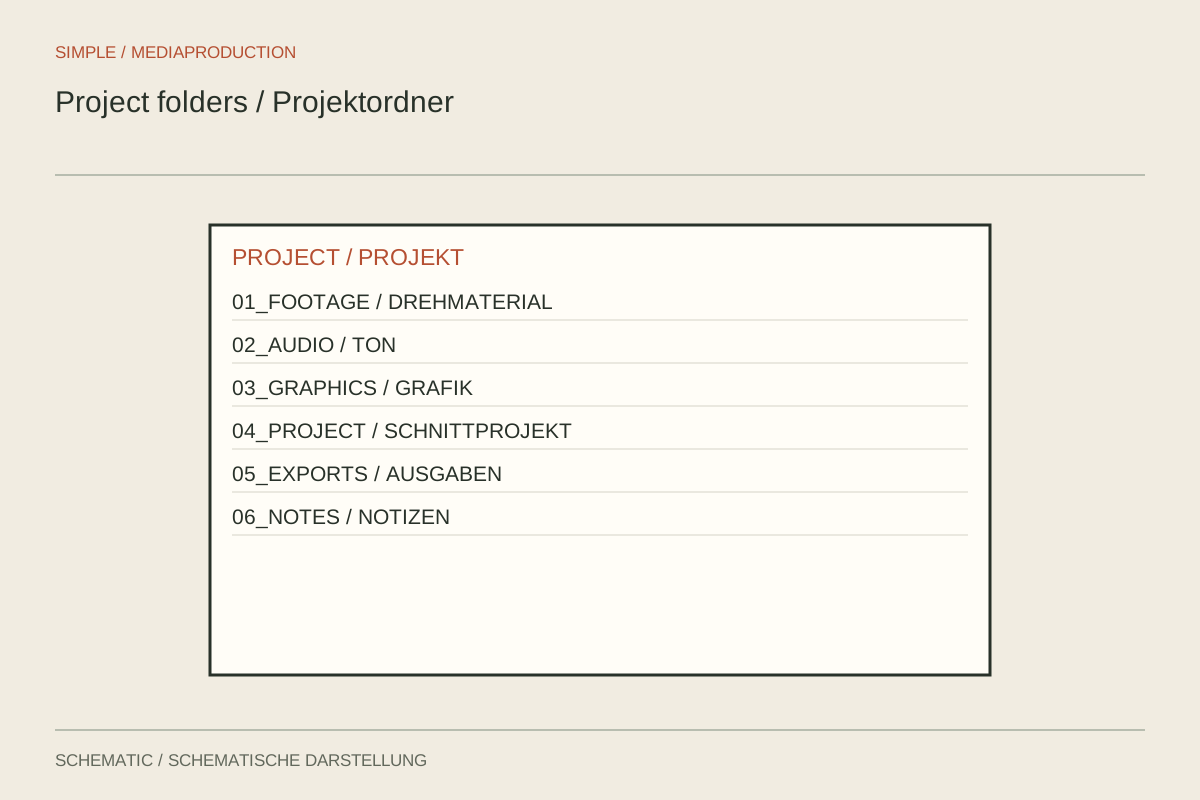
A folder structure should distinguish originals, project files and exports. It needs to remain understandable on another computer.
Editing & post-production
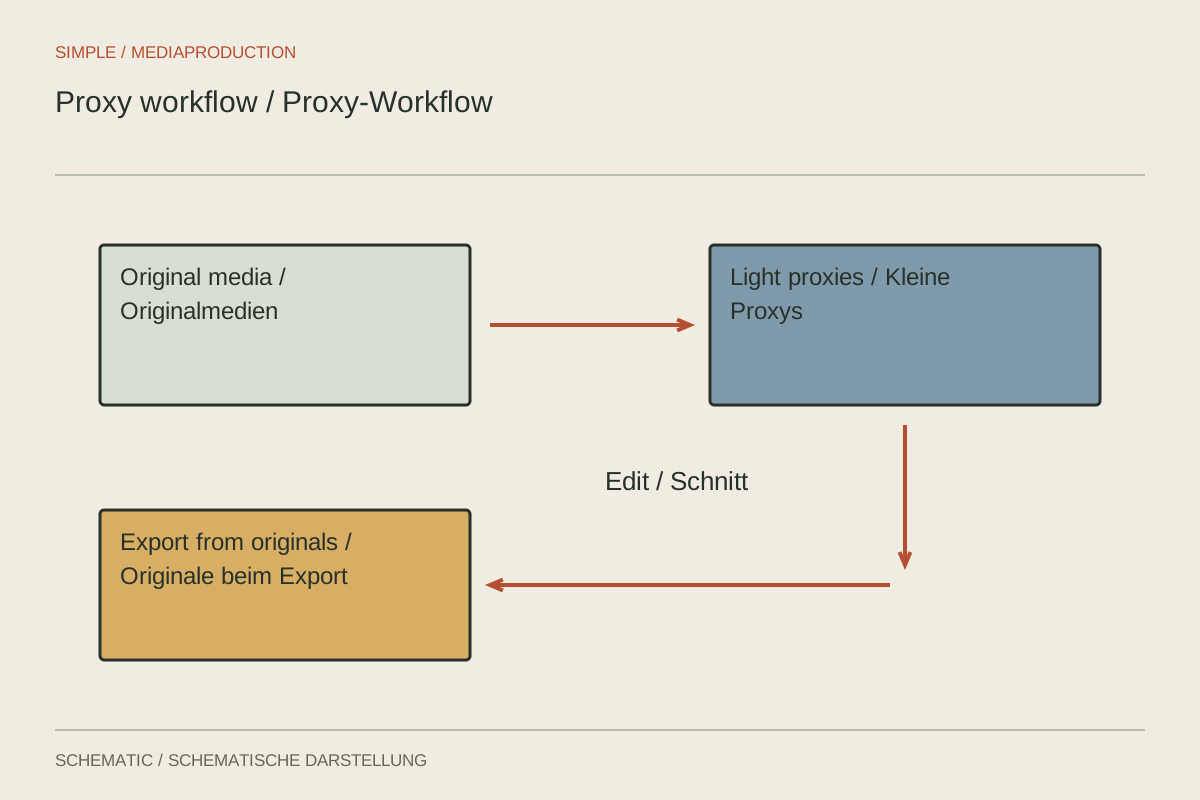
Proxies substitute lighter working copies for demanding originals during editing. Their unambiguous link to the source is essential.
Editing & post-production
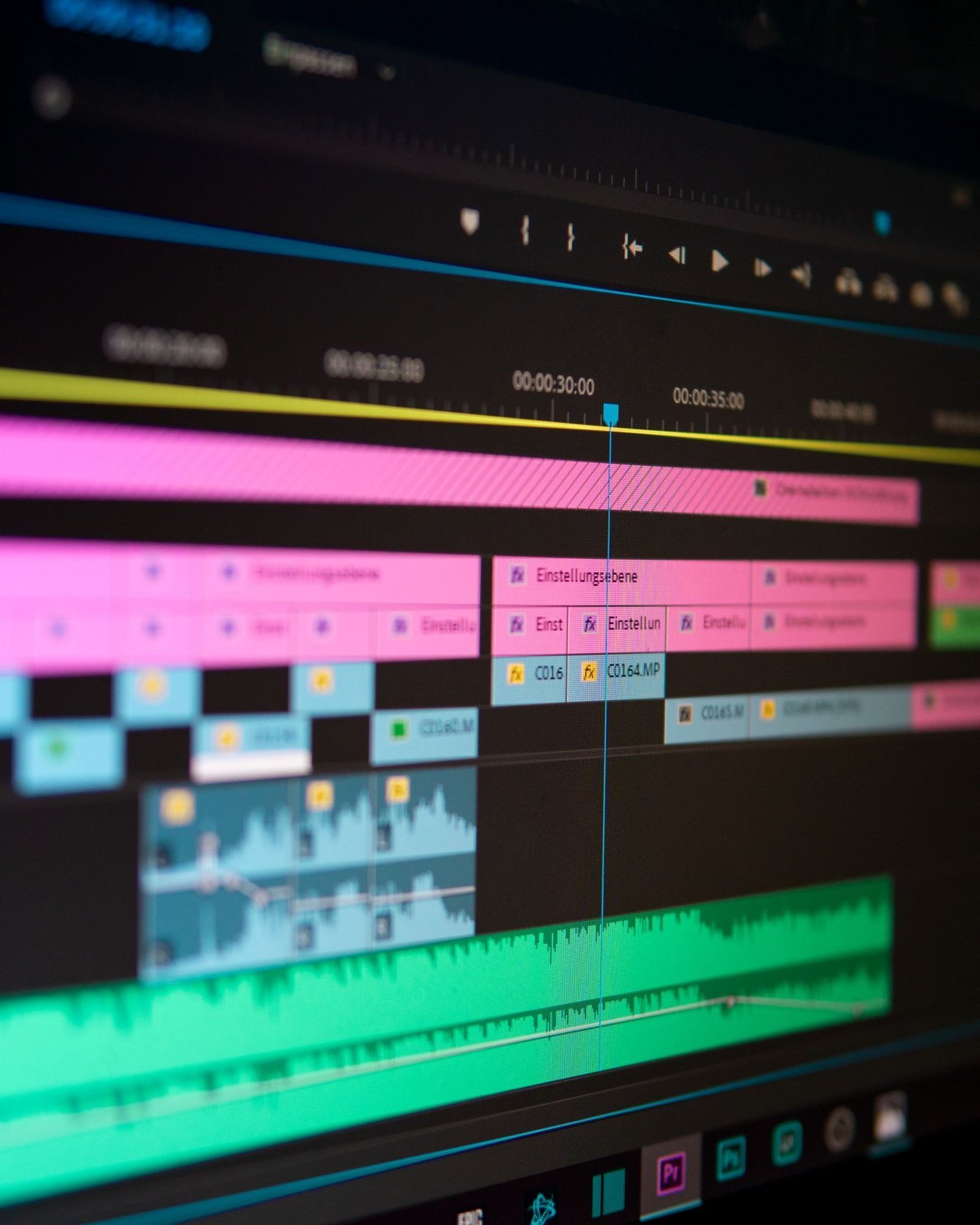
A rough cut tests order and clarity. Polished transitions contribute little while essential information is still missing.
Editing & post-production
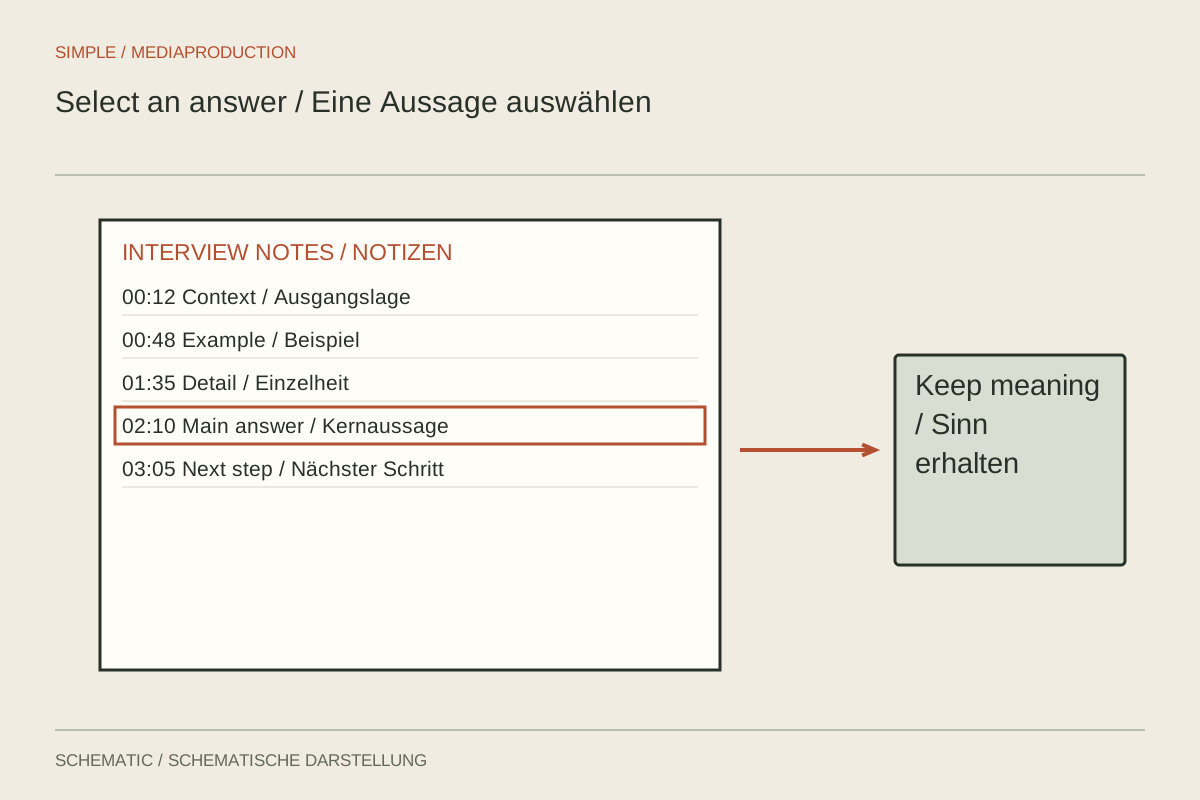
A useful interview selection preserves the answer’s meaning. Transcripts help locate passages but do not replace listening in context.
Editing & post-production
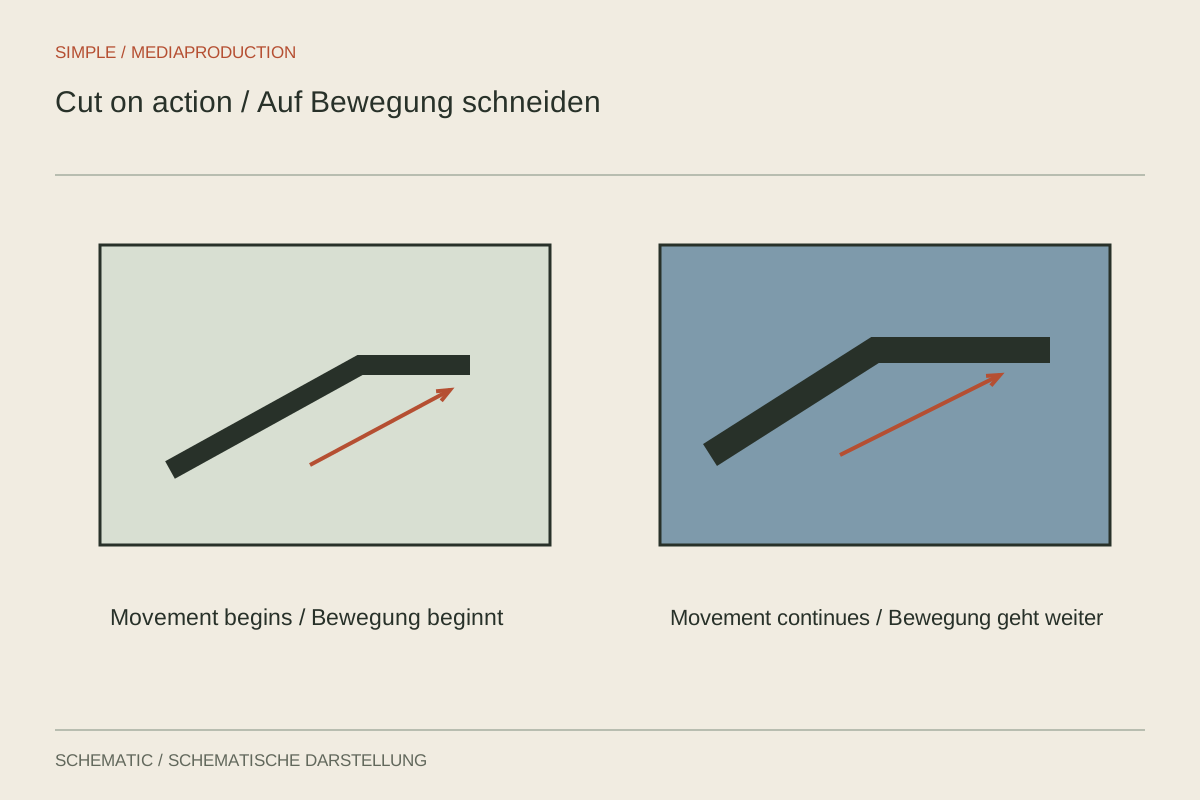
A cut within an action can connect two views. Movement phase, direction and the information that must remain visible determine whether it works.
Editing & post-production
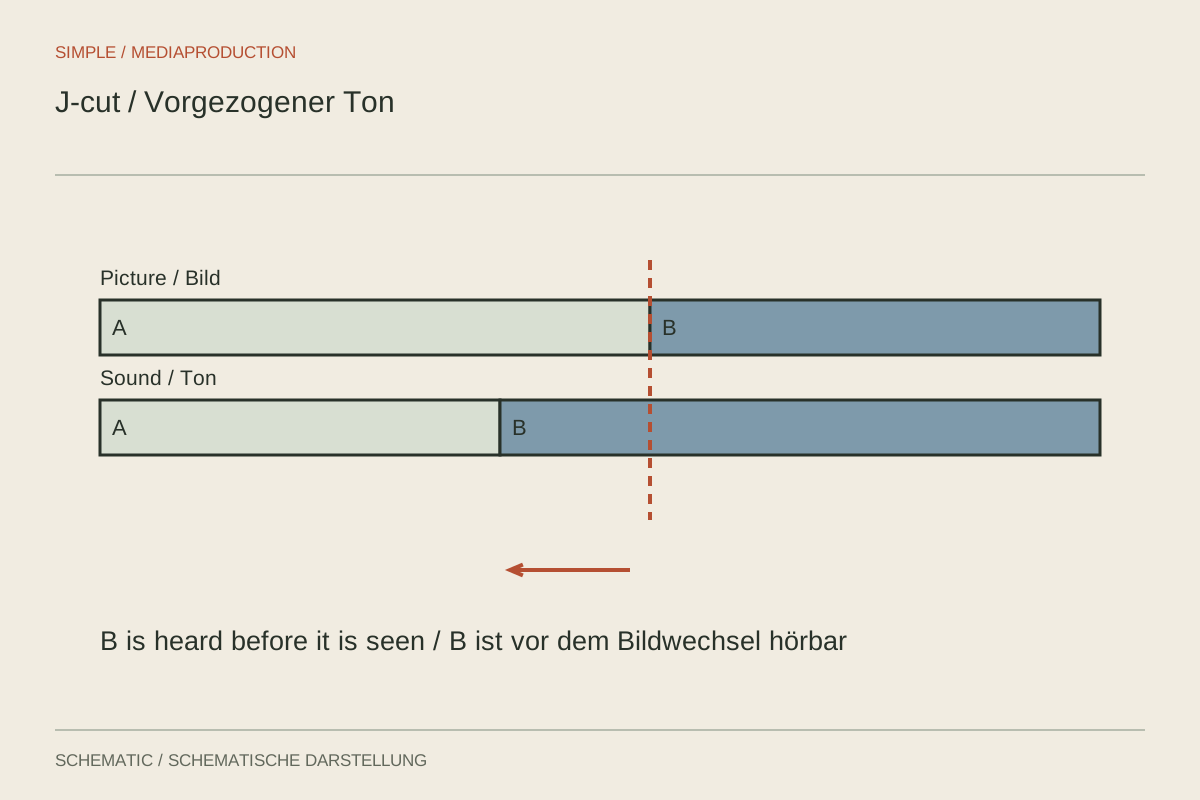
In a split edit, picture and sound change at different times. This can anticipate a new scene or carry a thought across it.
Editing & post-production
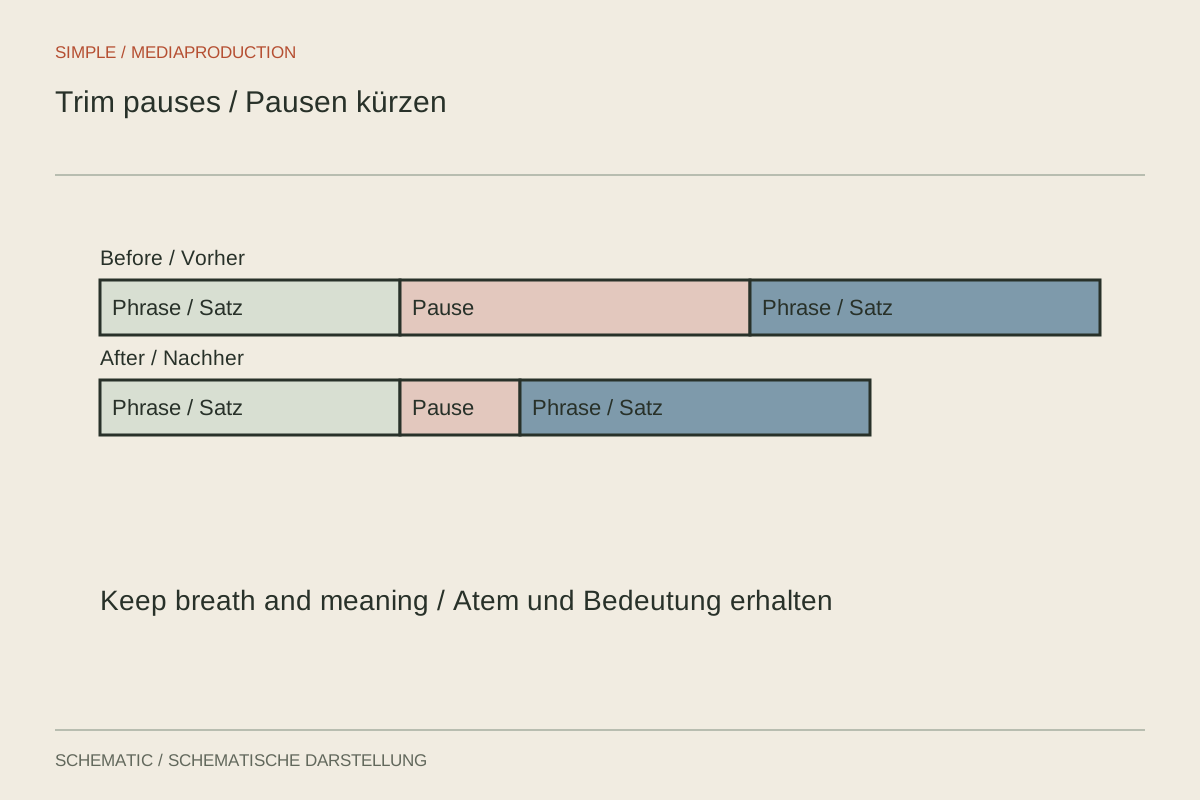
Pauses carry breathing, emphasis and meaning. Remove waiting without turning a considered answer into a rushed sentence.
Editing & post-production
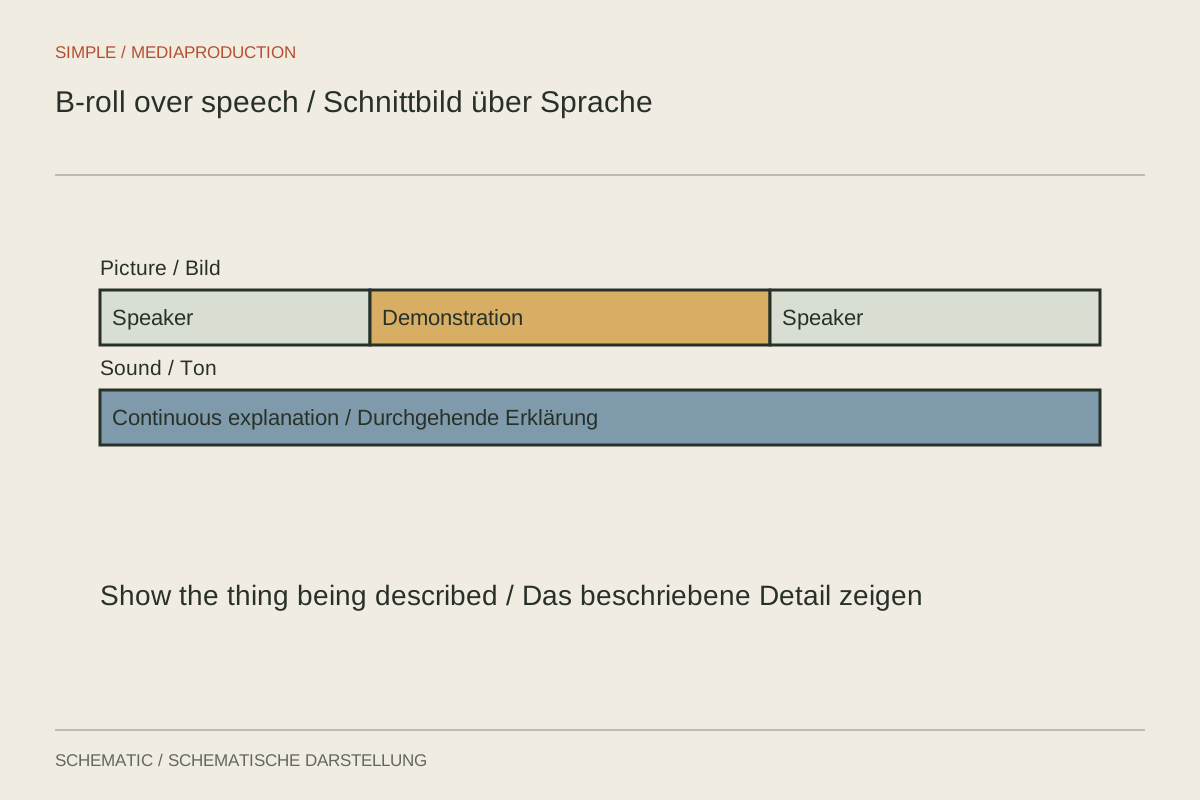
B-roll should show, explain or connect something spatially. An attractive image alone is not a reason to include it.
Editing & post-production
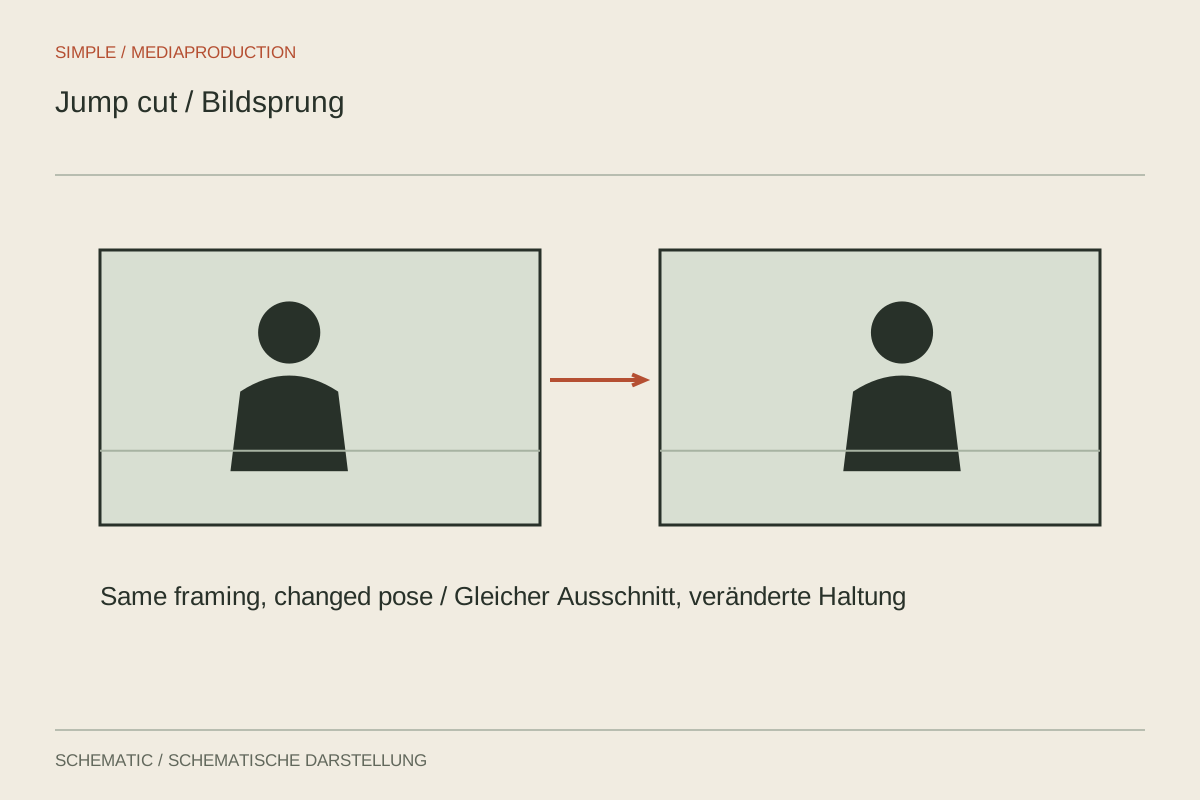
A visible jump can openly show an edit. Decide from the content and available images whether to keep it, cover it or cut differently.
Editing & post-production
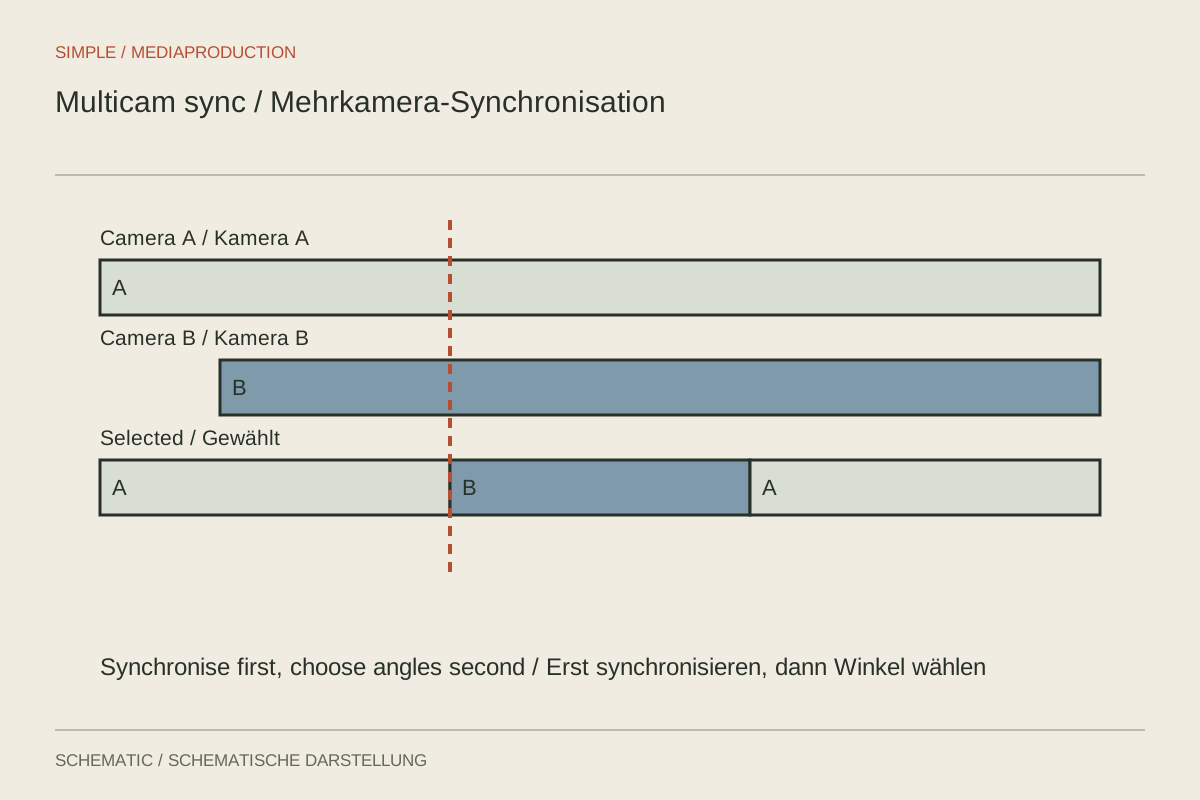
Two cameras first need a shared timeline and a clear audio path. Only then should you switch between views.
Editing & post-production
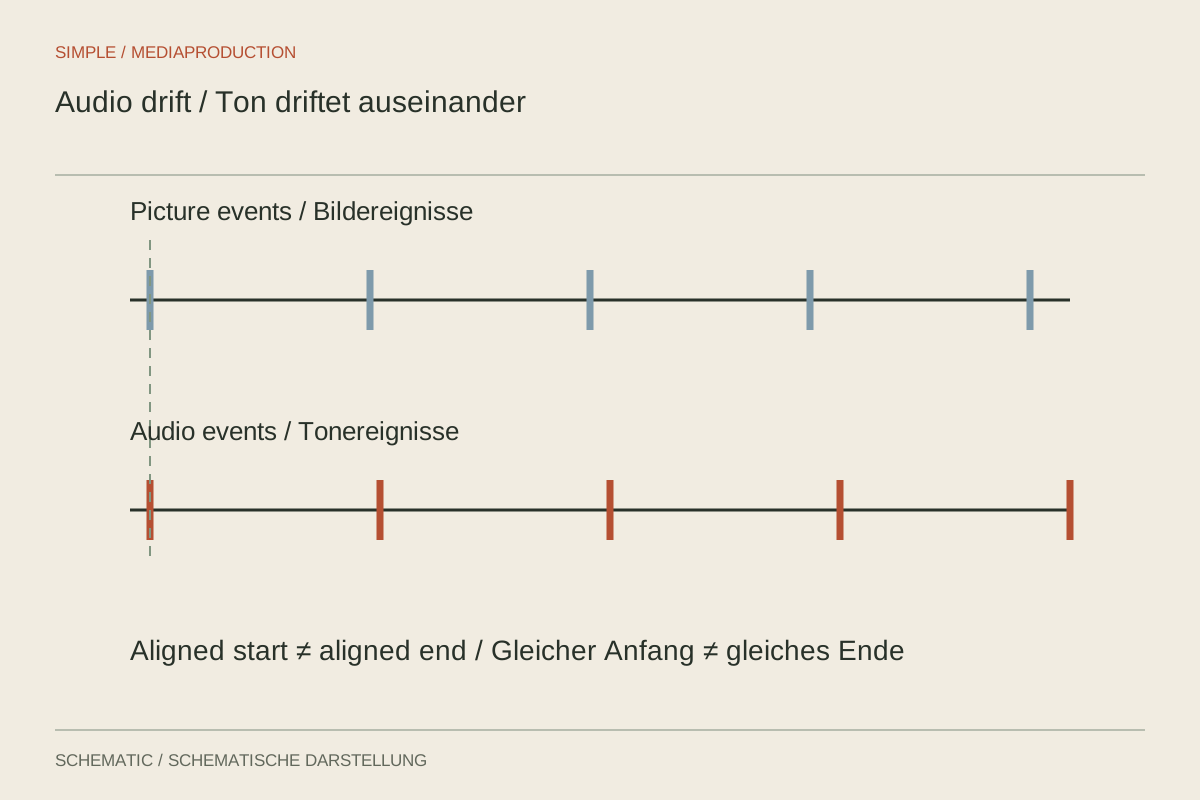
Constant offset, gradual drift and sudden jumps are different faults. First measure how the discrepancy develops through the recording.
Editing & post-production
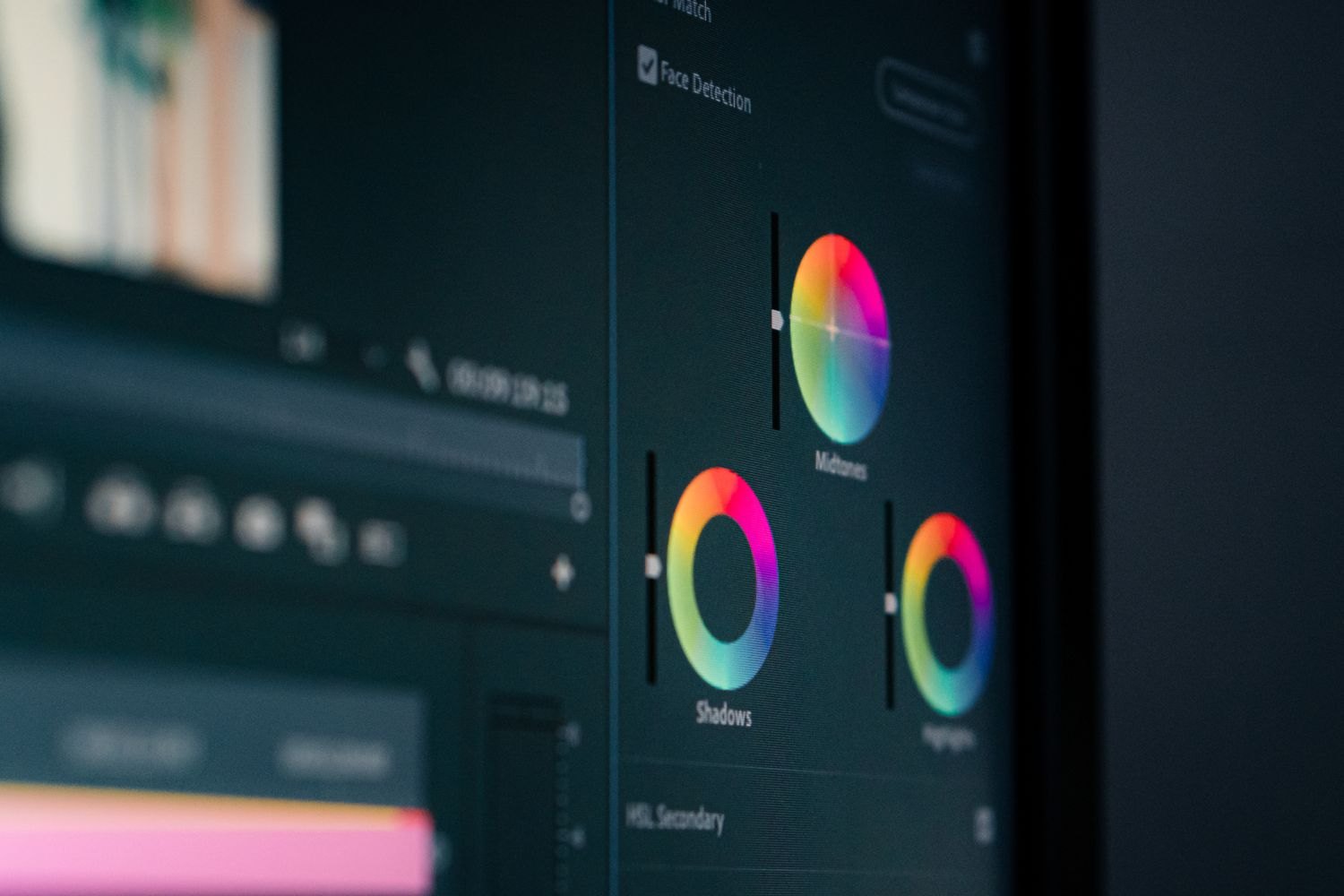
Basic correction establishes a coherent starting point. Exposure, white balance and colour management should be addressed before adding a look.
Editing & post-production
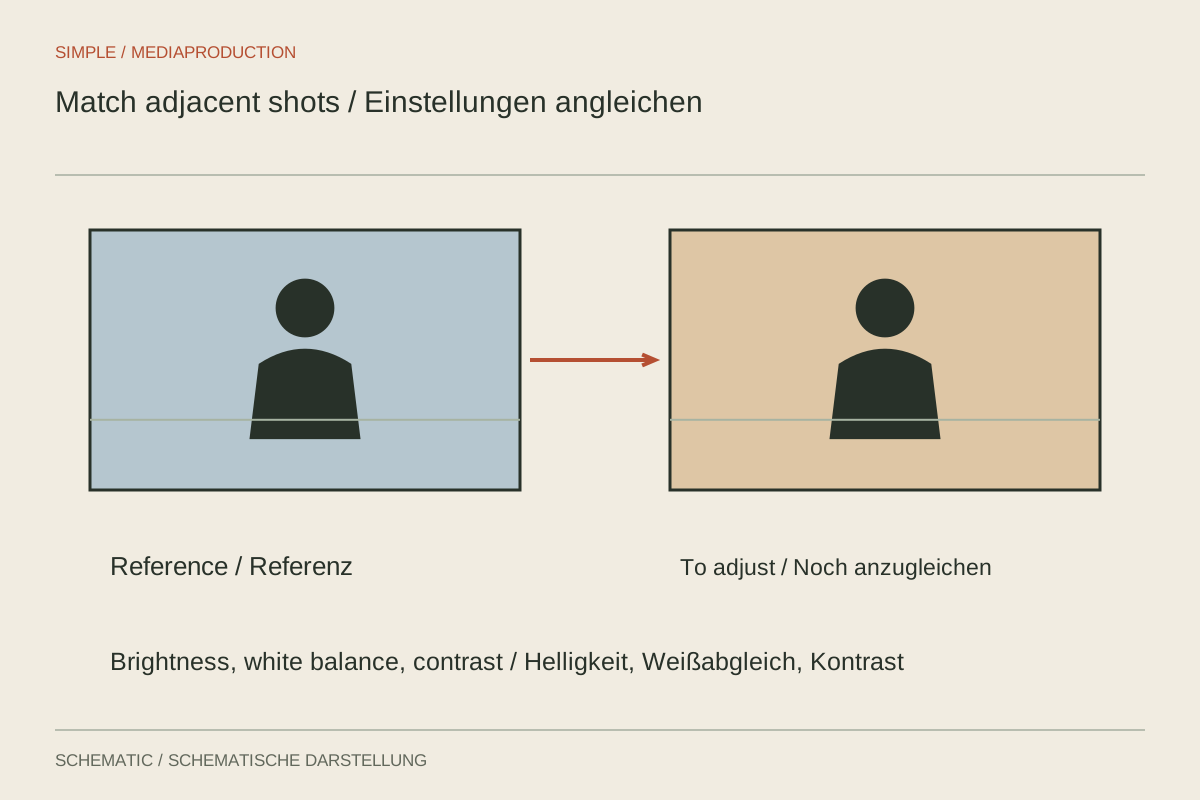
Matching shots need a shared reference, not identical slider values. Compare faces, neutral areas and the moving transition.
Editing & post-production
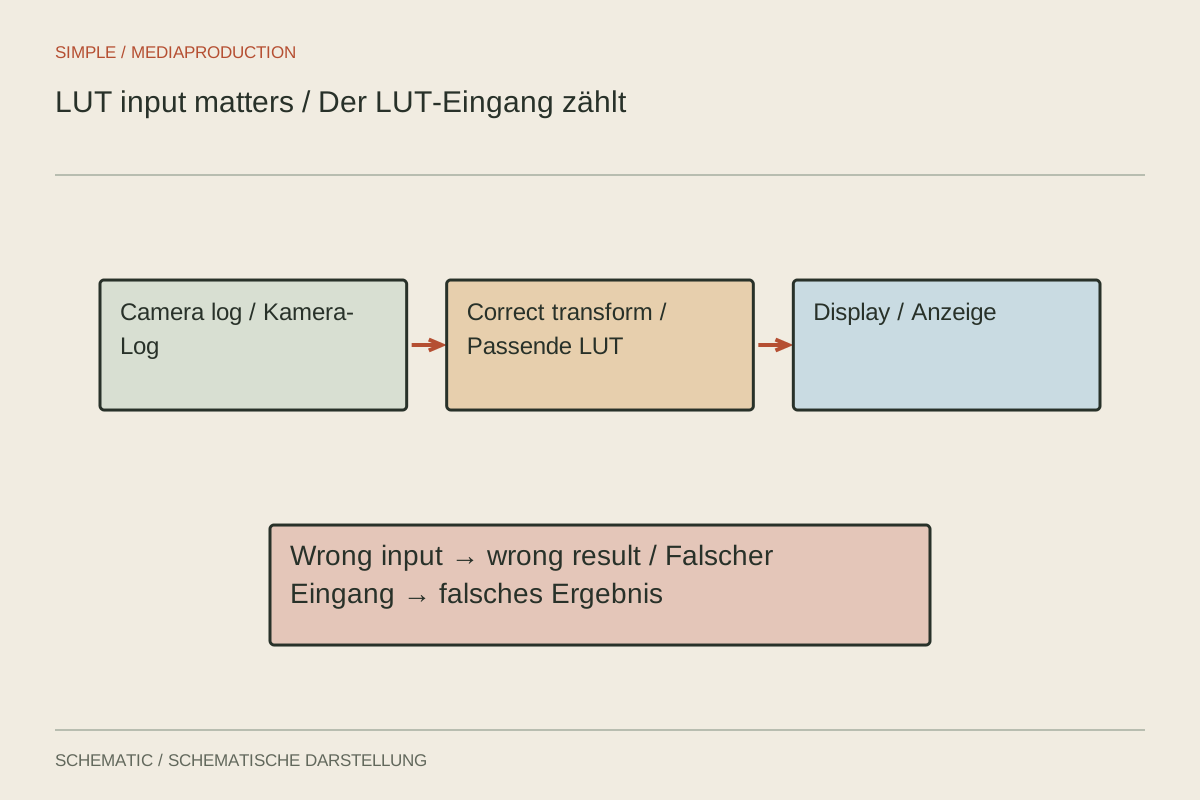
A LUT expects a defined input; check that before judging its result.
Editing & post-production
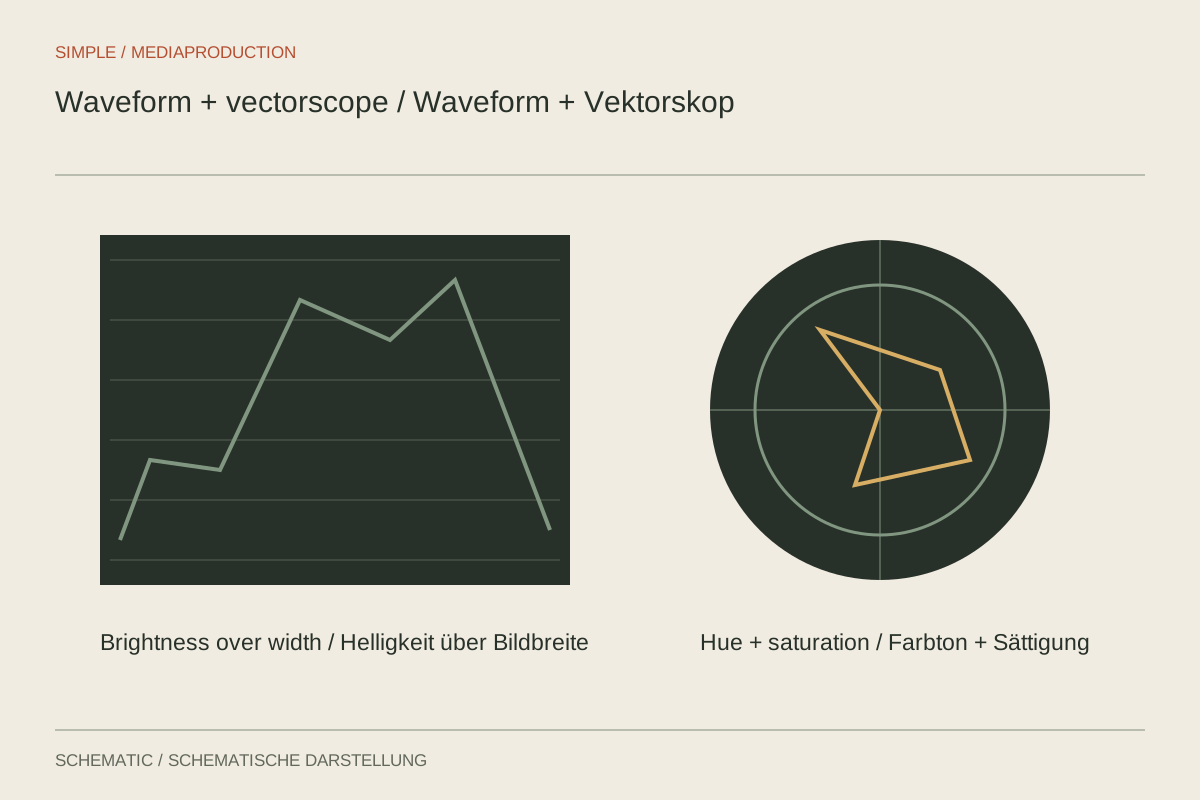
Scopes support comparisons without deciding how a scene ought to look.
Editing & post-production
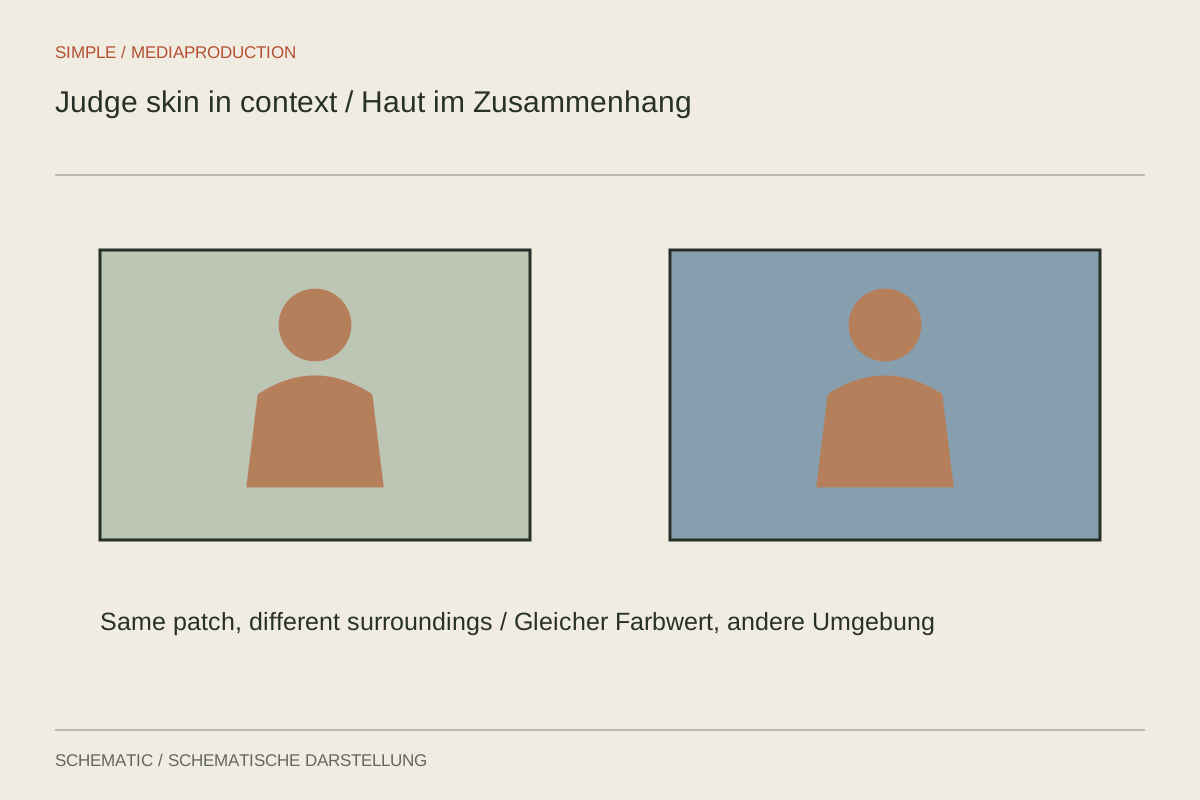
Judge faces within their lighting and surroundings rather than forcing one numerical target.
Editing & post-production
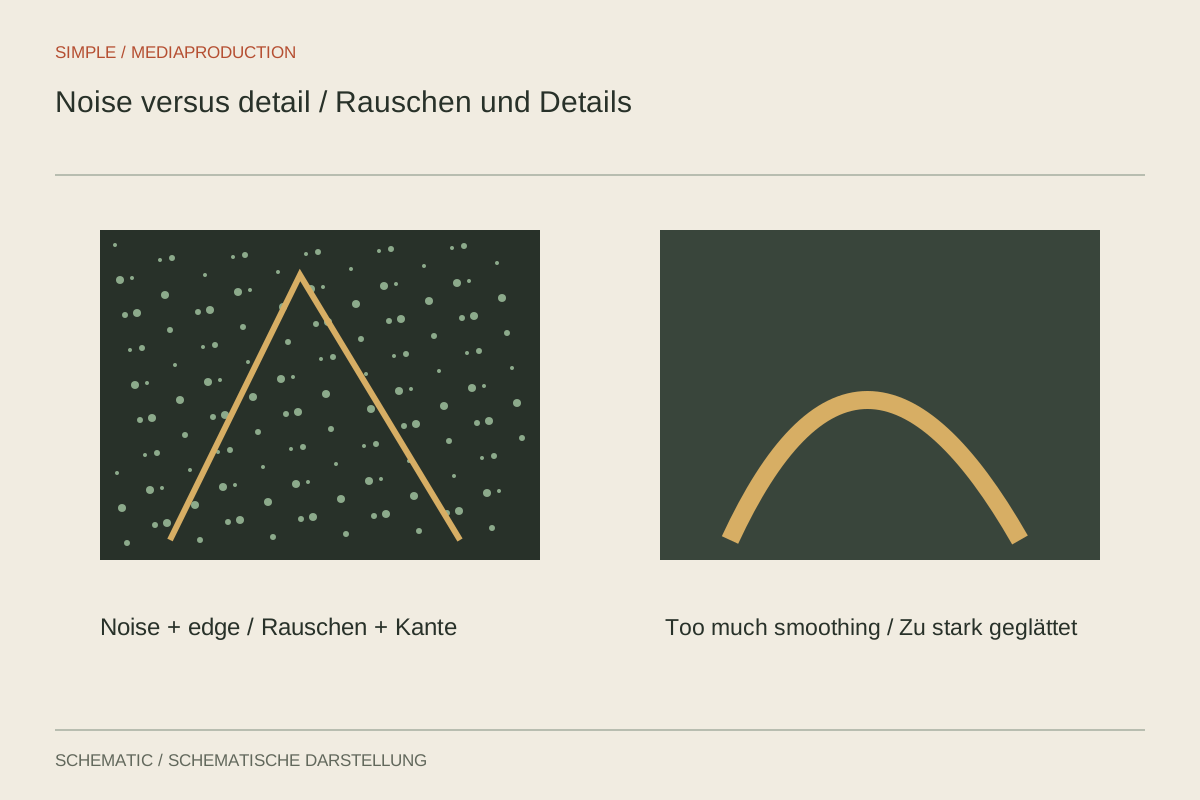
Separate noise from useful texture before filtering changes the movement.
Editing & post-production
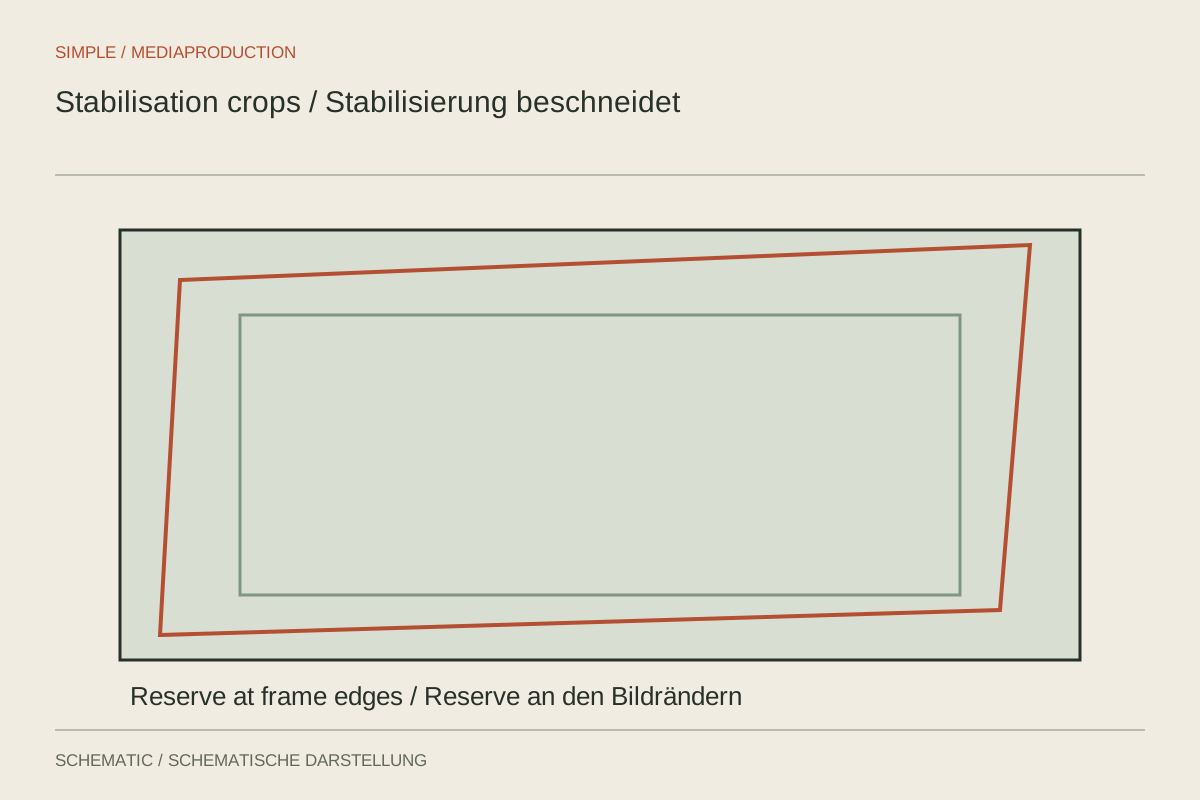
Stabilisation needs reliable motion analysis and spare framing; some shake remains unfixable.
Editing & post-production
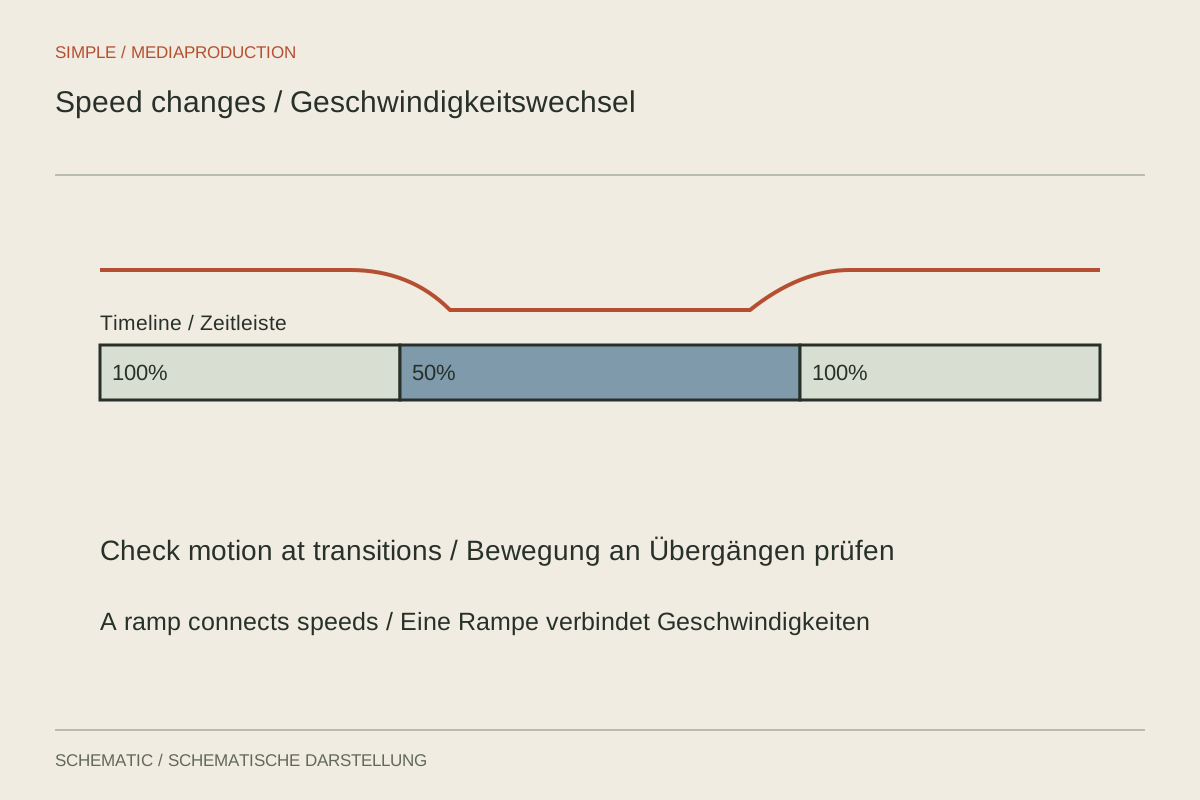
Treat capture rate, playback speed and generated frames as separate decisions.
Editing & post-production
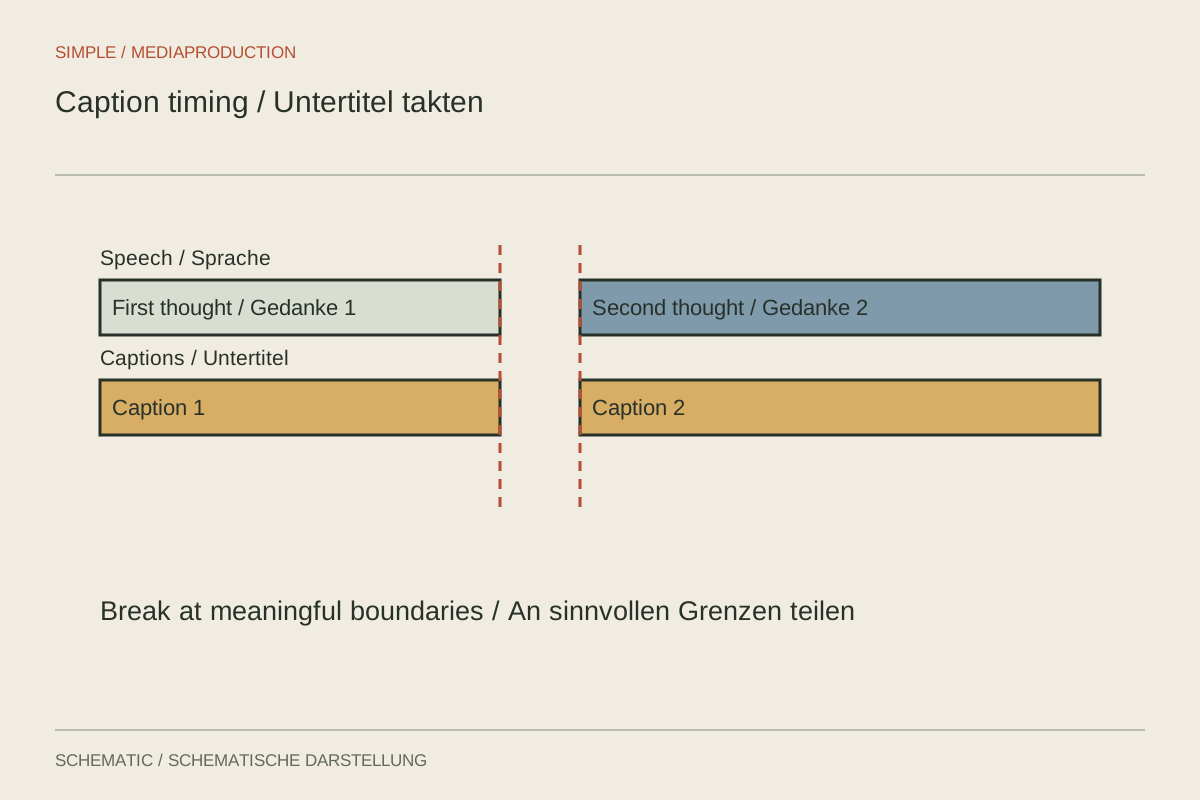
Captions need accurate timing and space to coexist with the image.
Editing & post-production
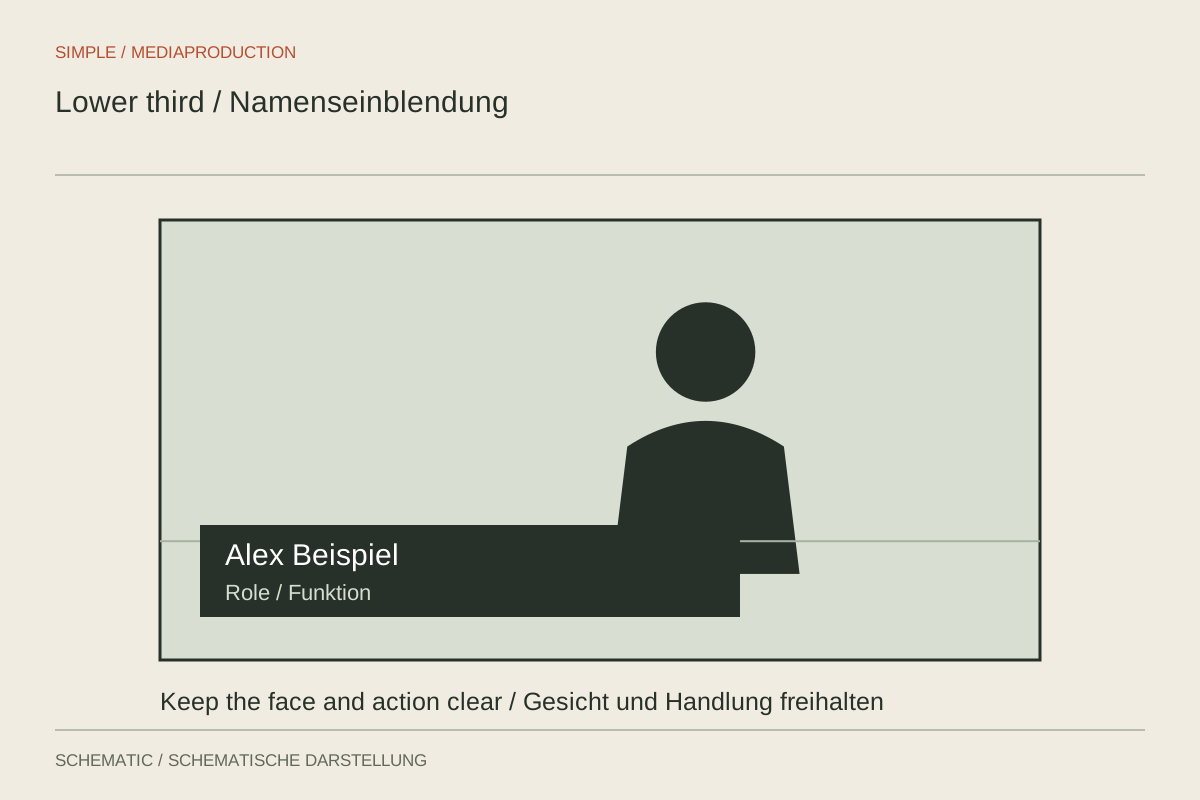
Make a name and role easy to grasp without covering the interview.
Editing & post-production
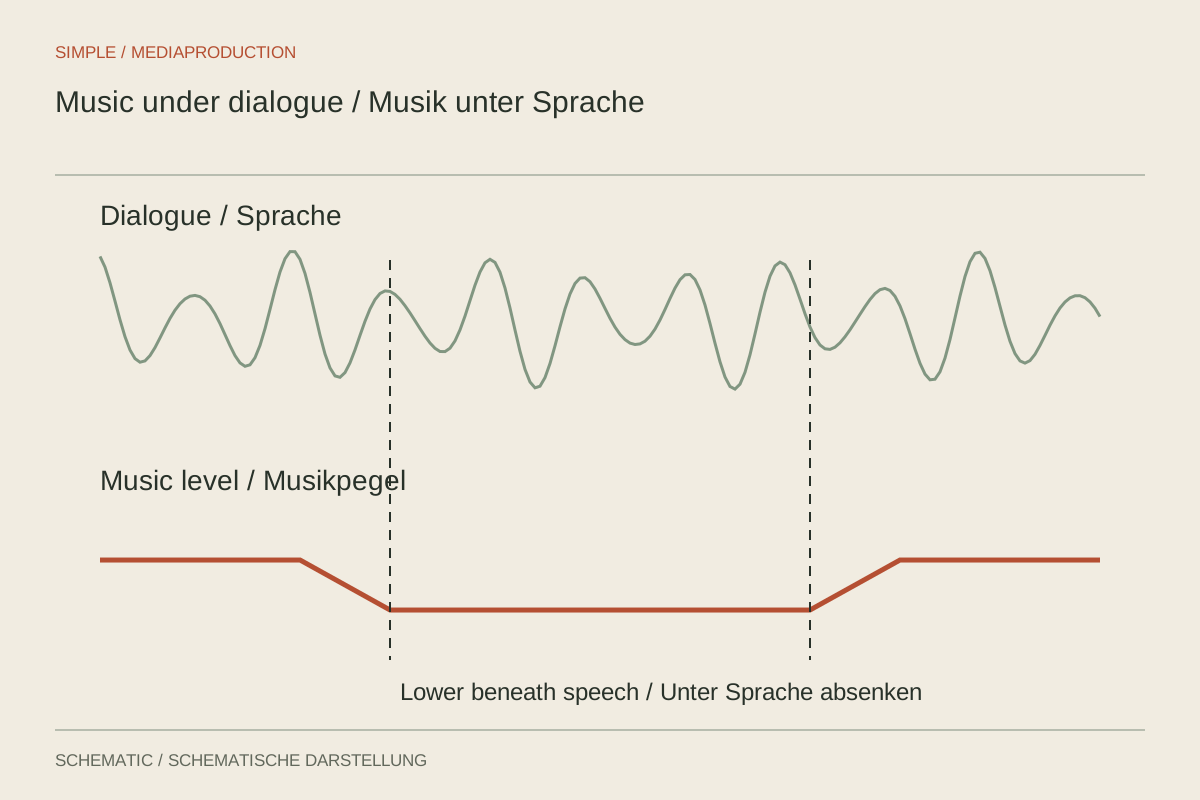
Balance music against the quietest important words, not only the loudest sentence.
Editing & post-production
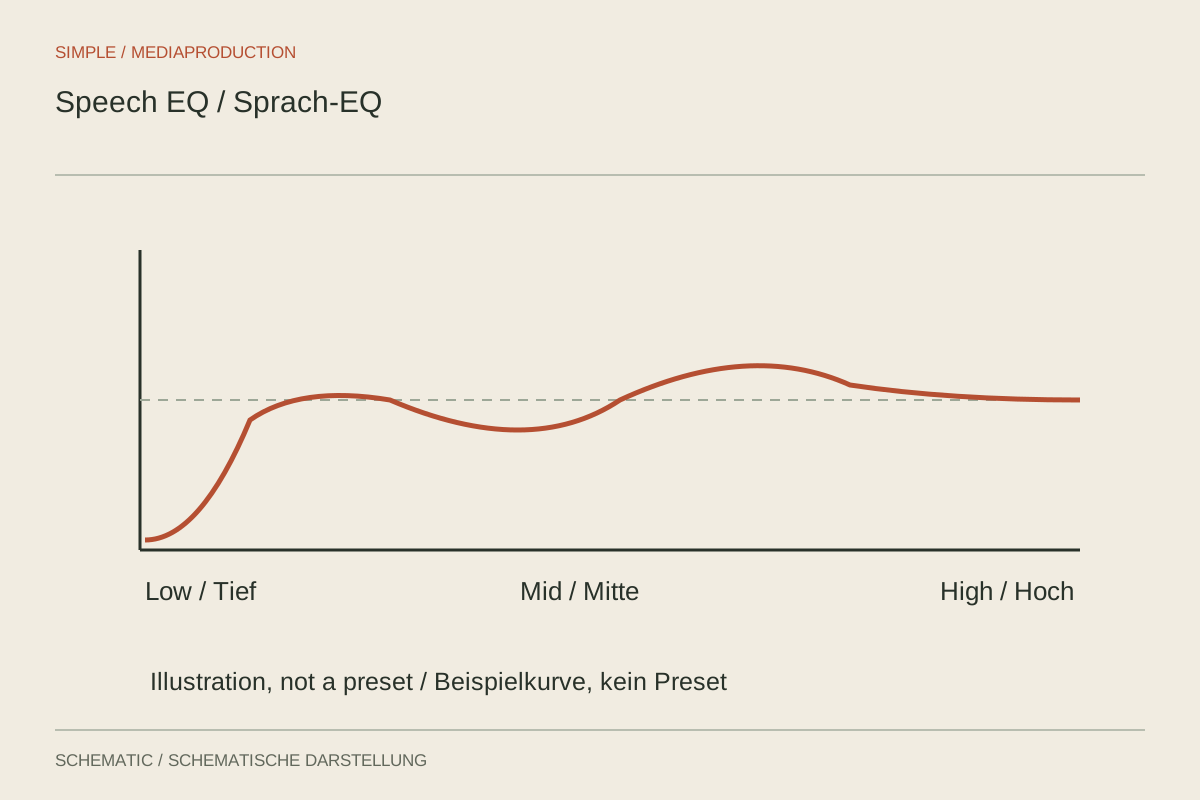
EQ adjusts tonal regions; it cannot replace a clear recording or clear wording.
Editing & post-production
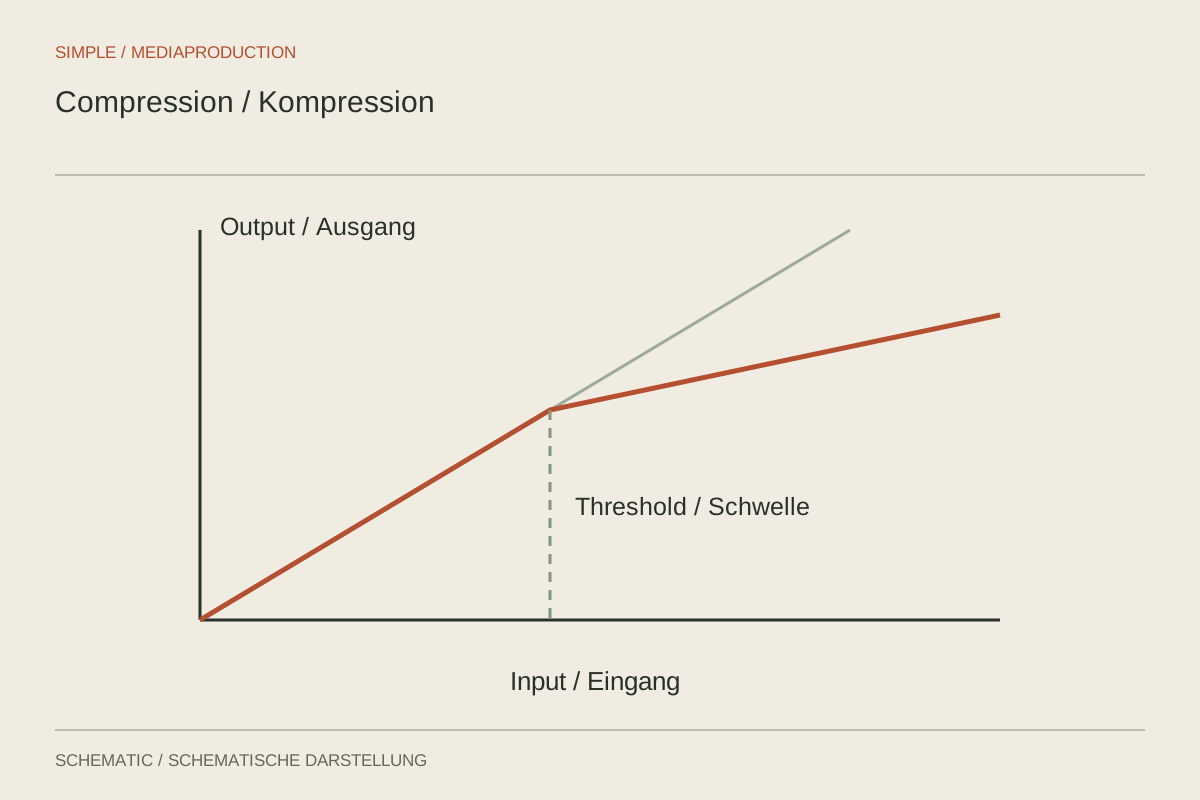
Prepare levels, apply restrained dynamics processing and compare at matched loudness.
Editing & post-production
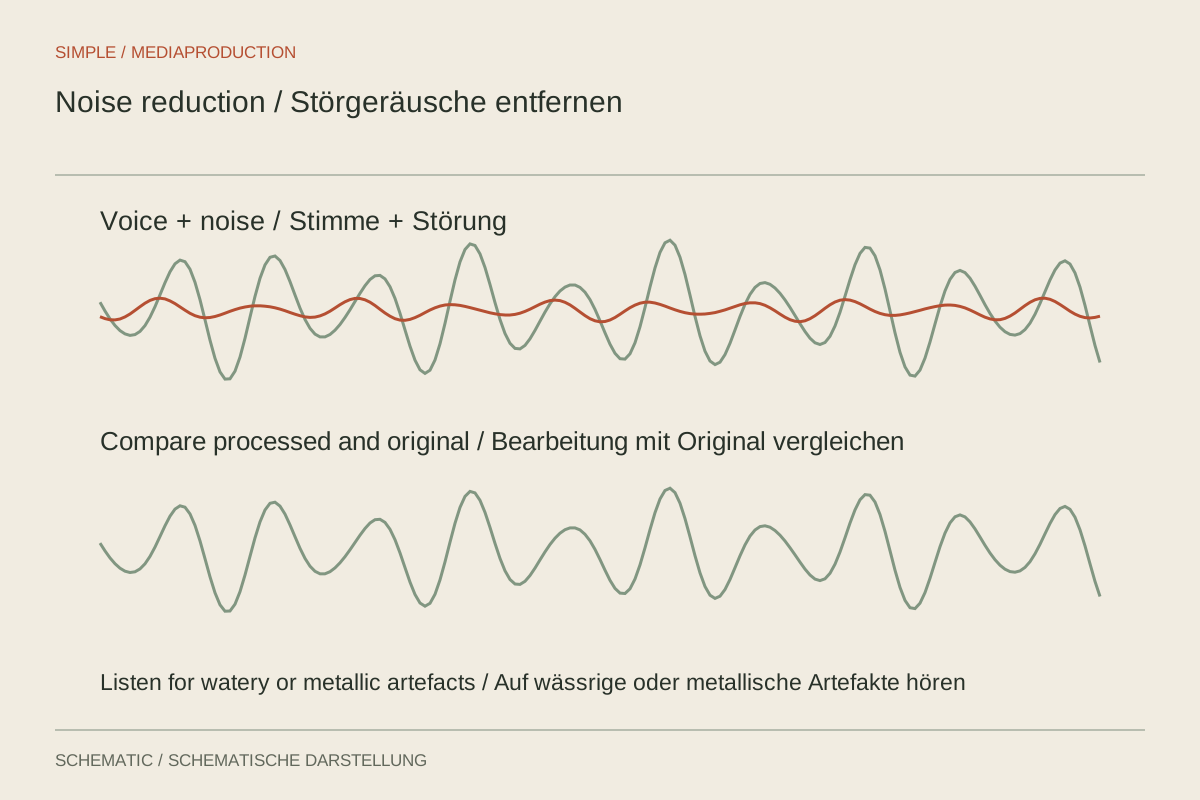
Reduce specific disturbances while protecting quiet parts of speech.
Editing & post-production
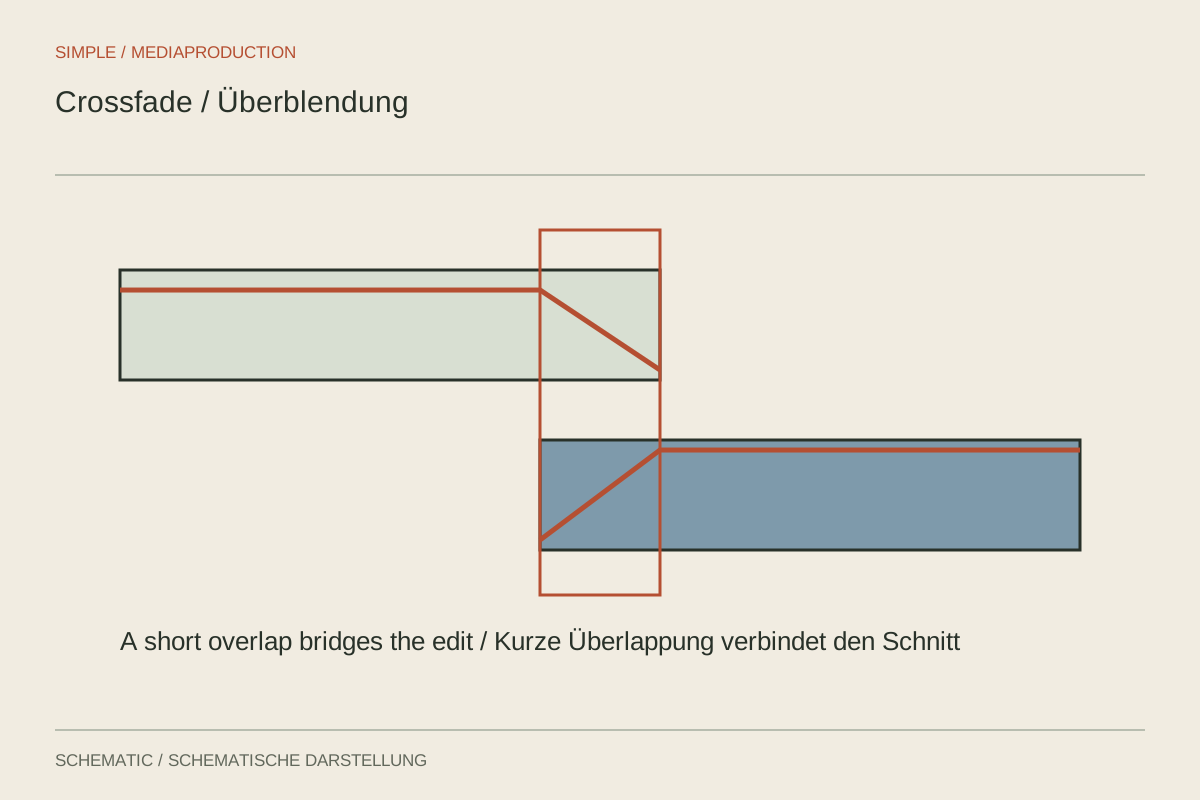
A short fade can smooth an edit, but cannot hide a mismatched phrase.
Editing & post-production
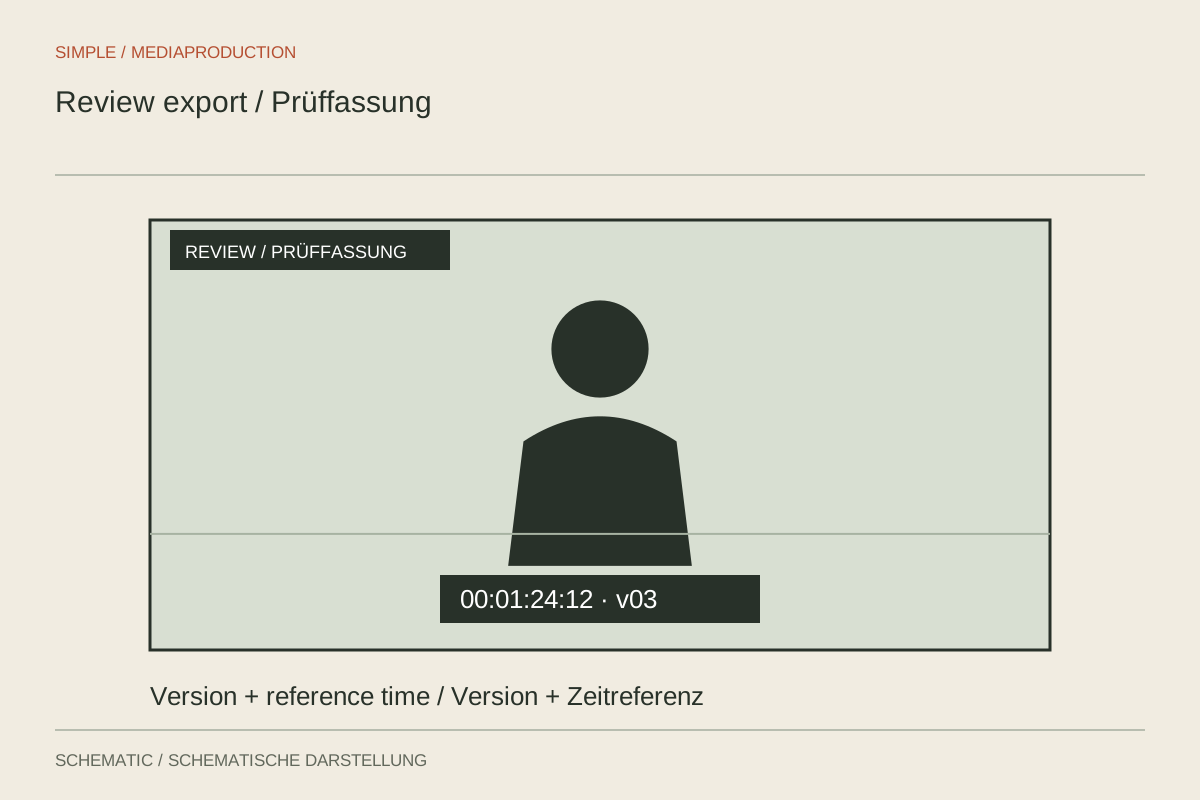
Prepare a review copy that directs feedback to one version and a defined set of questions.
Editing & post-production
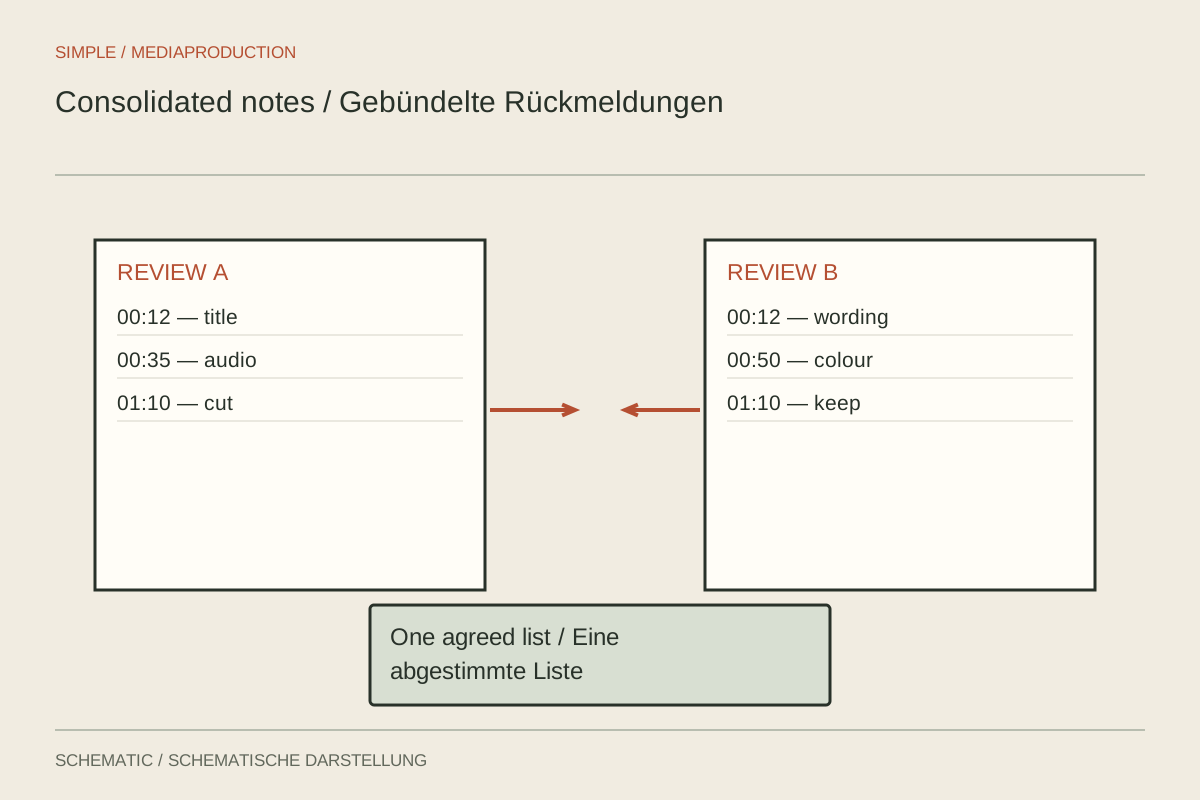
Turn comments into specific edits, clarification questions and unresolved conflicts.
Editing & post-production
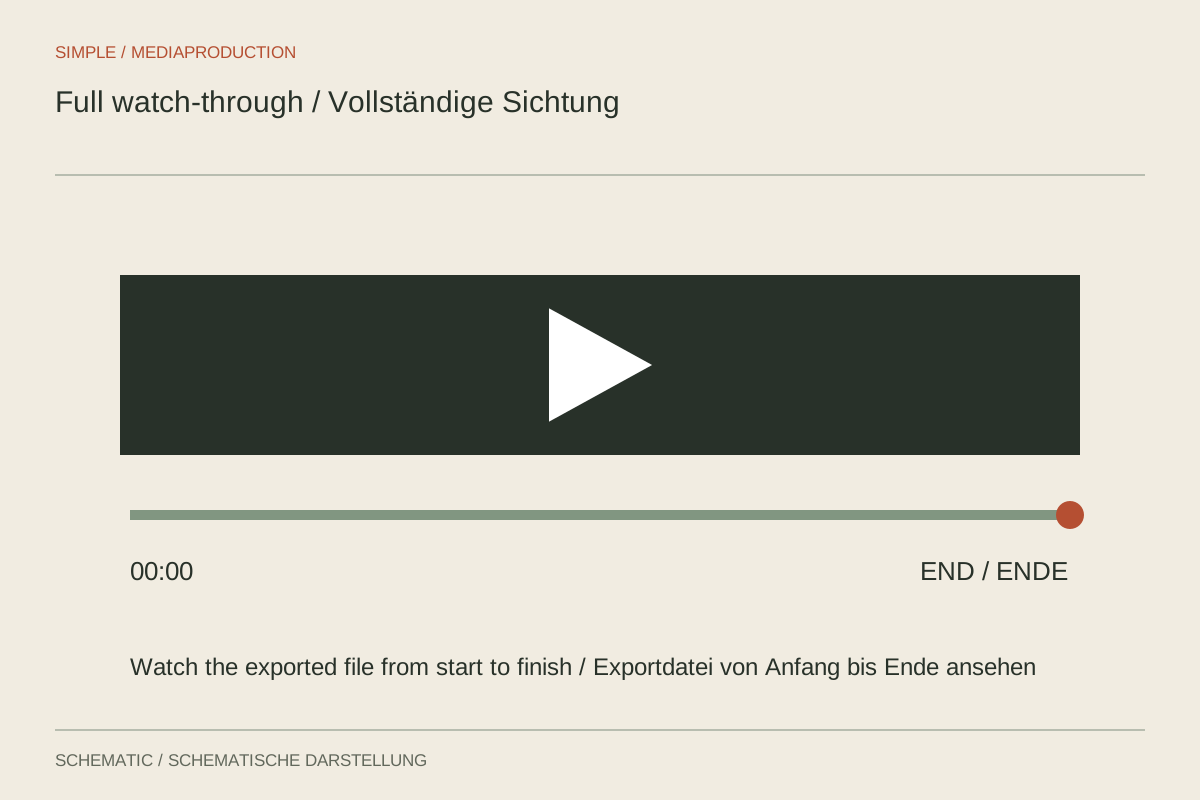
Watch the exported file continuously instead of checking only recent edits.