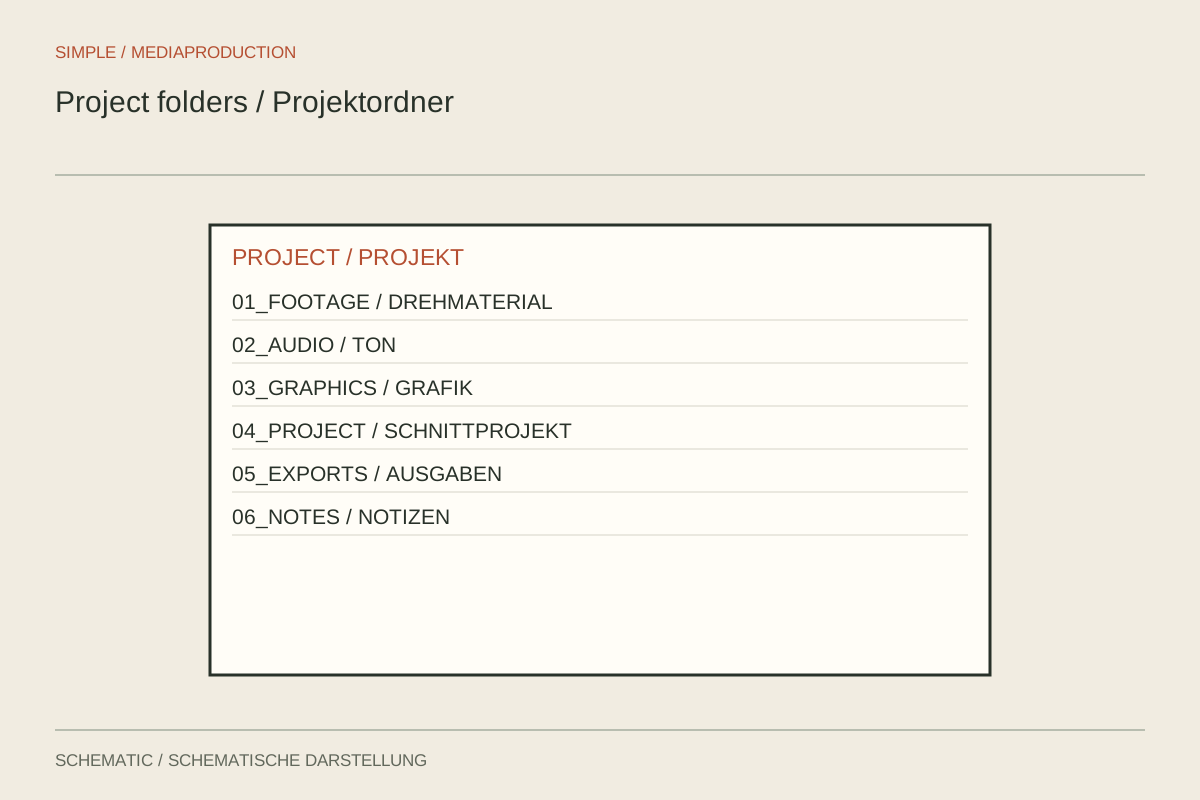
A project starts with five clips and ends with camera cards, audio, graphics, music, proxies and several deliveries. Keeping everything in one folder makes later revisions unnecessarily difficult. The structure should help with more than the first edit: it should reveal which files remain untouched and which can be generated again.
Use a few clear main areas
For a small project, areas such as original media, project files, graphics, audio and exports may suffice. Within originals, keep cards separated by camera and shoot day. Preserve format-dependent subfolders together. A name such as Camera_A_Card_03 is more informative than new or miscellaneous.
Decide where derived files belong. Proxies, preview renders and caches are not originals. Some can be recreated, while others may still be useful for an efficient handoff. Label them accordingly rather than mixing them among untouched camera files.
Distinguish folders from application bins
Filesystem folders determine actual storage locations. Bins in an editor organise the view and references. Moving a clip into another bin usually does not move its file on the drive. Understand this distinction before deleting apparently tidied material outside the application.
Keep media paths within the project context where possible. A graphic linked from the desktop may be missing during handoff even though the project opens perfectly on the original computer. Check external references before exchanging work and gather required files using the intended collection feature or a traceable manual process.
Name versions readably
Use a consistent identifier for project versions and exports, such as project, date and version number. Final_new_reallyfinal does not explain which version was approved. A separate note can record status and the main change. Retain older project states without confusing them with current delivery files.
Test the organisation from another person's perspective: can they find originals, current project and published version without explanation? Where possible, open the project from a copied complete working environment and check for missing media. Useful organisation is not exceptionally deep nesting; it reliably answers these concrete questions.