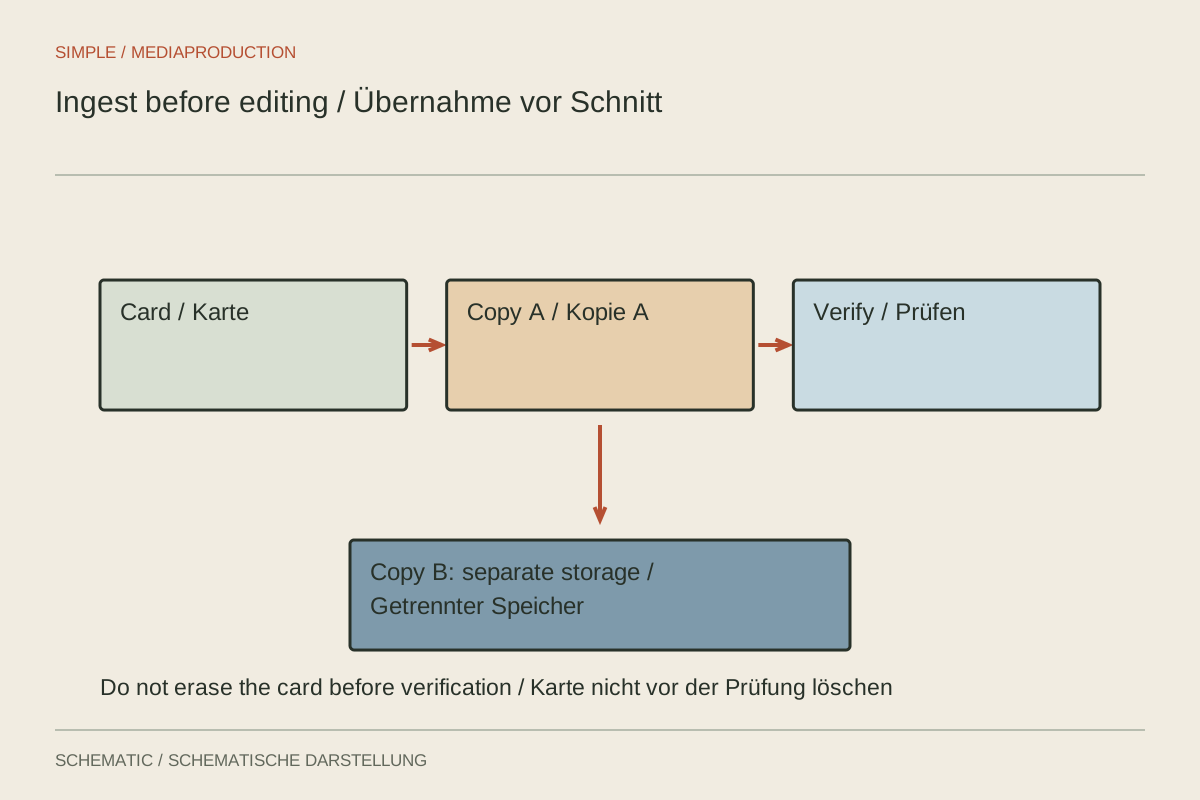
After filming, the editor displays thumbnails for every clip. This does not prove that the files are stored in a safe working location. Some applications may still reference the memory card directly. Removing or formatting it then makes the media disappear. An orderly ingest separates copying, checking and importing into traceable steps, even when software can automate several of them.
Give every card its own location
Create a project folder containing clearly identified card folders, for example by shoot date, camera and card number. Copy the complete required card contents, including associated subfolders. Some cameras divide long recordings across several files or use additional metadata. Extracting individual video files from such a structure may complicate later import.
Two cameras can both produce a file named C0001. Never overwrite files merely because their names match. Separate card folders preserve context. Avoid casually renaming originals during copying when the recording format or later identification might depend on them. Readable descriptions can live in the project or an accompanying list.
Verify a copy before accepting it
Compare copied file counts and sizes with the source. Checksums can additionally confirm that the checked source and destination files are identical. A completed copy dialog alone does not detect every incorrect selection. If copying software offers verification, inspect its result report too.
Play representative clips: the beginning and end of a long take, different cameras and external audio recordings. Playback complements data comparison by demonstrating practical readability. It does not replace a complete integrity check of every file. State clearly whether the check covered samples or all files.
Create a second copy on a separate storage device before reusing the card. Two folders on the same SSD are not independent storage devices. Verify the second copy too. Further retention depends on project value and existing procedures; the only original card should not be released prematurely.
Import from the working drive
Import from the intended working folder afterwards. Inspect a clip's actual media path in the editor. It should not point to the inserted card or an incidental downloads folder. For card-based formats, the intended media browser is often more appropriate than manually opening individual segments.
Check duration, frame rate, resolution and audio channels. A continuous long take should not silently become several incomplete pieces. If the application transcodes media or generates proxies, document which files are originals and which are derived working copies. A proxy does not replace backing up camera originals.
Isolate faults early
If a clip is missing, compare the card folder and copy log first. Do not begin by searching a complicated timeline. If only one file cannot be opened, test it with an appropriate format-aware tool and preserve the original unchanged. Repeated renaming or resaving can make diagnosis harder.
A brief ingest log does not need an elaborate database. Card number, destination path, copying status, verification and release for reuse are often enough for a small shoot. The important distinction is that copied and checked remain separate states. Only when the intended copies and checks actually exist does a visible thumbnail become a dependable foundation for editing.
Track card status visibly
Keep used and released cards in separate, clearly labelled areas. A simple status note can prevent someone putting an unverified card back into a camera. Change the status only after the intended checks, not when copying merely begins. With several crew members, assign one person to document release.