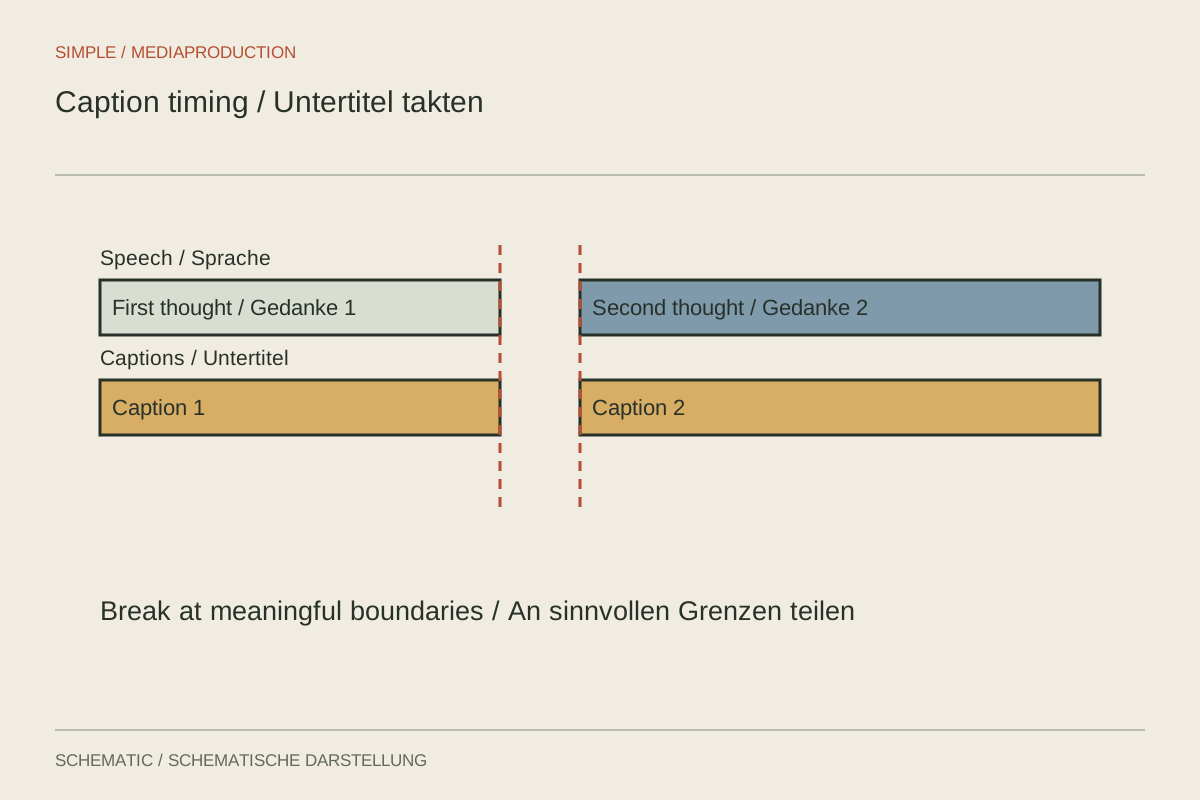
Automatically generated captions are a draft. They can mishear names, place sentence boundaries incorrectly and omit sounds that matter to the meaning. Check the wording against the actual audio first. Only then refine typography, line breaks and display duration.
Turn a transcript into readable units
Divide text according to meaning and speech. Avoid leaving an article alone at the end of one line while its noun moves to the next. Keep names, numbers with units and short phrases together where possible. This helps viewers understand the text without needing to read it twice.
Long sentences do not have to appear as a single block. Split them at useful pauses or changes of thought without rewriting the speaker's meaning. Rapid speech containing technical terms may need more reading time. Consider opening up the edit slightly rather than shrinking the type until it becomes difficult to read.
Check timing against the picture
Make each caption correspond to the relevant spoken passage. It should not reveal an answer before it is heard or remain over an unrelated new subject. Speaker changes need to be understandable, particularly when the person speaking is not visible in the frame.
Play the passage at normal speed and read along without pausing. Then watch it without sound. Are important events, such as a confirmation beep, communicated only through audio? Add understandable cues where they are needed to follow the content. Describing every incidental background sound would usually add distraction instead.
Rework an overloaded caption
Suppose someone says in one breath: “Open settings, choose the project folder, then confirm with Apply.” Three actions have become one long text block. Divide captions along the actual steps and show the corresponding operation. The first instruction need not remain until all three actions finish.
If the speech runs faster than the demonstration, consider rerecording narration or allowing more picture time. A caption flashing for half a second does not become usable through smaller type. Shorten the explanation editorially only where meaning and required details remain intact. Automatically removed words can reverse meaning, particularly with negatives.
Check numbers especially carefully. Fifteen and fifty may be confused acoustically, and an incorrect instructional value matters more than an awkward line break. Compare numbers, units, product names and technical terms against approved information. Do not rely exclusively on automatic recognition for these passages.
With two visible speakers, clear identification may be necessary. Check whether positioning or brief names makes attribution understandable. Use the chosen method consistently and avoid colour as the only cue. The text should remain attributable when the colours cannot be distinguished reliably.
Balance space and contrast
Inspect the text over the brightest and busiest images. An appropriate backing or outline can improve readability. Keep names, product details and interfaces visible. One fixed position will not necessarily work for every shot, especially when producing both horizontal and vertical versions.
Test the actual export on a small display. A large editing preview can conceal undersized lettering. Check punctuation, special characters and the final caption too. If delivering a separate caption file, inspect it in the destination player as well, because its presentation may differ from the editing application's preview.
Retain an editable text version. If the film is shortened later, review the timing again. A correctly written caption file for an earlier edit does not automatically fit a new version, even when only a few seconds were removed. Make caption revision part of the change rather than a separate task that is easily forgotten.