Changing speed affects more than a clip's duration. It determines when recorded frames appear and whether additional frames must be generated. Establish the movement you want first. A slow product gesture, a fast assembly montage and a deliberately stuttering effect need different technical choices.
Distribute the recorded frames
A recording captured at 50 frames per second can be spread across twice its original duration when played at 25 frames per second. The resulting speed is 50 percent, with no invented intermediate frames required. Confirm the actual capture rate and how the application interprets that recording before applying the change.
Halving a 25-frame-per-second recording in a 25-frame timeline lacks that extra temporal information. Repeated frames may create a visible rhythm. Blended neighbouring frames can introduce double edges. Motion-generated intermediate frames may appear smoother, but they depend on correctly interpreting what moves within the scene.
Test difficult movement
Compare a passage containing crossing hands, fast edges or a subject against fine background lines. Problems often become visible there first. A method that handles a slow cloud convincingly may produce unusable shapes around spokes, hair or splashing water.
Judge the fully calculated output. Some previews do not show the same quality as the eventual export. Render a short test with two methods at the same output size. Pay attention to individual conspicuous frames: a briefly distorted finger can be more distracting in a demonstration than a slightly uneven movement cadence.
Treat ramps and sound deliberately
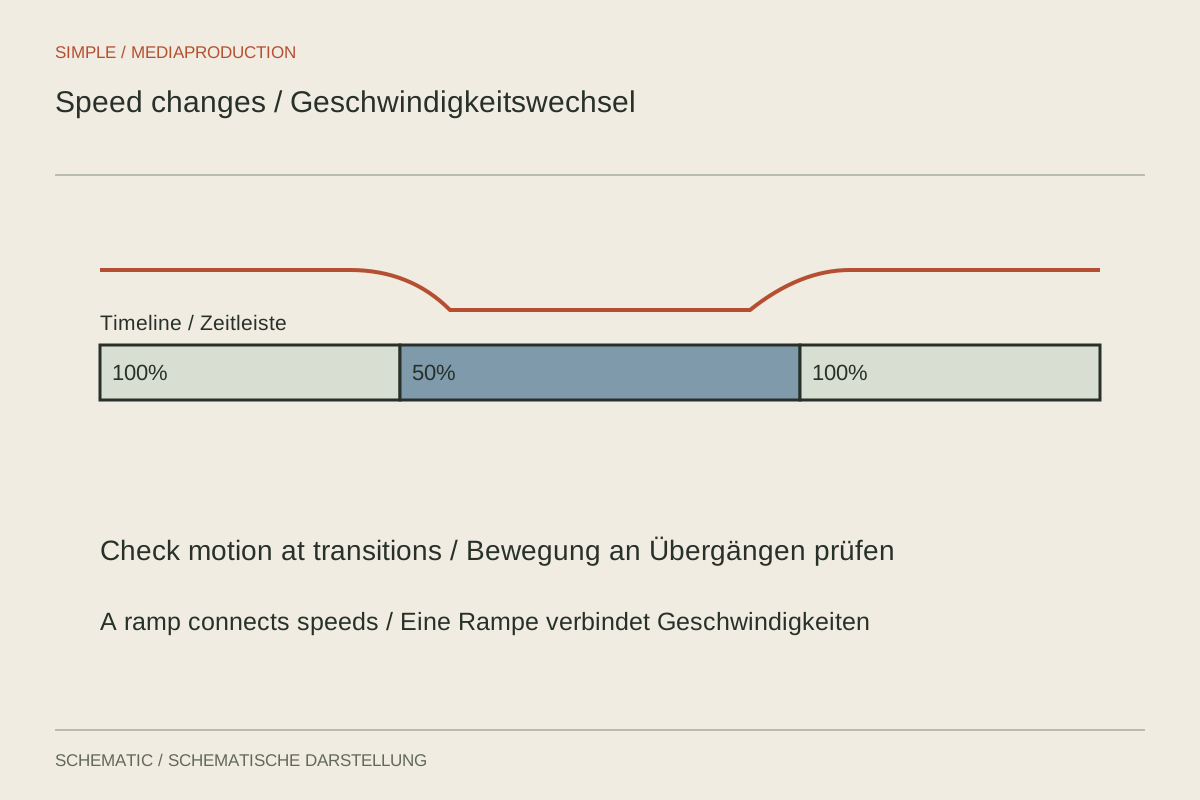
A speed ramp benefits from a recognisable purpose. For example, accelerate the travel of a hand and slow down the important contact. Position the transition so it does not accidentally skip the action being explained. Check the resulting duration and the edits that follow it.
Linked source sound also changes its timing during retiming. Depending on the settings, pitch may change or pitch correction may introduce audible artefacts. With spoken explanations, it is often preferable to edit the image independently while retaining an understandable separate narration.
Save a sequence copy before making extensive changes. Afterwards, inspect music transitions, captions, markers and on-screen instructions. An attractive slow-motion shot only works if its explanation still matches the visible action. When generated frames become conspicuous, a smaller slowdown can be the more convincing choice, even if it is less dramatic.