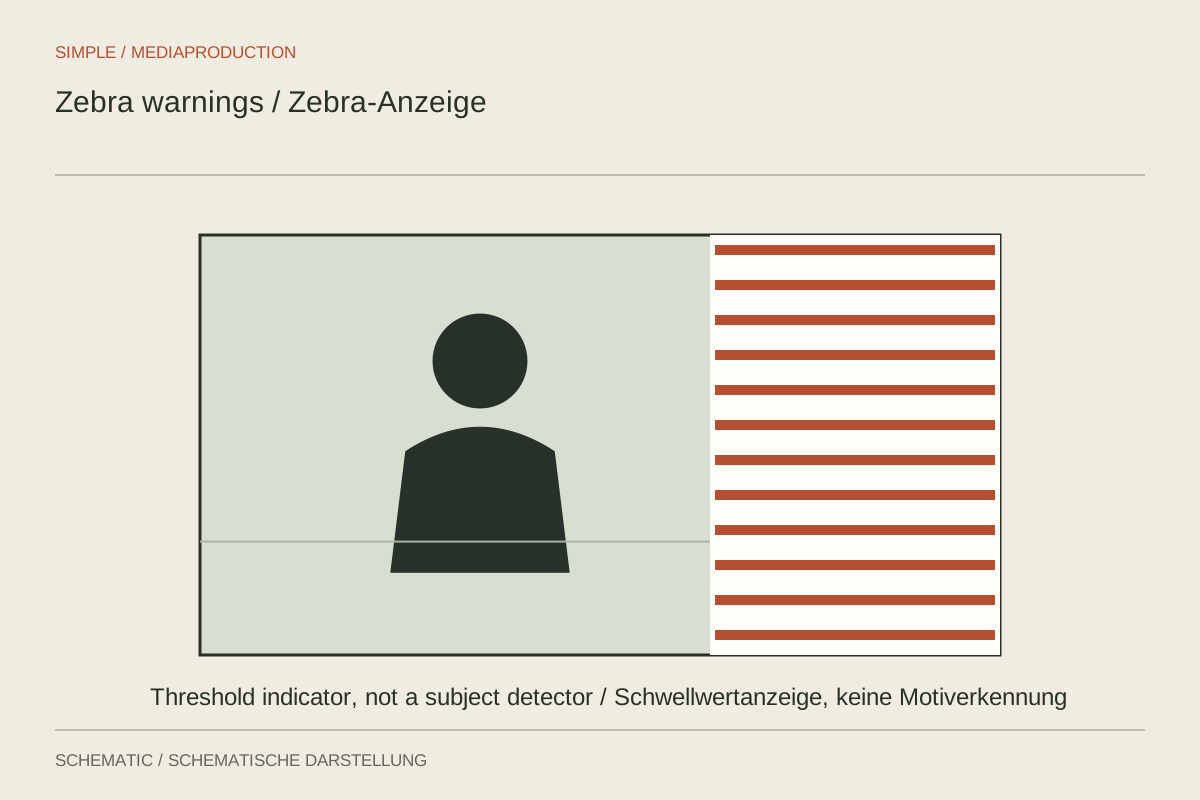
Zebras are a display aid: the camera overlays stripes on areas meeting a chosen brightness condition. They do not adjust exposure and are normally not burned into the recording. Whether the stripes warn about highlights or identify a reference surface depends on their configuration. Without knowing that setting, the same display can prompt contradictory exposure decisions.
Establish what is being marked
Some settings show values above a threshold; others indicate a band around a target. Check the camera's description. A lower target may deliberately mark a mid-brightness surface and does not mean it is clipped. Conversely, absent stripes prove little if the selected threshold is unsuitable for the picture profile being used.
Also determine which signal is measured. Depending on the system, the display may refer to log or to a converted preview. Their numerical values are not interchangeable. Use manufacturer guidance for the specific mode and inspect a sample after the intended transform. A saved zebra setting from another profile is not a dependable starting point simply because it worked previously.
Separate important highlights from reflections
In a product shot, a small reflected light may become white while lettering must retain detail. Zebras indicate brightness, not informational importance. Decide which surface needs protection. Darkening the picture to preserve every tiny specular highlight can leave the actual product unnecessarily dim and make the explanation harder to follow.
There is no universal numerical target that correctly represents every skin tone, lighting arrangement and creative intention. A reference measurement can help but does not replace inspecting the face and its highlights. Avoid forcing different people to the same arbitrarily selected signal level. The measurement tool should inform the exposure decision rather than standardise the subject itself.
Learn the threshold through a test
Point the camera at a scene containing a bright textured surface. Change exposure gradually and observe when the overlay appears. Record short variations and compare where important texture is actually lost. This teaches the relationship between display, profile and file without experimenting during an essential, unrepeatable recording.
Disable the overlay briefly to assess the unobstructed composition. Recheck the threshold after changing profiles. Record the purpose of a saved setting, such as “warning for bright detail in this profile.” A number without its meaning quickly loses usefulness when the camera is used across different projects, display conversions and recording formats.