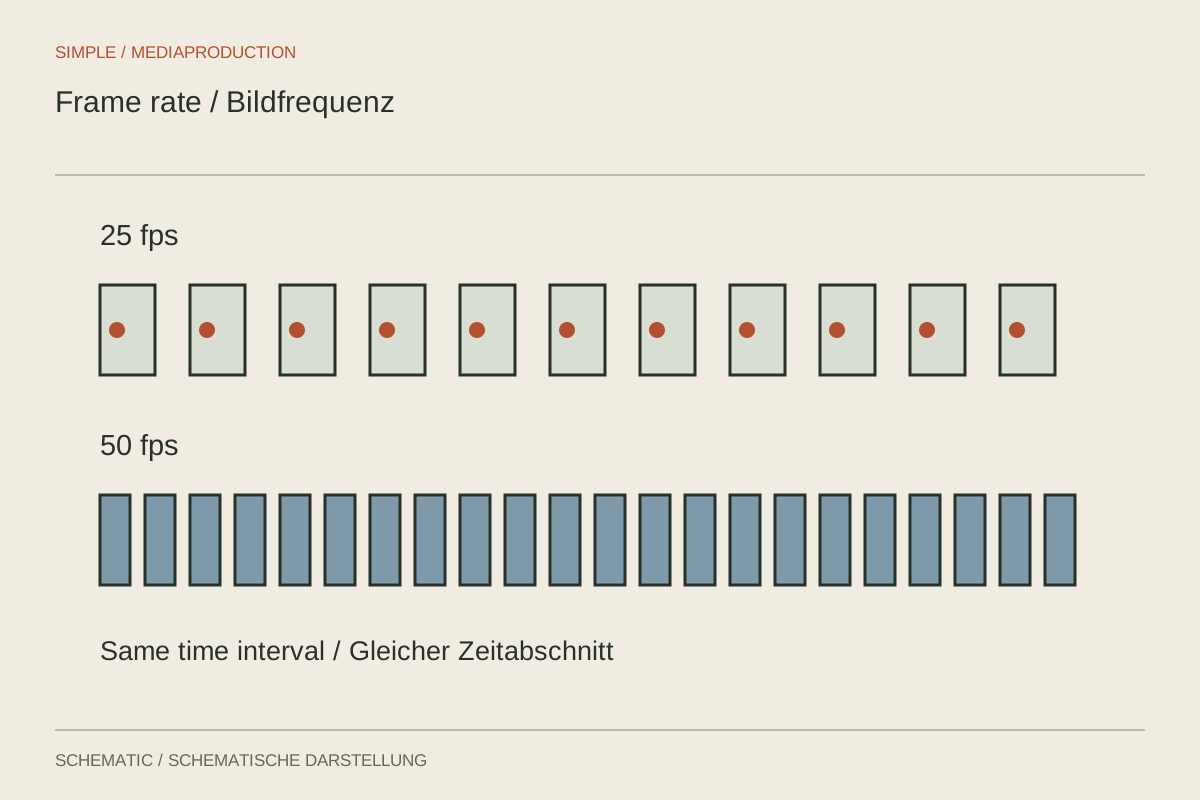
Frame rate describes how many individual frames are captured or displayed each second. It is not the same as the exposure time of one frame. Rates of 25, 30 and 50 frames per second can all be appropriate, but serve different purposes. Begin with the intended output and the other material in the project rather than automatically selecting the camera's highest number.
Start with delivery
If a commission requires 25 frames per second, align ordinary real-time recording with that requirement. For an existing 30-frame project, matching capture generally makes integration simpler. Check the exact value: a setting labelled “30p” may mean 29.97 or exactly 30 depending on the system. Document that distinction for longer recordings and multi-device work rather than relying on a rounded menu label.
In a 50 Hz electrical environment, 25 or 50 frames per second combined with suitable shutter speeds is often a useful starting point for controlling light flicker. It does not guarantee flicker-free LEDs. Frame rate alone cannot solve the problem; the light source and exposure time need checking too. Record a short test in the actual room before committing to the setup.
Separate motion rendering from slow motion
At 50-frame playback, a 50 fps recording can show more temporal steps than 25 fps. This may suit fast actions or a deliberately smoother appearance. If that same recording is interpreted at 25 fps, however, the action takes twice as long: one second of capture becomes two seconds of playback. The choice therefore concerns both recording and later treatment.
An ordinary 50p file placed on a 25p timeline does not automatically become slow motion in every editor. It commonly remains real-time, with frames discarded. Deliberate slowing requires the appropriate speed or interpretation setting. Dedicated camera slow-motion modes may already generate slowed files and may omit synchronous audio. Test the behaviour of the chosen mode before the important take rather than assuming all high-rate files behave alike.
Account for the higher rate's costs
For comparable motion blur, higher frame rates often use shorter exposure times. Each frame then receives less light. Moving from 25p at 1/50 second to 50p at 1/100 second halves the exposure duration. With aperture and sensitivity unchanged, the image becomes darker. An interior recording may consequently require additional light or another exposure adjustment.
Data volume, available resolution and thermal behaviour may also change with the camera and codec. A higher frame rate is not a free quality improvement. Test the specific combination instead of assuming a maximum figure in a product description applies to every recording mode. A quiet conversation may need no more than a consistent lower rate, leaving resources for sound and lighting.
When existing footage does not match delivery
Suppose an interview already exists at 25p while additional phone footage was captured at 30p. A common 25p export must represent those different temporal spacings somehow. Depending on the method, frames are discarded, blended or generated. A quiet detail may conceal the difference, while a steady sideways pan can reveal uneven movement. Judge the most demanding action rather than only a stationary moment.
Interpreting 30 frames as 25 avoids discarding individual frames but extends the duration and changes speed. With synchronous speech, that is not a trivial technical repair. Decide whether the clip can be slowed as silent supporting footage or must preserve real time. A shared capture specification is often the simpler solution for the next shoot.
For a live demonstration with speech and later slow-motion details, plan two explicitly separate recording types. Keep the conversation at the delivery rate, then record repeatable details at a higher acquisition rate. The entire shoot need not become more demanding merely to provide a few seconds of useful slowed action.
Watch a meaningful comparison
Record the same sideways movement with the proposed settings and export short examples at the actual delivery rate. Judge those files at normal speed on the intended device. A preview dropping frames can distort the comparison and make a smooth source appear uneven.
Record capture and delivery rates separately in the project notes. Identify slow-motion clips on set. The editor then does not have to guess whether a high frame rate was intended for smooth real-time playback or as material for slowing down, and can keep the different purposes consistent across the sequence.