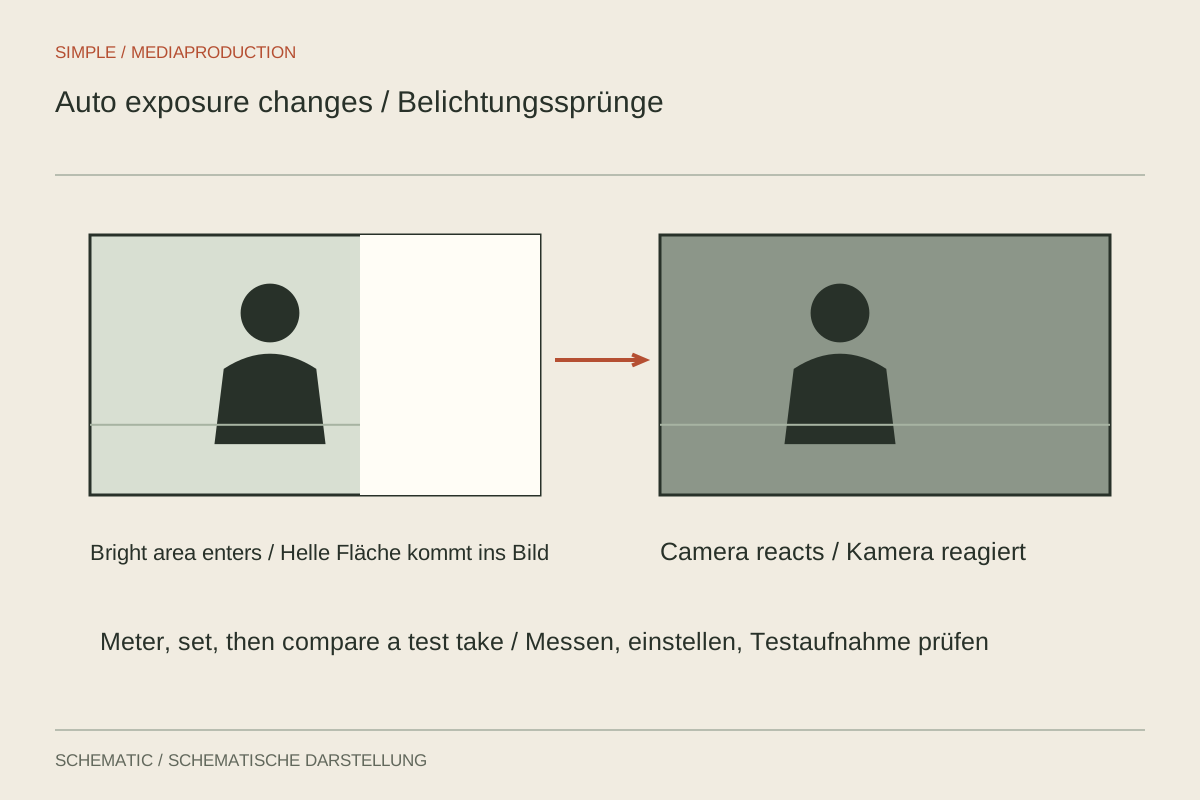
A speaker raises a white sheet into the frame and their face suddenly becomes darker. The room lighting has not changed, but automatic exposure reacts to the new picture content. In video, that adjustment is visible within the take. For a controlled setup, check aperture, shutter duration and ISO deliberately and prevent changes that the scene does not require.
Observe the trigger
Repeat the action while watching the displayed values. Does ISO, aperture or shutter speed change? A mode described as manual may still use Auto ISO. Switching between still and movie modes may also activate different settings. Inspect the actual video display rather than relying only on the position of a physical exposure dial.
If the values remain fixed, examine the light source. Clouds passing a window or an electronically controlled lamp can create real brightness changes. Fixed camera exposure cannot prevent those. Also distinguish exposure from changing image processing, such as dynamic tonal adjustments. A test with an unchanged subject and constant illumination helps isolate the source of the variation.
Expose a controlled setup
Choose frame rate and a suitable shutter duration for the movement first. Select aperture according to the depth of field required. Then adjust sensitivity or lighting so the important parts of the frame are adequately exposed. The person should already occupy their intended position. An empty room is not a reliable exposure reference for a face introduced afterwards.
Check bright surfaces that enter during the action. A white product or glossy package may require more highlight room than the resting composition. Run through the complete movement rather than exposing only its first moment. The aim is not to make every reflection equally bright, but to preserve important detail and a coherent brightness relationship throughout the shot.
When automation may remain useful
Walking from outdoors into a room changes the real conditions. Automation may help when a manual adjustment cannot be made reliably. Test which parameter it changes and how rapidly it responds. Depending on the camera and setup, constrained Auto ISO may preserve motion rendering more consistently than freely changing shutter speed, but it still needs a practical trial.
Test the whole route and decide whether the transition must be continuous in the finished film. Two separately exposed shots may communicate more clearly than a visibly pumping uninterrupted take. Record the chosen mode so a camera restart or location change does not silently activate different automatic behaviour. Consistency comes from knowing what is allowed to move, not simply from labelling the camera “manual.”