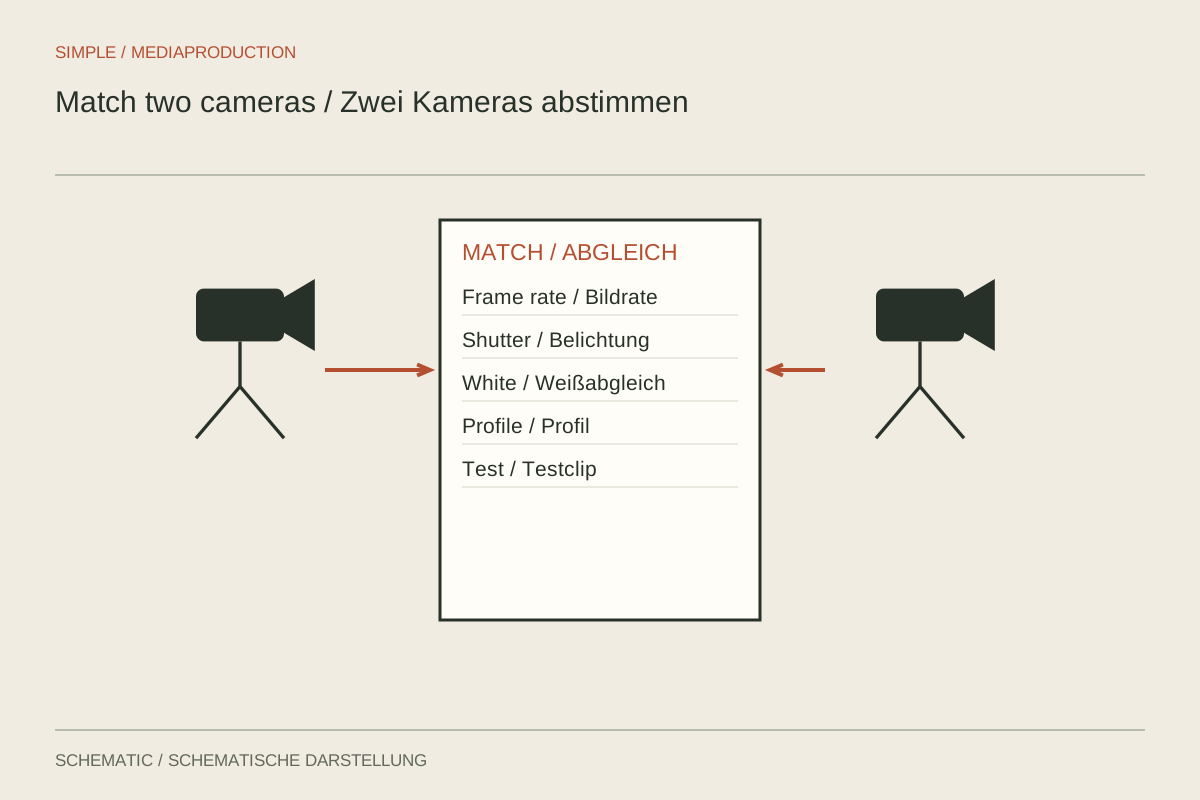
Two cameras recording simultaneously do not automatically produce matching images. Different automatic controls can make brightness and colour jump at each cut. Similar menu names also do not guarantee identical processing across manufacturers. Arrange a short shared test before the conversation begins. The objective is a consistent starting point, not the unrealistic expectation that matching numbers alone will make two different systems identical.
Establish the timing foundation first
Match the exact frame rate to the eventual timeline. Check whether a rounded label really means 25, 29.97 or 30 frames per second. Use compatible shutter durations so movement does not look unnecessarily different between views. If one camera intentionally records slow motion, label that separate purpose; it is not then an ordinary synchronous interview angle.
With separate sound, each camera should have a usable reference track or belong to a deliberately designed timecode workflow. A visible and audible sync mark provides another aid. After a trial recording, check alignment at both beginning and end. Matching at the start does not prove independent devices will remain synchronised throughout a long take.
Fix the interpretation of the light
Set white balance for the actual illumination and hold it for the setup. Record a suitable neutral reference from both camera positions. Matching Kelvin numbers are only a starting point: sensors, profiles and mixed lighting can still render differently. Compare skin and the important subject colours, not merely a white wall that may hide other disagreements.
Determine whether both cameras should produce the same kind of signal. A standard rendering and log footage need different handling before comparison is meaningful. If using log, document curve and gamut for each camera. Apply the appropriate technical conversion to each sample. Placing one arbitrary LUT on both files is not a dependable matching procedure.
Compare exposure on the subject
One camera may include more window while the other includes more dark background. Automatic metering can therefore produce different results although the person receives identical light. For a controlled setup, use fixed settings or a deliberately constrained strategy. Judge the relevant subject areas after the intended rendering instead of forcing whole-frame histograms to look alike.
Matching ISO and aperture numbers do not guarantee matching image brightness. Lens transmission and processing may differ. Adjust capture so the face and important details agree without losing significant highlights on one camera. If one angle is substantially more contrasty, inspect its relationship to the light and visible reflections before treating the difference as a software problem.
Give each camera a distinct picture task
Decide which view provides orientation and which supplies proximity. Nearly identical compositions add little and may create an awkward jump. Check the action axis, eyeline and background for both positions. The tighter camera also needs an independent focus trial because its usable depth of field may be more demanding.
Consider the space available for gestures. A hand visible in the wider shot may be cropped in the close view. That is not automatically wrong, but must suit the intended edit. If only one camera fully explains an important action, keep it recording reliably during that moment instead of repurposing it for another detail at the same time.
Watch the trial in the editor
Import short samples from both cameras and make several switches at different moments. Assess colour, brightness, motion, focus and sound alignment together. Comparing two differently configured camera displays can mislead. Viewing the files through the same path provides a stronger basis for deciding whether the arrangement is ready.
Save the agreed settings and a reference clip. Recheck after battery changes, restarts or mode changes. If an important light source changes, both cameras need another assessment. Matching remains a shared task throughout filming rather than something completed once by comparing menus before the first take.