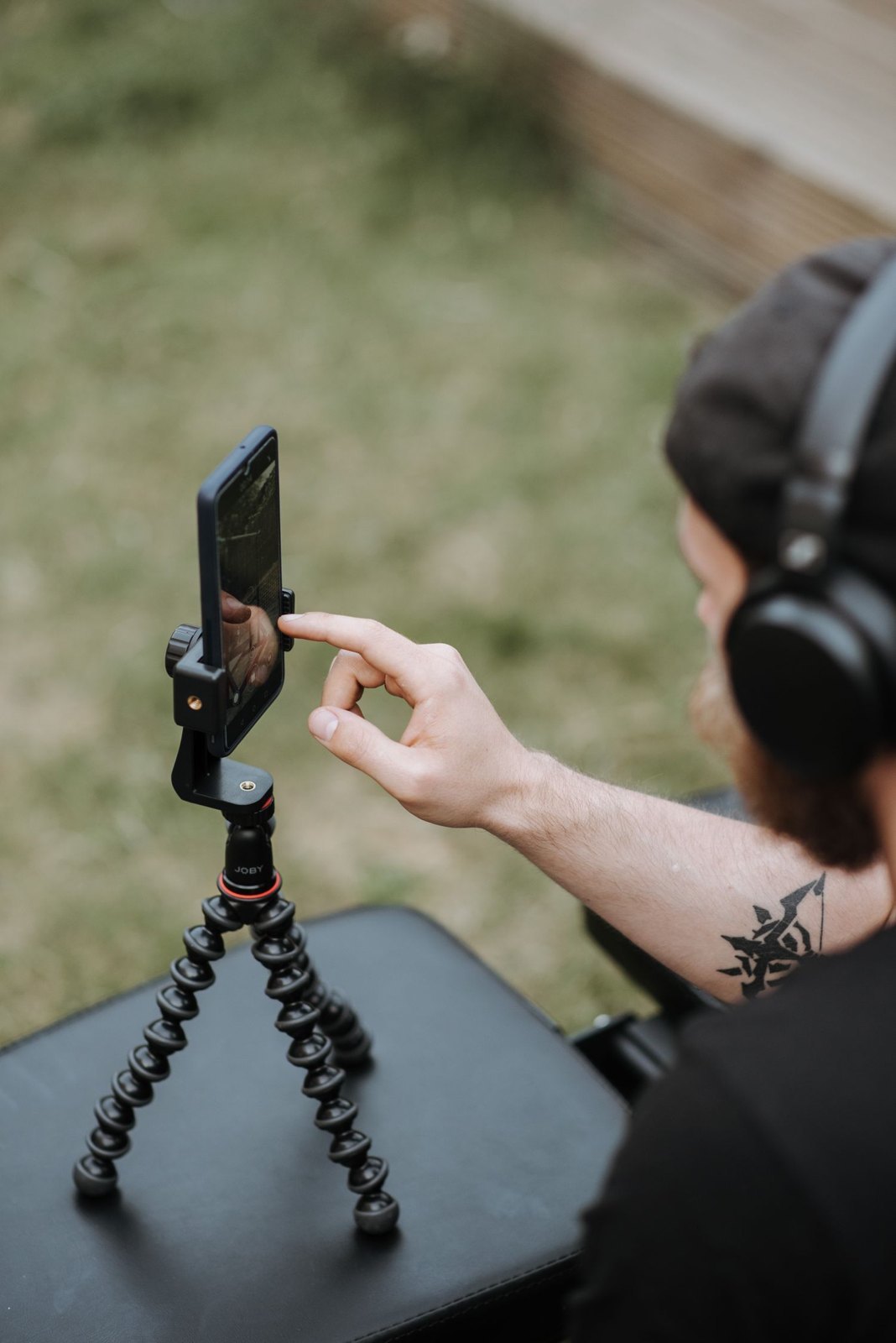
On a phone, a hand passing the lens can change focus or brightness. That is often undesirable in a fixed explanation. Many camera apps offer focus and exposure locking, but operation varies by device and application. Check the displayed confirmation and the recorded file instead of assuming that a long press always activates the same function everywhere.
Set up using the actual subject
Mount the phone in its final holder and place the person or object at the intended position. Choose the camera module before focusing. Switching later may change both field of view and control behaviour. Tap the important area and activate the lock according to the app instructions. Apple's Camera app, for example, displays “AE/AF Lock” or its localised equivalent for the combined lock.
Adjust brightness with the available control if necessary and inspect bright details. Locked exposure is not automatically correct exposure. If the face was too dark beforehand, the lock preserves that condition. Judge the image first and its stability second. A fixed mistake is still a mistake, even when it no longer fluctuates during recording.
Test the intended movement
Bring a hand or product into the frame and remove it again. Does brightness remain steady? Does the important subject stay sharp? With fixed focus, someone leaning far forward may leave the sharp zone. The answer is not simply to activate the lock again, but to change distance, movement or the focusing approach to match the actual action.
A combined focus and exposure lock is not automatically a white-balance lock. Some apps provide a separate setting, while others offer limited control. Introduce a coloured surface and check whether colour continues to drift. Automatic lens switching and special video modes may also behave differently. Document only the functions that actually exist and work in the mode you have tested.
Recheck after interruptions
Changing apps, closing the camera or switching recording modes can reset settings. Before every long take, inspect the lock indication and repeat a brief movement test. Avoid unnecessary screen touches if they can release the lock. A visible confirmation is more dependable than remembering what was selected before the last interruption.
For a route through substantially changing light, fixed exposure may be unsuitable. Divide the action into separate recordings or use deliberately tested automation. Locking is a tool for consistent conditions, not a universal quality setting that should remain enabled regardless of what the scene requires.