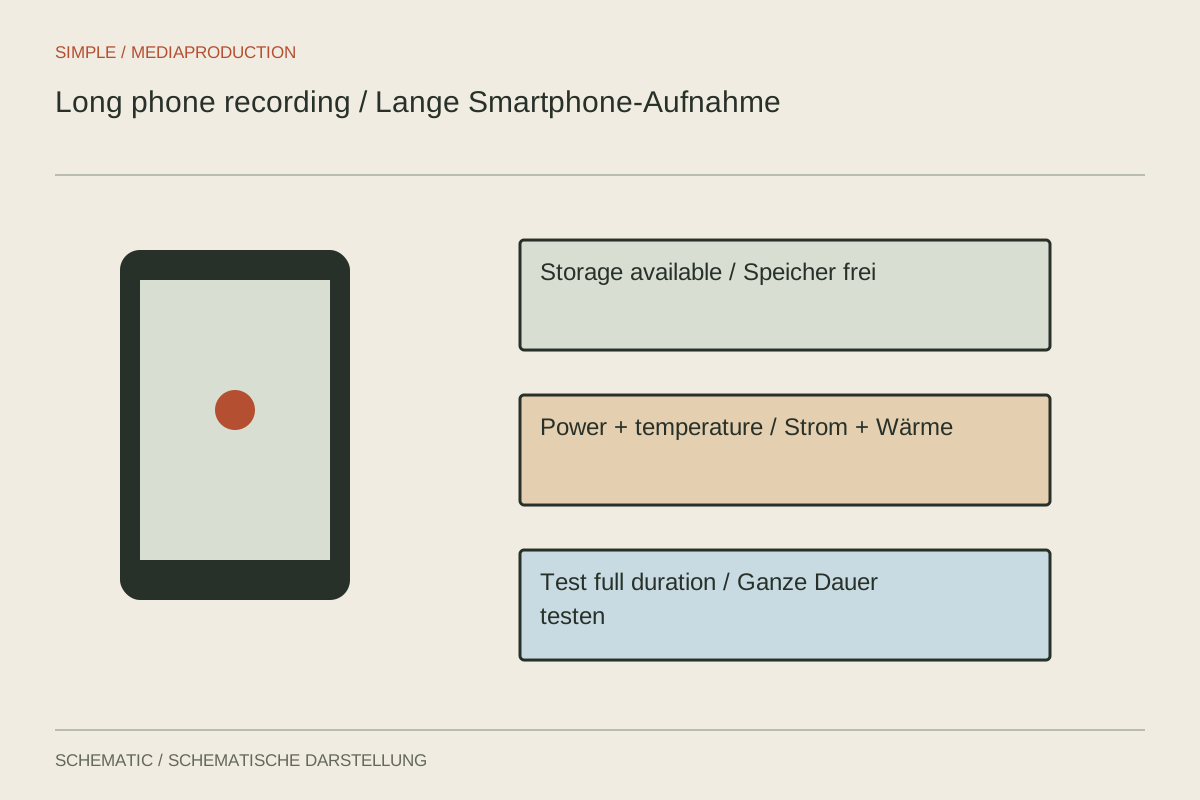
A phone may handle a short clip easily yet stop during a long conversation. Storage demand, battery condition, ambient temperature and selected video quality interact. Treat a long take as a separate technical task. Available storage or a full battery alone does not confirm that the entire conversation can be recorded under the actual conditions.
Rehearse with the intended settings
Choose the exact resolution, frame rate, codec, microphone and app you will use. A lower-quality test says little about a more demanding mode. Record beyond a brief function check and confirm that the file saves and plays completely. For an event that cannot be repeated, the test should meaningfully cover its expected duration rather than rely on a few successful minutes.
Estimate storage from a file actually produced by the setup. Compressed formats may vary in size with content, so allow extra capacity. Apps and temporary processing may also need free space. Do not delete existing footage simply because it appears to be in cloud storage; first verify the backup and access to the original files rather than only thumbnails or previews.
Do not improvise aggressive cooling
Direct sunshine, an already warm device and simultaneous charging can change thermal conditions. Where possible, position the phone in shade with suitable ventilation and within its operating limits. Follow manufacturer temperature guidance. Apple describes heat affecting performance, camera functions and charging among other behaviour. A temperature warning is not merely a cosmetic display to ignore while recording continues.
Do not cool a hot device abruptly with ice or in a refrigerator. Let it cool in suitable conditions and interrupt use as instructed by the manufacturer. External power is not a universal cure for overheating; it changes the thermal situation too. Test the planned charging arrangement together with the microphone and adapters, since that complete combination is what must remain dependable.
Plan for interruptions and file checks
Review notifications, incoming calls and other applications that might interrupt capture. An appropriate do-not-disturb setting may help; airplane mode is suitable only when no required connection depends on the radios it disables. Test the actual arrangement instead of switching several functions off without understanding their role.
For important long recordings, an independent audio recorder or second recording may cover part of the failure risk. It does not replace testing the phone. After the take, inspect the beginning, middle and end and confirm the file's total duration. Only then dismantle the setup or reuse storage belonging to a connected recording device.