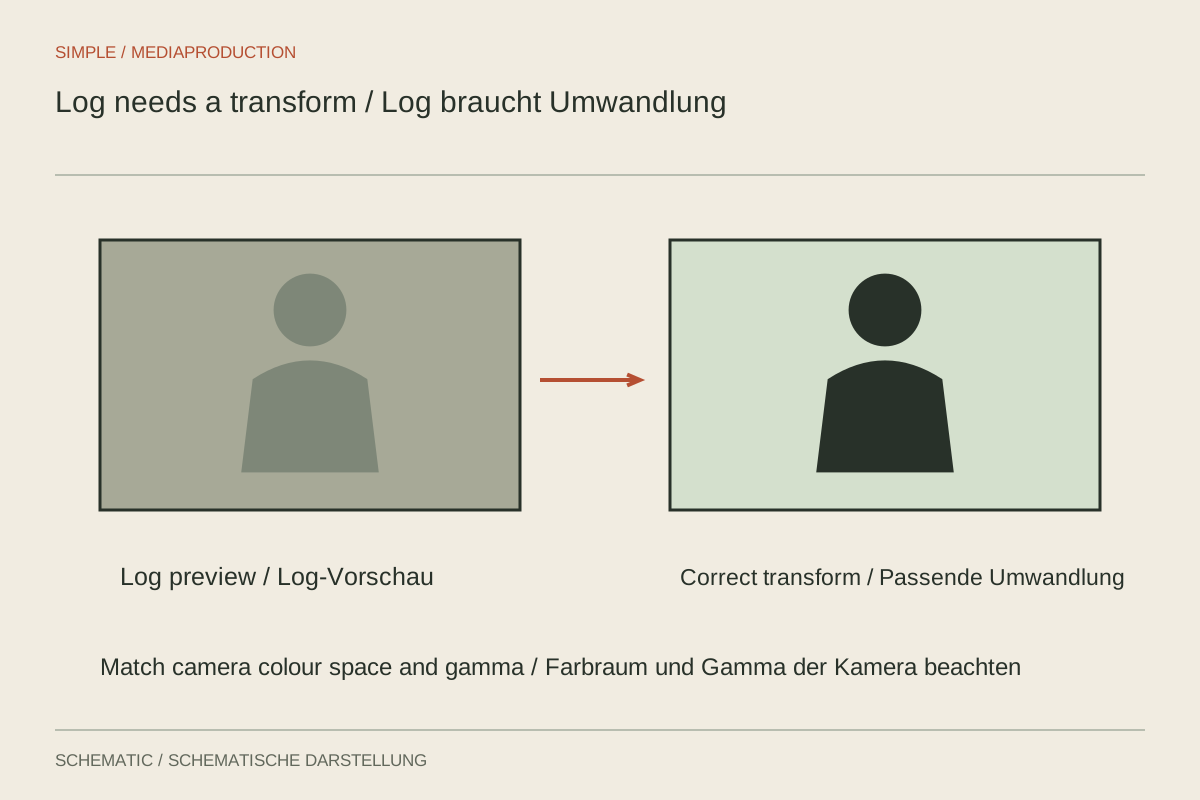
A flat, low-contrast preview is not proof of quality. Log curves distribute brightness information differently from a directly viewable standard rendering and are intended for subsequent conversion. Whether that helps a small production depends on the camera, scene and workflow. If a finished file must be handed over immediately, a well-configured standard profile may provide the more dependable route.
Evaluate the benefit for the scene
A room containing a bright window and a much darker speaker presents different demands from an evenly lit tabletop. A suitable log mode may provide more room to record and later shape contrast, but only within the system's capabilities. It cannot create information the sensor failed to capture because of clipping or an inadequate signal.
Consider whether the scene needs that flexibility at all. For a short tutorial with controlled lighting and little post-production time, a directly usable look may be more reliable. Log is not compulsory for professional work, and a standard profile does not imply carelessness. What matters is which final file can be checked and delivered correctly within the actual production constraints.
Consider format and exposure together
Check bit depth, codec, available sensitivity settings and manufacturer guidance for the exact log mode. Different curves do not place reference levels and exposure margins identically. A blanket instruction to expose a fixed number of stops brighter can destroy important highlights. Use measurement aids appropriate to the system and test the correction the footage will actually need later.
A flat preview may encourage insufficient exposure because bright areas still look restrained. Strongly lifting the material afterwards can reveal noise and colour weaknesses. Conversely, a brighter monitor impression should not automatically prompt reducing exposure. Establish whether you are looking at the original log signal or a display conversion before interpreting what the screen appears to tell you.
The preview is not always the recording
A monitor LUT or display assist may show a normal-looking picture while the file remains log. Other settings may bake a conversion into the recording. Check the manual and an imported sample clip. Misunderstanding the preview can otherwise lead to a double conversion or an unchecked flat-looking delivery that was never intended for direct viewing.
Record the associated colour gamut as well as the curve. A transform must match the input material; the manufacturer's name alone may not identify it sufficiently. A creative LUT intended for another input can substantially shift contrast and colour. Distinguish technical normalisation from the creative choice of the final appearance, so troubleshooting does not mix two separate decisions.
Test the complete path
Record a short scene containing skin, a neutral reference, bright detail and a dark area. Import it into the actual editing software. Assign the correct input, perform the intended conversion and export to the required delivery standard. Inspect that exported file through the planned viewing route, not only the image inside the colour-correction interface.
Compare the same setup with an appropriate standard recording. If log introduces substantial work without a needed advantage, that is a sound reason not to use it for this project. If important bright and dark areas remain more manageable, document the successful combination and apply it consistently. The comparison should address visible results and workload, rather than the prestige of a profile name.
Multiple cameras and rapid delivery
With different cameras, suitable technical transforms can provide a common starting point. They do not automatically make different light colours, exposure choices or lenses identical. Arrange a comparison before filming and allow time for matching. A transformation is one part of that work, not a replacement for consistent capture.
For rapid delivery, establish who will handle the log workflow. Sending an unlabelled file to someone else merely transfers the uncertainty. Include the camera, curve, gamut and intended processing step. Log becomes useful when the entire chain is understood and checked, rather than when a low-contrast recording option is selected and the remaining decisions are left unresolved.