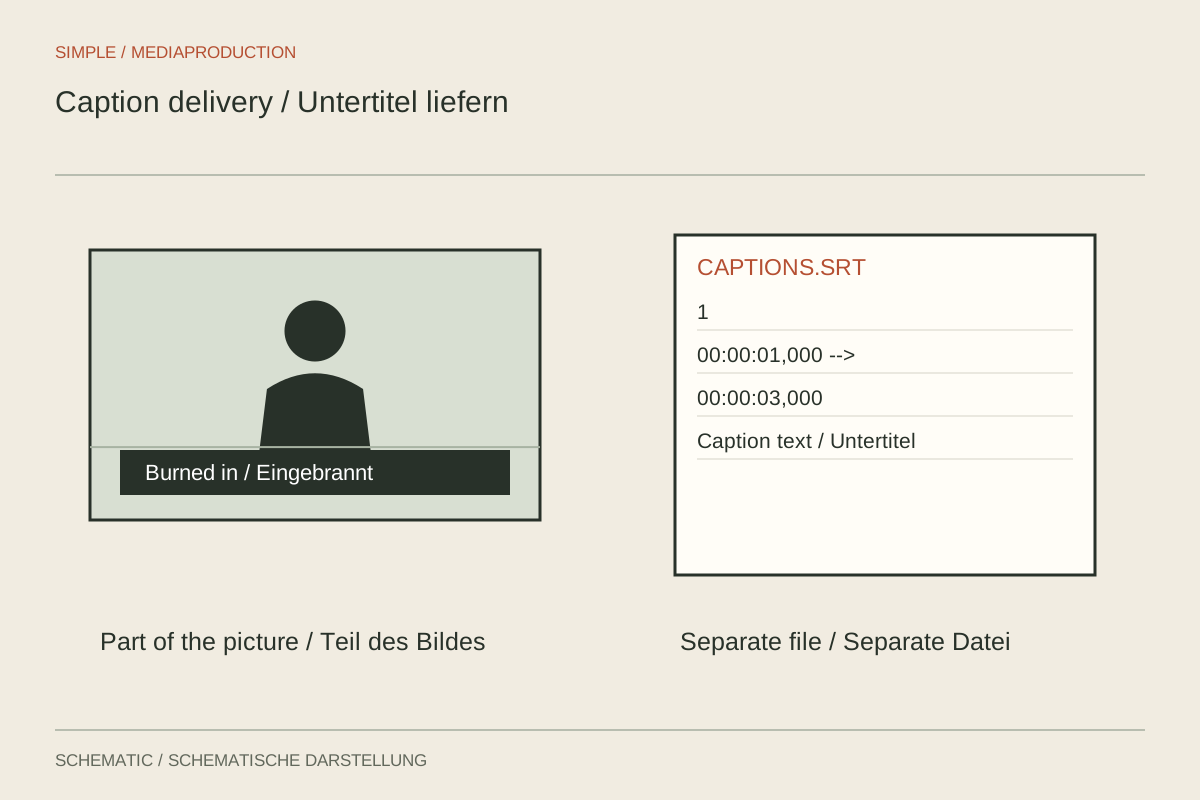
Captions can be rendered permanently into the picture or delivered as a separate timed file. The choices have different consequences. Burned-in text becomes part of the video pixels, while a separate file is displayed by the player. The decision therefore affects language selection, readability and later revisions as well as export.
When burned-in text is useful
Permanent lettering ensures that captions remain visible during ordinary playback of that file. This may suit silent viewing or a destination without a useful caption function. Position, type and background are fixed during design.
The trade-off is the lack of switching. Viewers cannot simply hide that text or select another language. Corrections require another video export. Later cropping may cut captions off at the edge. Check every delivered size using the actual burned-in version.
Preserve a clean video without permanent captions where later variants are anticipated. Another language or design can then be produced from a suitable source. Avoid covering old captions with a new bar when a clean original is available.
What a separate file requires
A caption file stores text and timing in a supported format. SRT is common in many workflows; WebVTT is used for timed text on the web. The destination player or service determines which formats and styling information are actually supported. A valid file may still look different from the editing preview.
Use clear language and version identifiers matching the video. Establish precisely which edit the timing belongs to. Removing an opening or shortening a pause can put the existing file out of sync from that point onwards even when its wording is unchanged.
Check character encoding and special characters. Accents, quotation marks and names need inspection in the destination system. A text editor may display a file correctly while a badly configured import damages characters. Check empty cues, overlapping time ranges and the ending of the final caption as well.
A concrete handover test
Imagine a three-minute film with German and English caption tracks. First confirm whether both languages use the same edit. Import each file separately into the intended player and select it deliberately. Inspect the opening sentences, a middle passage and the final captions.
Then play the complete selected track. Samples reveal major offsets, but cannot catch one incorrectly timed name or local overlap. Pay special attention to speaker changes, sound cues and captions covering existing picture text. A useful file needs both editorial and timing review.
Switch captions off and on where supported. Check the displayed language names and whether a default track appears twice unintentionally. If text is already burned into the picture and a separate file is activated, two caption versions may appear simultaneously.
Document the delivery
Briefly state which files belong together, which languages are included and whether any version has permanent text. A label such as “with captions” alone does not explain whether they are selectable. The recipient should understand this without opening several files.
Keep editable text with its corresponding approved edit. Changes to names or terminology can then be applied systematically. When a new video version is created, treat caption checking as part of that revision. The extension identifies the format, but does not confirm that wording and timing match the current publication.