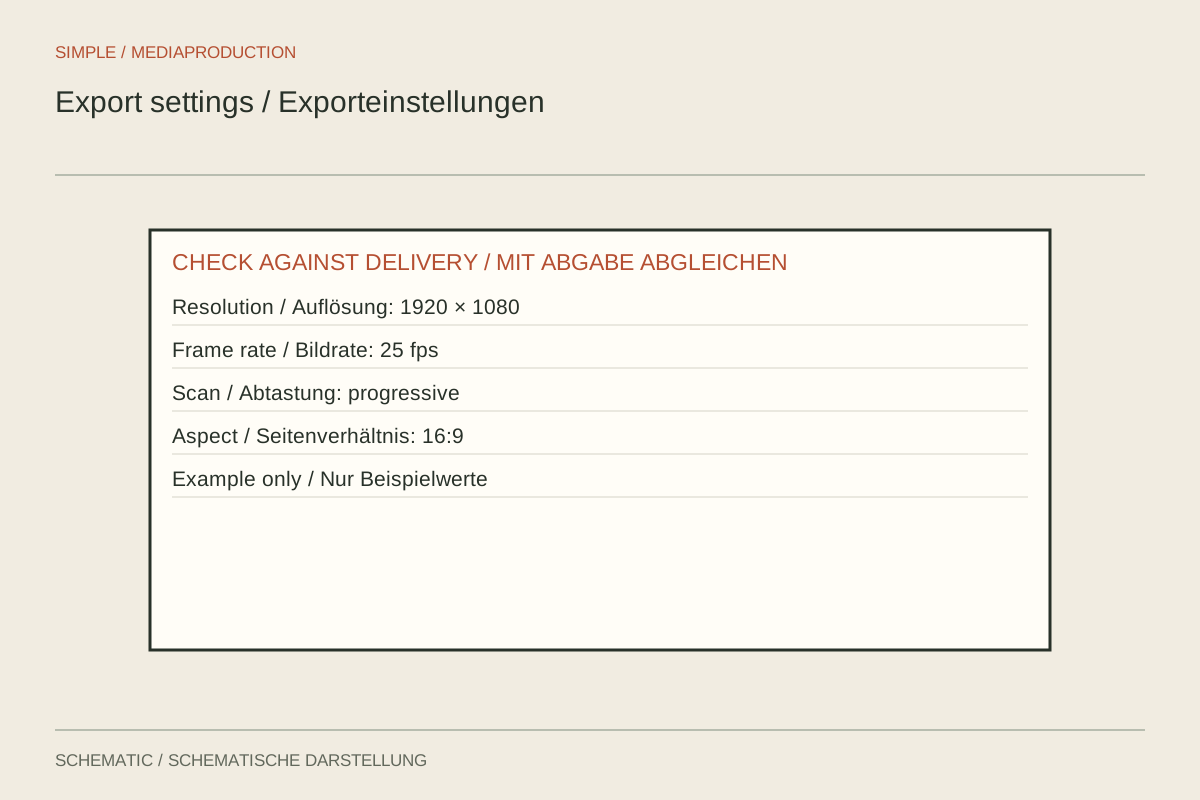
An export preset may use a different resolution or frame rate from the edited sequence. The result can become softer, show an unexpected movement cadence or contain a different crop. Check the key values explicitly even when the preset's name sounds appropriate.
Compare four properties
Note the sequence width, height, frame rate and intended aspect ratio. Compare them against the output and recipient requirements. A typical Full HD landscape image uses 1920 × 1080 pixels, for example; 1080 × 1920 contains the same number of pixels but represents a different composition.
Check whether scaled images are fitted inside the frame or cropped to fill it. Different aspect ratios require a decision about borders or lost picture area. Accidental stretching changes proportions. Inspect faces, circles and graphics for that problem.
Keep or change frame rate deliberately
Without a specific reason, avoid casually changing the completed sequence's frame rate during export. Conversion can repeat, discard or generate frames. Pans, steady movement and scrolling text reveal this particularly clearly. A higher output number does not automatically create genuine additional captured information.
With mixed source material, make the decision within the project workflow. A high-frame-rate clip may be intended for slow motion while other clips run normally. Check the intended movement in the final output rather than simply trying to make every source number identical.
Run a brief technical test
Choose a passage containing motion, text and content near the frame edges. Export it with the intended settings and open it outside the editor. Inspect the actual file properties. A badly named file may contain correct values, while a convincing name can conceal incorrect ones.
Watch for unintended field processing in material intended for progressive playback. If older interlaced sources are involved, their treatment needs to suit the destination. Comb-like edges around moving objects are a reason to investigate rather than merely a sharpening problem.
Save a confirmed preset with a short note describing its intended use. Still check the export range and selected sequence for each delivery. A technically correct preset cannot prevent accidentally selecting another language or an older edit.