A brief silent moment is not automatically a wireless fault. The speaker may have been accidentally muted, a connector may lose contact or the camera may record the wrong channel. Before changing frequencies or device settings, observe which indicators respond during the fault. Note whether it recurs with a particular movement or distance.
Begin nearby and extend the route
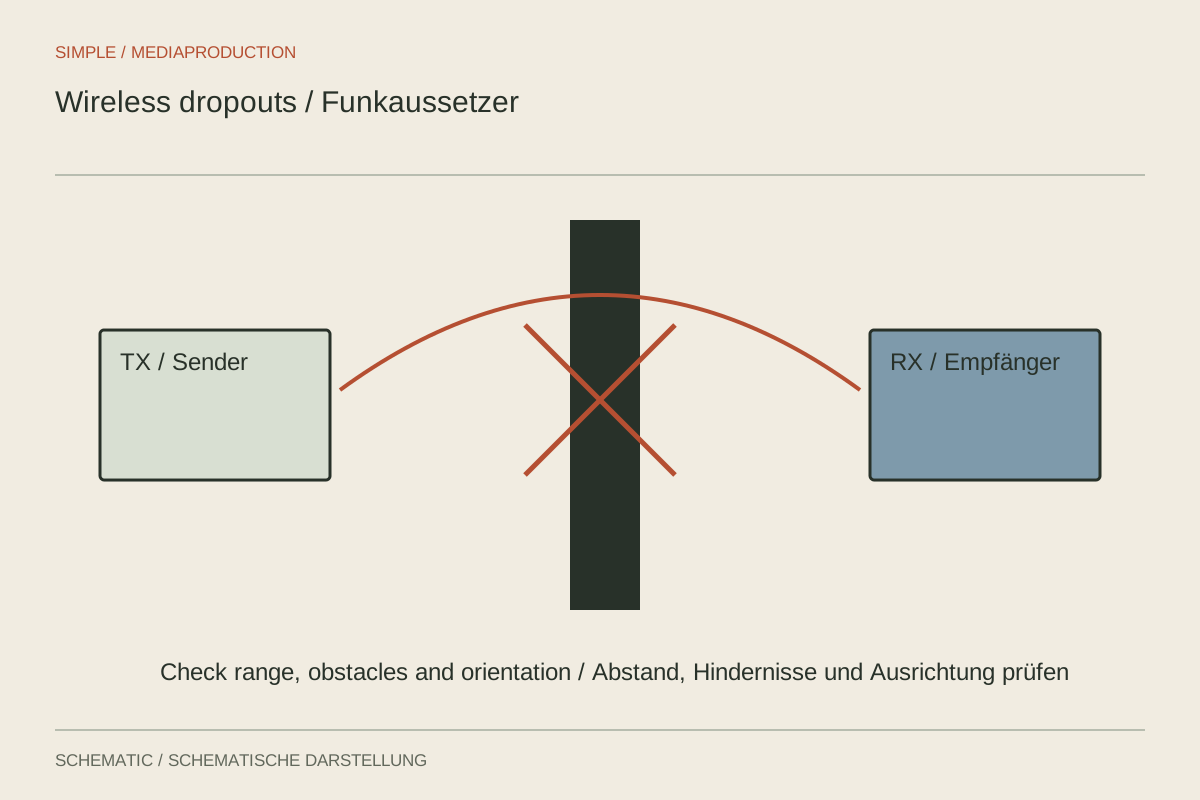
First test transmitter and receiver at short range with clear line of sight. Speak a continuous sentence and record it. If this works, move gradually to the planned positions. Turn the body as it will turn in the video. A body can obstruct the radio path; a transmitter behind the back behaves differently from the same unit on the front of a shirt.
Avoid unnecessarily hiding the receiver behind metal surfaces or among other equipment. Check whether people will cross the transmission path. An advertised maximum range does not describe every real environment. A shorter distance with a clearer path may be more dependable than attempting to use the nominal limit.
Separate the radio path from the connection
Monitor the receiver where the device permits this and compare the camera recording. If the receiver remains clean while the camera drops out, inspect cable, connectors, output level and input configuration. Compare with a known working compatible cable. Do not replace several parts simultaneously, or the cause remains unclear.
A transmitter with onboard recording provides another comparison. If its local file is clean while the receiver drops out, the problem likely occurs later in the chain. A local file containing the same scratch may instead indicate microphone, connection or clothing trouble. This distinction is more useful than a general assumption about radio interference.
Test the actual environment
With systems operating at 2.4 GHz, other devices in that band can affect conditions. An empty event room in the morning does not necessarily resemble the occupied room later. Test under realistic conditions where possible and reduce avoidable nearby interference without changing infrastructure belonging to others.
Prepare and test firmware and configuration before the filming day. An untested update immediately before an important conversation can introduce uncertainty. Also watch battery state, recording duration and storage. If the link remains unreliable at the location, a cable or independent local recording is a concrete alternative. Check its start and saved files just as carefully as the wireless path.
Reproduce a movement-related fault
If dropouts occur only during a turn, repeat the same route with unchanged equipment and note the critical body orientation. Move only the receiver, then repeat. If the fault disappears, the new position has stronger evidence than one accidentally successful take. Also check the farthest planned distance. Solving a turn beside the camera says little about the end of a long corridor. Keep the test short and specific so the speaker does not have to change natural movement merely to compensate for an unsuitable radio arrangement. Save both comparison recordings if the setup will be reused at the same location.