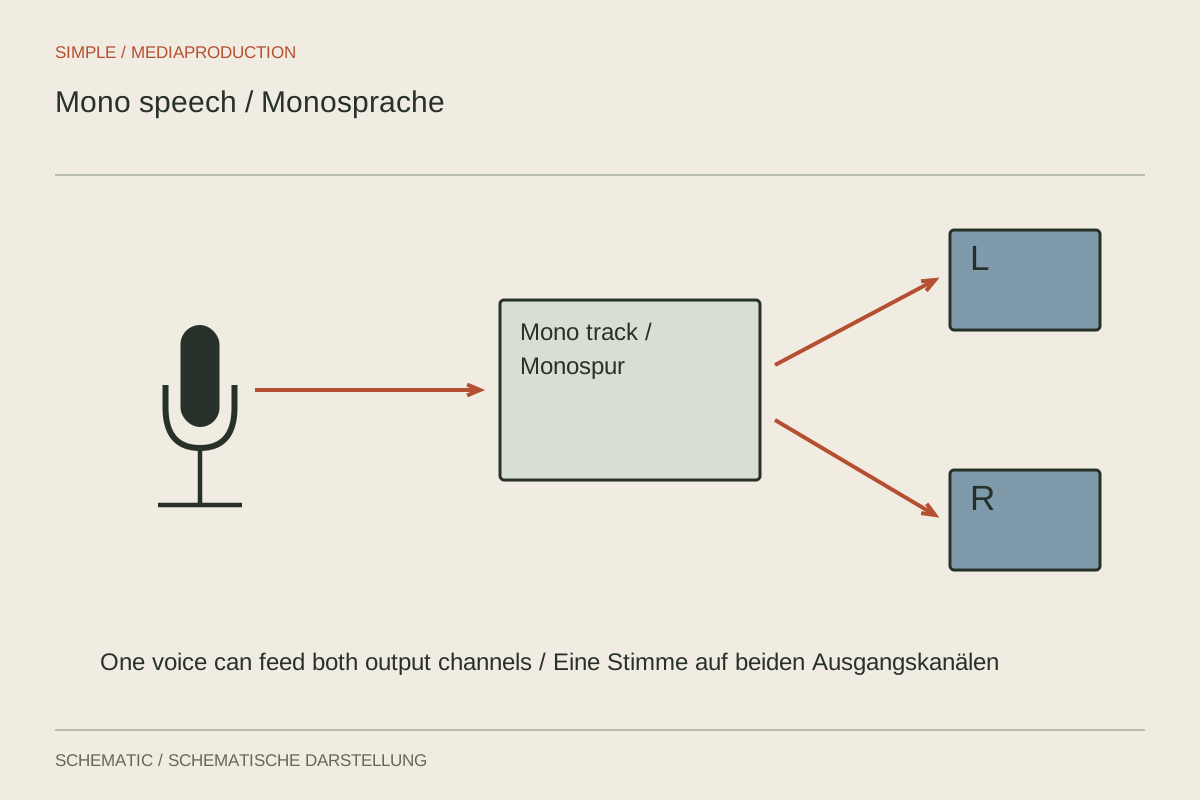
A two-channel audio file does not necessarily contain a spatial stereo recording. It may hold the same voice twice, two separate microphones, or a main channel and safety channel. Establish the routing before editing. Otherwise a person may speak only on the left while the right contains a quieter backup or another voice.
Listen to channels separately
Solo left and right in turn. Compare content, level and tone. Two different speakers are usually processed as separate mono tracks. With identical signals, one suitable channel or a correctly configured mono assignment is generally enough; blindly adding both can change level.
A safety channel is often deliberately quieter. Do not mix it simultaneously with the main recording merely to make both sides look active. Choose the clean path and retain the other as a reserve in the project. Check export routing with a short test before editing a long programme.
Keep speech centred
For a single explanatory voice, a central position is usually easy to follow. It remains audible on both sides of ordinary stereo playback. A mono source clip can sit centrally in a stereo project without difficulty. There is no need to create an artificial second, time-shifted copy.
Such delays or widening effects can change tone when summed to mono. A broad headphone impression is therefore insufficient evidence of quality. Also listen in mono and through one loudspeaker. Speech should not become thin or partly disappear.
Treat spatial ambience separately
A stereo atmosphere can describe a location while the main voice remains centred. These choices are compatible. Keep ambience restrained enough to add information without masking words. Movement from left to right should suit the visible or intended scene.
Document which sources contain genuine stereo and which merely have two technical recording channels. This simple distinction prevents later confusion when exchanging files. Check both sides again after export, particularly if an encoder or preset might have changed the routing.