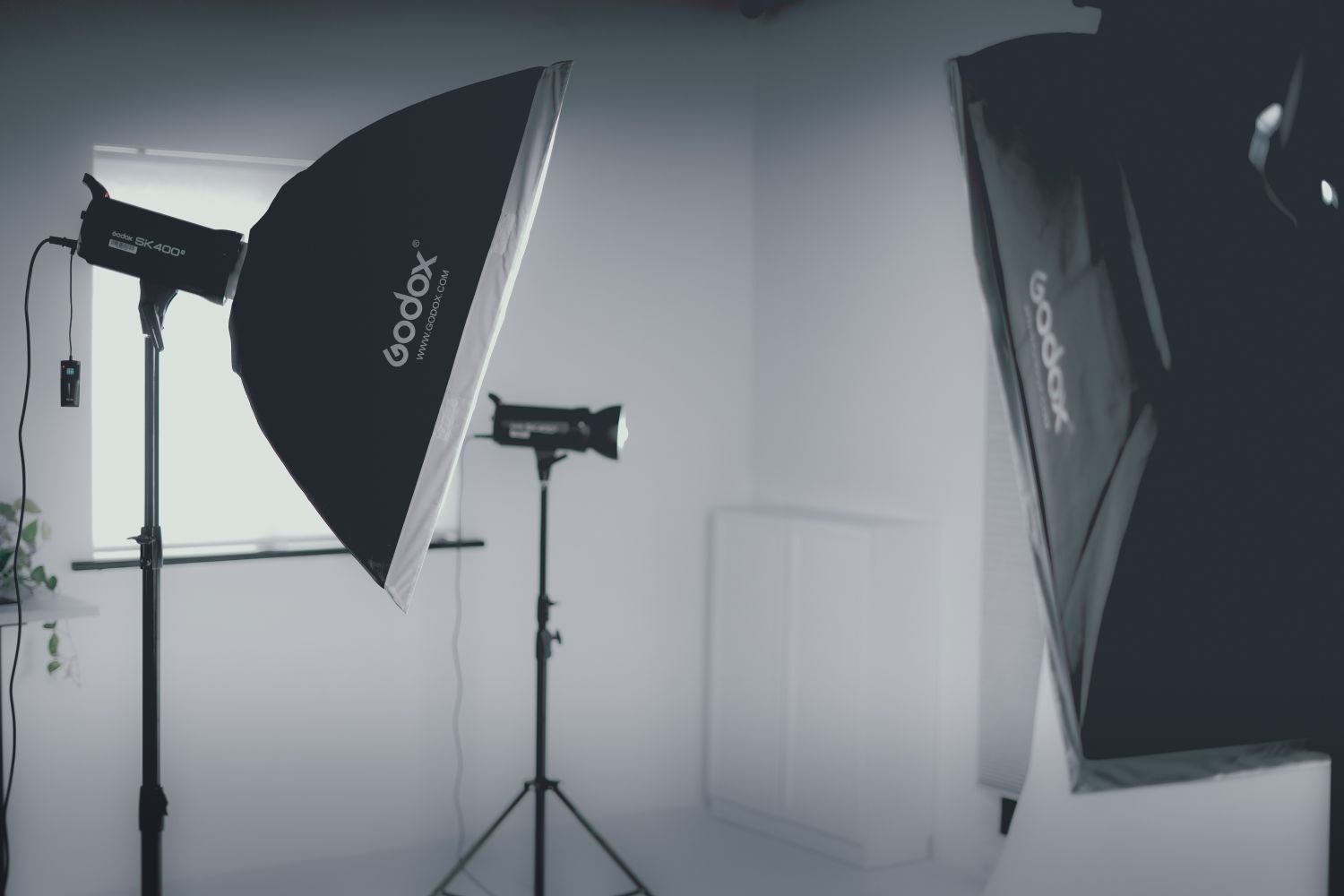
A small study does not become a useful filming location by fitting as much equipment into it as possible. What matters is whether the speaker can sit comfortably, the camera can show the required framing and the microphone can be placed close enough. Plan those three relationships first. An extra background light contributes little if its stand blocks the only route to the chair.
Work backwards from the frame
Position the camera without elaborate lighting and establish the shot size. A medium close-up requires less controlled background than a wide shot. Check whether the camera can look diagonally across the room. This sometimes creates more distance than facing along the short wall. Avoid a perspective that introduces doors, mirrors or personal documents into view, however.
Mark the seating position and the space needed for natural gestures. The speaker should be able to move their hands without touching a fixture. Next check microphone distance. If a boom only fits directly in front of the forehead, a visible lavalier may be more suitable. Avoid unexpectedly widening the shot after every device has already been installed.
One main source instead of several pools
A window or one soft fixture may be enough for a conversation. Position it to give appropriate facial shadows while keeping its stand out of the walking route. White rooms return substantial light from the walls. Before adding a second fixture, check whether this bounce already provides sufficient fill.
If the face looks too flat, a small black surface on the shadow side may help more than another lamp. It also needs a secure position. Do not suspend heavy or improvised objects above the speaker. A setup that someone must hold together by hand is not a dependable arrangement for a long conversation.
Set white balance under the completed lighting. A fixture close to a coloured wall may produce a stronger reflected tint than expected. A neutral fabric outside the frame or a small change of angle can be easier to control than extensive later correction of individual facial areas.
Consider noise and heat
A computer beside the microphone, a refrigerator behind the wall or an echoing bare floor may damage the recording more than a cramped background. Listen to a headphone test before starting the interview. Existing soft furnishings can reduce reflections, but do not replace a favourable microphone position. Check whether fixture or computer fans become louder after several minutes.
Keep doors and necessary routes accessible. Run cables along the planned edges and secure them appropriately for the floor without damaging it. Use the available electrical supply within its permitted load. For a small interview, fewer devices are often easier to understand, manage and reproduce.
Actually use the finished space
Rehearse sitting down, standing up and reaching for a glass of water. These movements expose tight spots that remain invisible in a static camera image. Finally photograph the whole arrangement from the entrance. Together with a photograph of the camera image, this records both the visual result and the physical layout for a later session.
Allow for a second camera position
If a closer view will be needed later, check it during setup. A stand that is harmless in the wide shot may suddenly appear in a mirror from the tighter angle. Photograph both planned compositions and confirm that the same lighting and sound arrangement works. The change then remains a small adjustment rather than a complete redesign of the room.