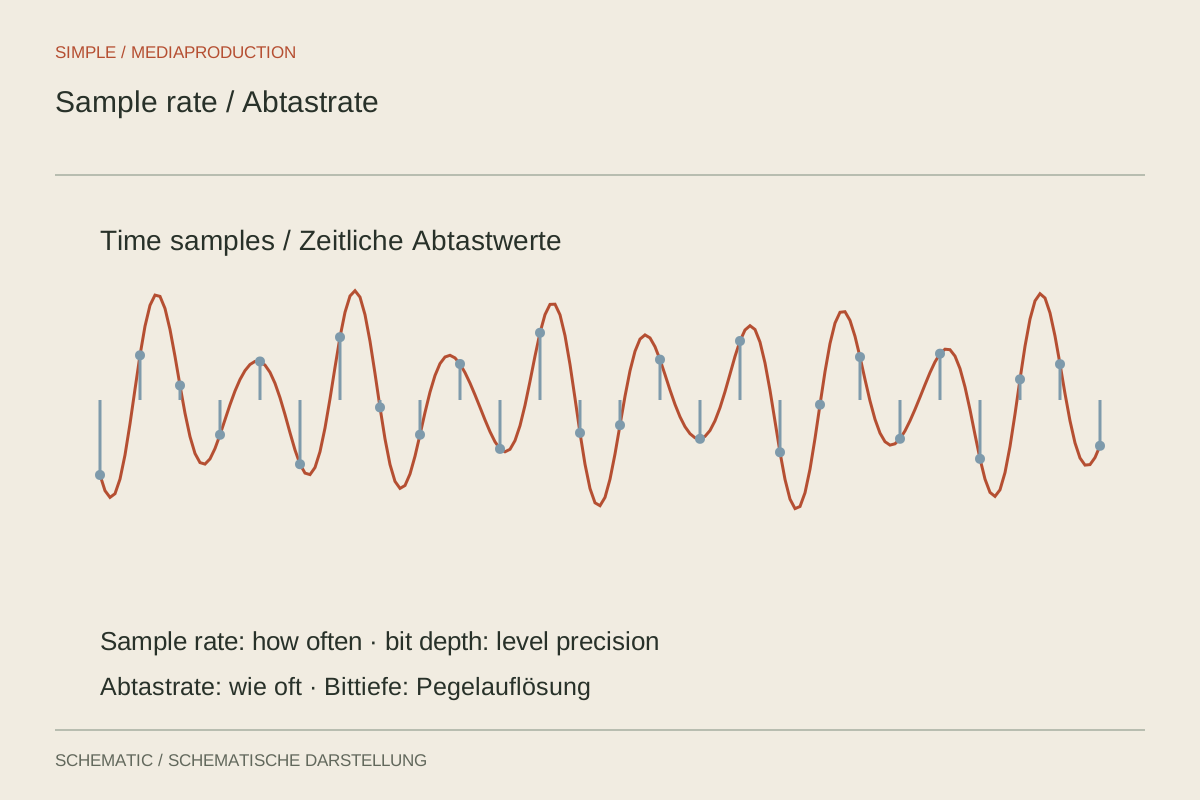
A recorder may offer 44.1, 48 and 96 kHz alongside several bit depths. These describe different properties. Sample rate states how many measurements are stored each second. Bit depth describes how their values are represented. Neither number alone determines speech-recording quality. Microphone position, room sound, overload and the subsequent workflow remain crucial.
Choose a shared basis for video work
48 kHz is a common foundation for production sound in video. Using it across camera, recorder and editing project makes the workflow easier to follow. Check the setting before recording and verify it in file properties after import. A menu selection should agree with the format actually created.
A correctly stored 44.1-kHz recording is not automatically unusable. An editor can resample it to 48 kHz while preserving duration. This differs from merely interpreting the file at the wrong rate. Playing the same measurements faster without proper conversion changes both duration and pitch.
Separate bit depth from recording gain
For ordinary PCM recording, 24-bit representation provides a larger range than 16-bit. This helps with processing and sensible recording headroom. It does not permit unlimited input overload. If an analogue amplifier clips, a later file format cannot simply restore the original waveform.
32-bit float files can represent a very large numerical range in compatible recorders and applications. Their usefulness nevertheless depends on the whole device architecture. They do not repair an overloaded capsule, incorrect powering or a damaged cable. Also check that the planned editing and handoff workflow handles the format as expected.
Understand storage requirements
Uncompressed PCM data can be estimated by multiplying sample rate, bit depth and channel count. At 48,000 samples per second, 24 bits and one channel, the result is 1,152,000 bits per second. Dividing by eight gives 144,000 bytes per second. One hour therefore occupies roughly 518 decimal megabytes, plus small file-management overheads.
Two isolated channels double this figure. A higher sample rate also increases the file size proportionally. For ordinary speech, a larger file is not automatically audibly better. Higher rates may suit specialised processing or particular production requirements, but should serve an identifiable purpose.
Do not infer synchronisation from numbers alone
Two devices can both display 48 kHz while their actual clocks run at slightly different speeds. Long separate recordings may consequently develop a growing timing difference. Matching menu values therefore do not replace synchronisation checks at the beginning and end. Conversely, a correctly resampled 44.1-kHz file does not inevitably drift.
Retain originals and document conversions. Avoid an unnecessarily lossy intermediate copy for editing when a suitable uncompressed format is available. After conversion, check duration, channel count and a spoken passage. This makes the technical setting a verified part of the workflow rather than merely a number in a filename.
Test a format change deliberately
For a trial, create a short copy of an existing speech recording at the required sample rate. Compare original and copy in one project: duration, opening transient, a middle word and the sentence ending should agree in time. Listen for unchanged pitch too. If the copy becomes shorter or higher, interpretation may have changed instead of proper resampling.
Include sample rate, bit depth and channel count in a short technical handoff note. WAV alone identifies the container and does not fully specify these properties. The recipient should also know whether a file contains one voice, a stereo mix or multiple isolated channels.