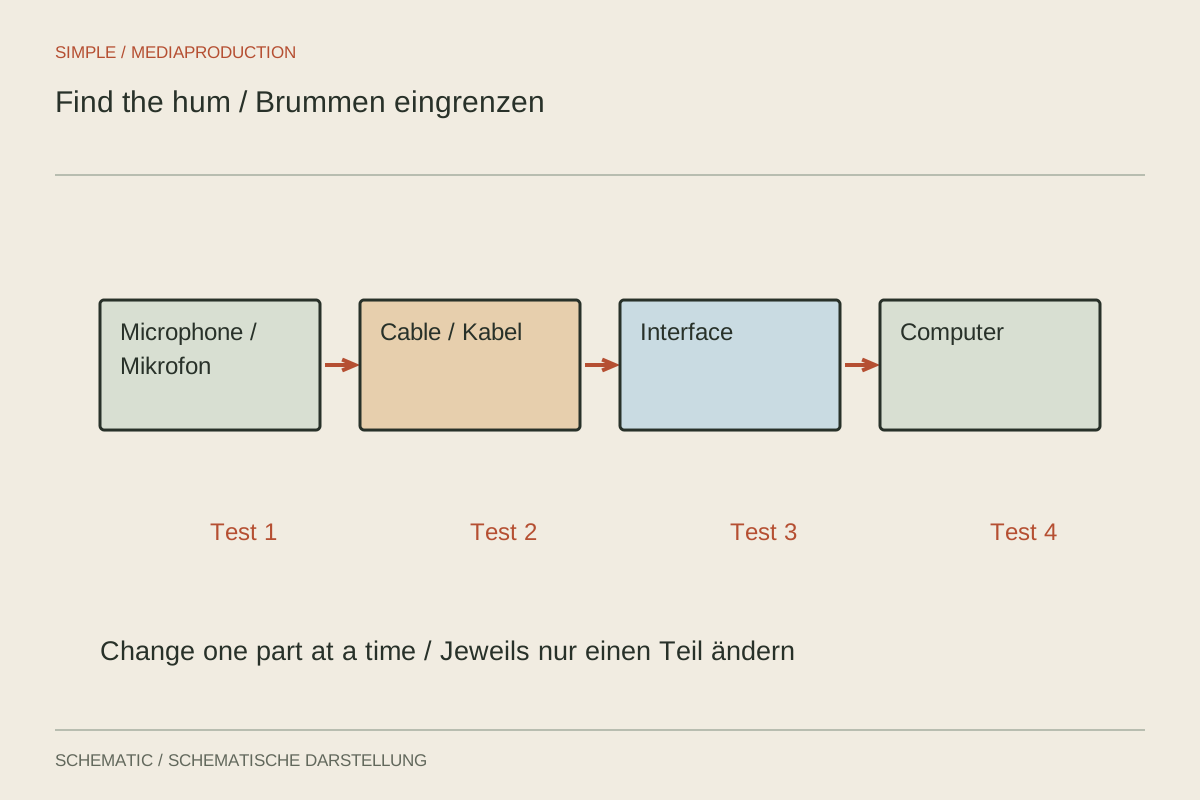
Steady hum may originate in the room or within the electrical signal chain. A refrigerator is acoustically audible; a troubled connection may be noticeable only through headphones. Distinguishing these is the first step. Document the arrangement and record a short sample before reconnecting several cables at once.
Establish the simplest working chain
Start with microphone and recorder or interface, without unnecessary extra devices. Where supported, test a device on battery power. If the problem disappears when a particular connection is absent, investigate that area more closely. This is a clue, not yet proof that one device is defective.
Reconnect components individually and compare the same speech-and-pause test each time. If the voice remains clean but hum grows with a connected computer, inspect its supply, cable route and audio connection. Use intended connections and suitable adapters only. Never remove or bypass protective mains earth to eliminate audio noise.
Check cables and surroundings separately
Replace a suspect audio cable with a known working equivalent. Inspect loose connectors and contaminated contacts according to manufacturer guidance. Avoid unnecessarily routing sensitive audio leads close to power supplies or mains cables. Changing the route may help without rebuilding the entire setup.
Hum that changes when the microphone is rotated or moved may indicate local electromagnetic interference. Compare another position at the same gain. A low tone audible in the room without headphones instead needs an acoustic solution or another recording location.
Reproduce the solution
When a change helps, briefly restore the previous arrangement if this can be done safely. If the noise returns, the association becomes clearer. Describe the finding specifically, such as “hum only when connected to the mains-powered laptop”, rather than simply writing “broken microphone”.
A narrow filter can reduce a remaining unwanted tone in editing, but may also affect useful sound. It should not conceal an unexplained unstable connection. After correction, check a newly saved test with every device in its final operating state. This establishes whether the solution survives actual recording conditions.