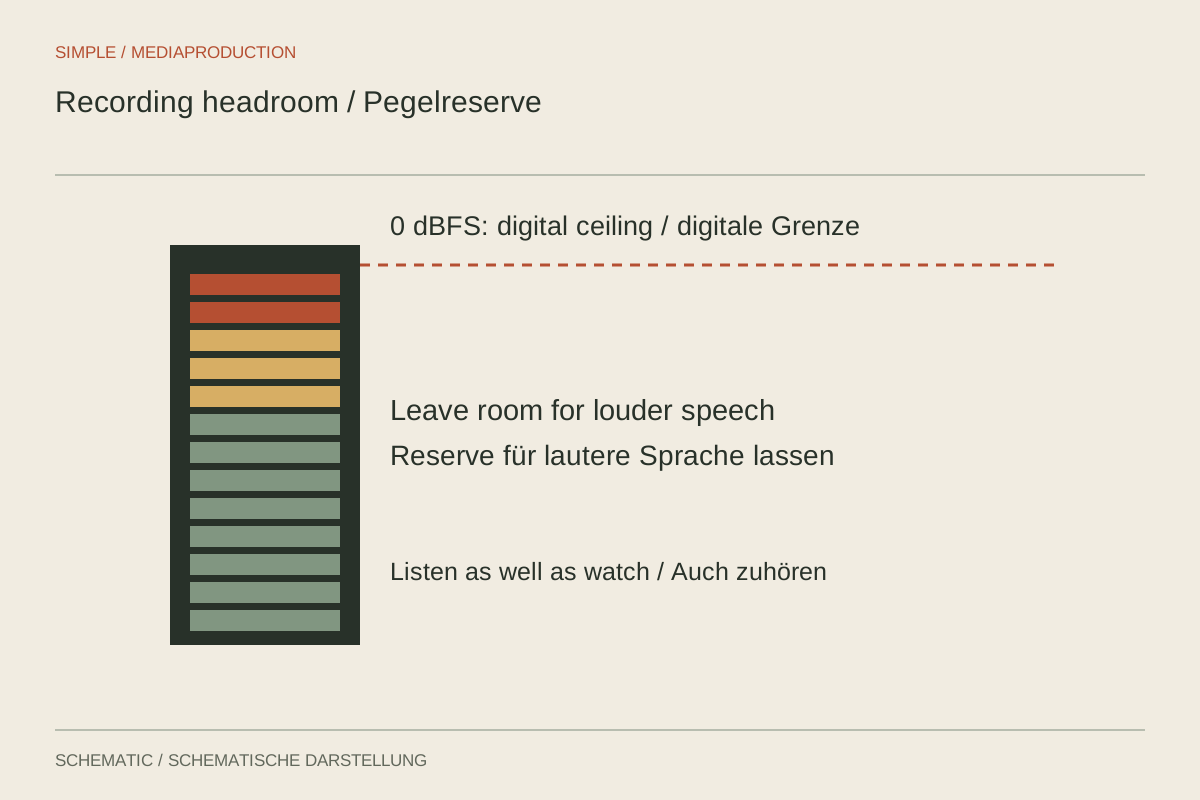
A quiet “test, one, two” is insufficient preparation for an animated conversation. The speaker may laugh, emphasise a word or move closer to the microphone. Recording level needs room for those changes without making the voice unnecessarily faint. The aim is a clean input with a deliberate margin before overload, rather than the fullest possible meter.
Identify the right control
Input gain determines how strongly the incoming signal is amplified before or within recording. A headphone control normally changes only listening volume. A wireless receiver's output setting affects the signal passed to the camera. These controls may look similar while performing different jobs.
First map the connected devices: microphone, transmitter, receiver, camera or recorder. Excessive level can occur at several points. If the transmitter already distorts, reducing camera input merely makes that distortion quieter. Inspect the chain from its beginning rather than watching only the final meter.
Request a representative performance
Ask for a complete passage at the expected delivery level plus a clearly emphasised sentence. For a demonstration, include reaching towards the object and speaking again. Watch the peak meter while listening for distortion. Ordinary digital speech recording benefits from a clear margin below 0 dBFS, but one peak value is not a universal rule for every device and situation.
One possible starting point is to place strong rehearsal sentences around minus twelve dBFS, then inspect the peaks that actually occur. This is working headroom, not a loudness target for the completed film. A highly dynamic speaker may need more margin. Quiet speech can be adjusted later if it has been recorded cleanly enough.
Treat automation and protection deliberately
Automatic gain control may raise room noise during pauses or audibly recover after loud moments. If using it, test this behaviour with both speech and silence. With manual gain, do not assume the device will automatically catch every unexpected peak.
Limiters and safety channels have limits. A quieter second channel may protect against later overload, but not necessarily an already overloaded capsule or input stage. Likewise, 32-bit float recording does not give every analogue stage unlimited capacity. What matters is which levels the particular device's components can actually accept.
Inspect the saved test
Listen to the loudest sentence from the recorded file. If it sounds rough despite the meter remaining below maximum, investigate earlier overload or an incorrect connection level. If necessary, compare a lower input setting while keeping headphone listening volume consistent.
Continue monitoring after recording begins. Changing microphone distance can invalidate the prepared setting. Mark problem moments and repeat important sentences promptly. Final loudness adjustment belongs in editing; it should not be anticipated by taking unnecessary risks with recording gain.
Work through a specific gain chain
Suppose a receiver feeds a camera microphone input. The camera meter looks reasonable, but loud words distort. First inspect a local transmitter recording if available. If it also distorts, the fault precedes the camera input. If it is clean, temporarily reduce receiver output and readjust the camera input appropriately. Compare saved tests at similar listening loudness. This separates an excessively strong handoff to the camera from an already damaged transmitter signal.
Document the working combination with device names and control values. A note saying only “level minus twelve” does not identify where that value was measured. Recheck the handoff after changing a cable or camera.