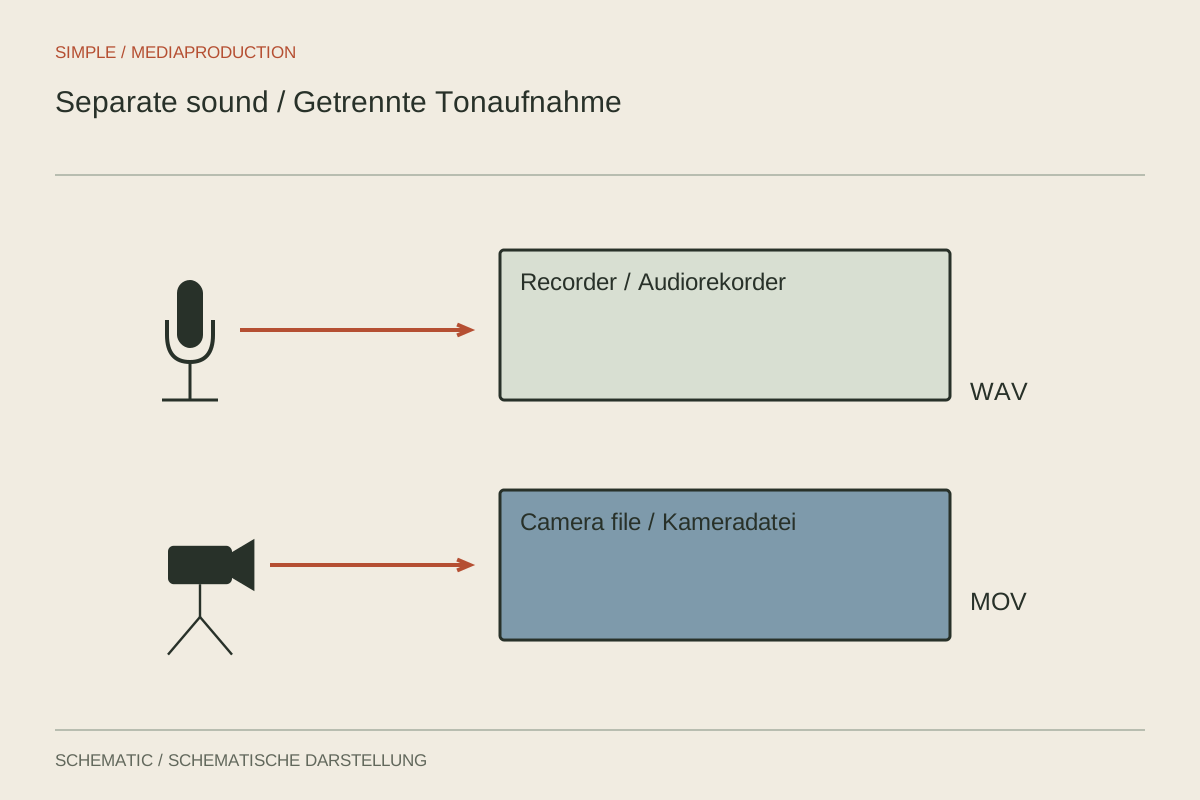
An external recorder may sit closer to the microphone or capture more isolated channels than the camera. It also creates two independent files that must match later. This arrangement is often called double-system recording. Its advantage disappears if the recorder is not running or nobody knows which audio file belongs to which picture.
Establish a repeatable start sequence
Start sound, visibly confirm that recording is running, then start the camera. Speak a short scene and take identifier. A visible and audible slate clap provides a shared reference point. A clear handclap is sufficient for a simple setup if it appears in the frame and is recognisable on both audio paths.
Record reference sound on the camera too. It does not need to carry the finished film, but should contain sufficiently clear speech or the clap. Silent camera video removes the comparison needed for waveform-based automatic synchronisation. After a break, check that the camera is still capturing its reference channel.
Keep channels and files understandable
Note which microphone feeds each recorder channel. With two speakers, isolated tracks are often more useful than only a premixed signal. Editing can then assess each person's level and disturbances separately. This does not mean the finished voices must be sent to different loudspeaker sides.
Preserve original filenames when copying and add their relationship to a log. Different cards can contain identical filenames; separate card folders prevent confusion. Record restarts and abandoned takes. A new camera clip does not necessarily mean a new recorder file.
Check synchronisation in more than one place
In editing, align picture and sound using the shared transient, suitable time information or waveform analysis. No method replaces verification. Check lip movement near the start and end of longer takes. A correctly aligned opening clap does not rule out a later timing difference.
Hearing two audio paths simultaneously can create echo or a hollow sound. After alignment, select the intended primary voice recording. Retain the reference in the project, labelled and muted if appropriate, rather than deleting it without consideration.
Rehearse the complete workflow
Before an important recording, test the whole sequence: start, identification, clap, several minutes of speech, stop, copy and synchronisation. This also reveals whether file format and channel count arrive in the editor as expected. Inspect the saved audio independently from the live headphone feed.
For a one-person crew, decide how each start will be checked. A small visible reminder on the tripod can prevent forgetting the second recorder. Establish whether camera sound is merely a reference or an intended usable fallback. Only a tested backup path fulfils the latter role.
Rehearse a restart
For a longer test, stop the camera once while the recorder continues. Restart it, announce the restart and create another shared reference. Then import both camera clips and the continuous sound file. Do not simply append the second picture file directly after the first if real time is missing between them. Place it using its new reference. This small trial reveals how breaks, battery changes or recording limits must later be handled.
Also check whether the recorder automatically starts new files during long recordings. Such splitting does not necessarily mean an interruption. What matters is whether the parts belong together continuously and the editor handles them correctly. Establish this behaviour before filming.