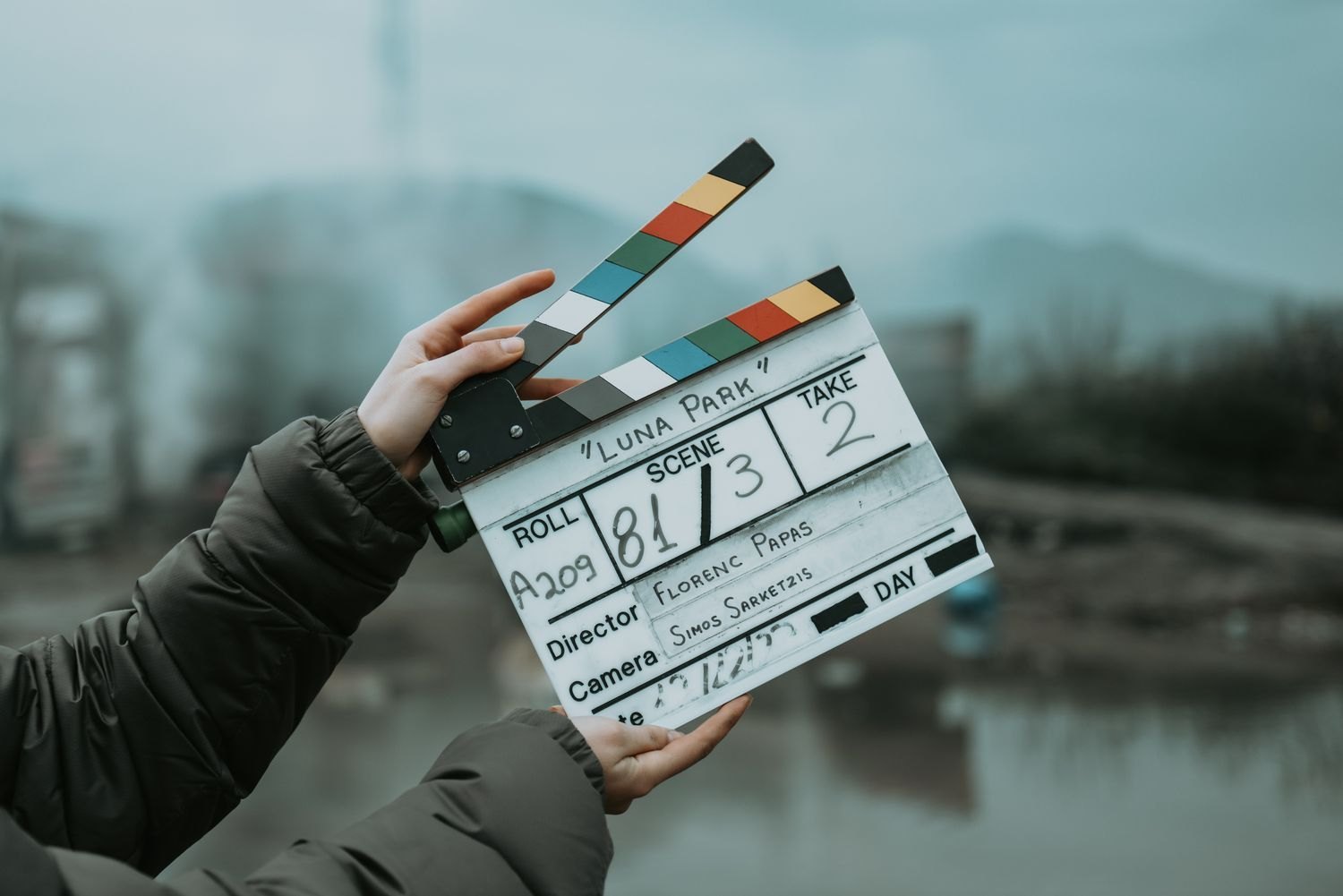
When camera and audio recorder run independently, their files rarely begin at the same instant. A clap creates a reference visible as contact in the image and audible as a short transient. It initially corrects the starting offset. It does not guarantee that two long recordings run at exactly the same speed throughout.
Start both recordings first
Confirm that camera and recorder are running before clapping. Speak a short identifier, such as “interview, second setup, take three”. Hold the slate or hands where their contact is clearly visible. One clean clap is easier to identify than several rapid claps.
Do not clap immediately beside a sensitive microphone or the speaker's ear. The transient should be recognisable, not unnecessarily loud. Wait briefly afterwards while everyone returns to the intended position. The microphone must remain in its tested position during the actual conversation too.
Locate the reference in the edit
Enlarge the audio waveform and find the steep transient. In the video, locate the moment of contact. Align them, then check a spoken passage. Depending on frame rate, the visible contact may fall between frames; some editors allow audio to move in smaller increments than the video frame grid.
A clear clap on the camera track makes comparison with external sound easier. If the camera is far away, sound travel time can introduce a small difference. For the final assessment, lips and speech matter more than blindly aligning two peaks.
Label exceptions clearly
If the opening clap was forgotten, record an explicitly announced tail clap while the take is still running. Note this in the log. Do not stop the recorder first, or the shared point will again be missing. With multiple cameras, the clap should be visible in the required views or identifiable through usable reference sound.
After synchronisation, also inspect the middle and end of longer recordings. A growing difference indicates more than a starting offset. Retain the clap in original files even though it is removed from the finished video. It remains a useful reference if the material needs synchronising again later.