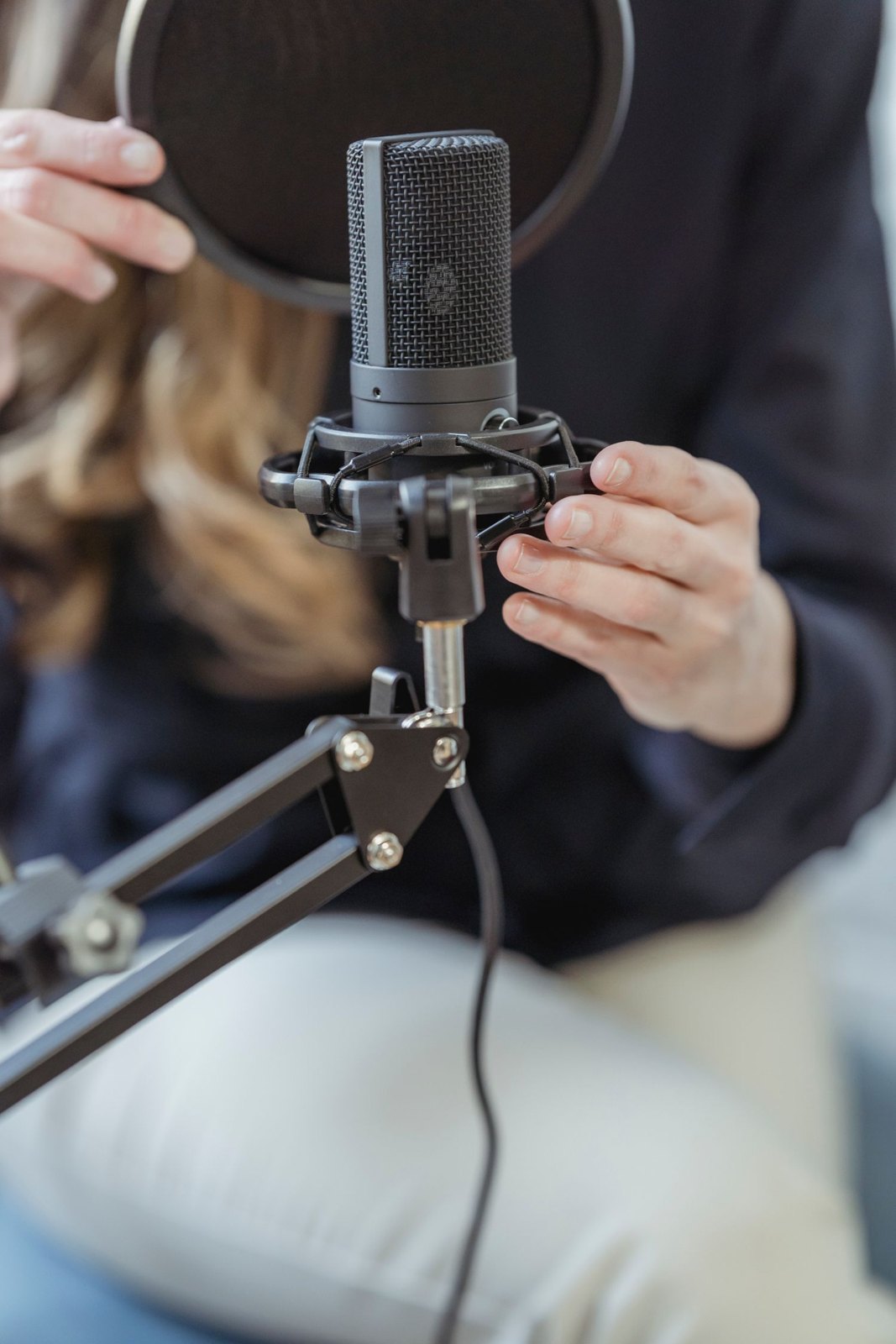
Time is often limited before an interview. An orderly sound check can still reveal several faults without hurriedly changing every setting. Use a short, consistent sequence and a complete test sentence. The crucial step is checking the actually recorded file before the real conversation begins.
Confirm connection and routing
Inspect microphone, power, cables and selected input. With two speakers, have each speak separately first. Check that the correct meter responds and that isolated channels are saved as planned. A muted transmitter can appear powered on; a camera may still use its internal microphone instead of the connected system.
Start a brief recording and speak an identifier for the setup. This distinguishes several tests later. Observe the running time or recording confirmation. Clean live sound is useless if saving has not begun or the wrong medium is selected.
Test speech, headroom and movement
Ask for several sentences at the expected level and one emphatic sentence. Listen for distortion and check peak headroom. Then have the speaker look towards the interviewer, nod and gesture. For a demonstration, include reaching towards the object.
A short silent section reveals fans, hum and environmental noise. When a fault appears, change only the part most likely responsible. Clothing rustle initially calls for a mounting adjustment; a voice lost in reverberation benefits more from a shorter microphone distance than increased gain.
Play back and accept the setup
Stop the test and play the saved file. Inspect both required channels and the loudest moment. Check duration and filename. If an independent backup recorder is used, include its file in the test too.
Only then begin the actual take. Repeat the brief check after a microphone change, extended break or substantially different seating position. Keep an accepted sample as a sound reference. It helps reveal unnoticed changes and provides a concrete comparison for later questions rather than relying on memory of the live feed.