Copying a finished video project to a drive is a beginning, not a verified archive. Later, other people or your future self need to identify the approved version, its associated media and whether the files remain readable. Plan contents, description and recovery together.
Choose the state to preserve
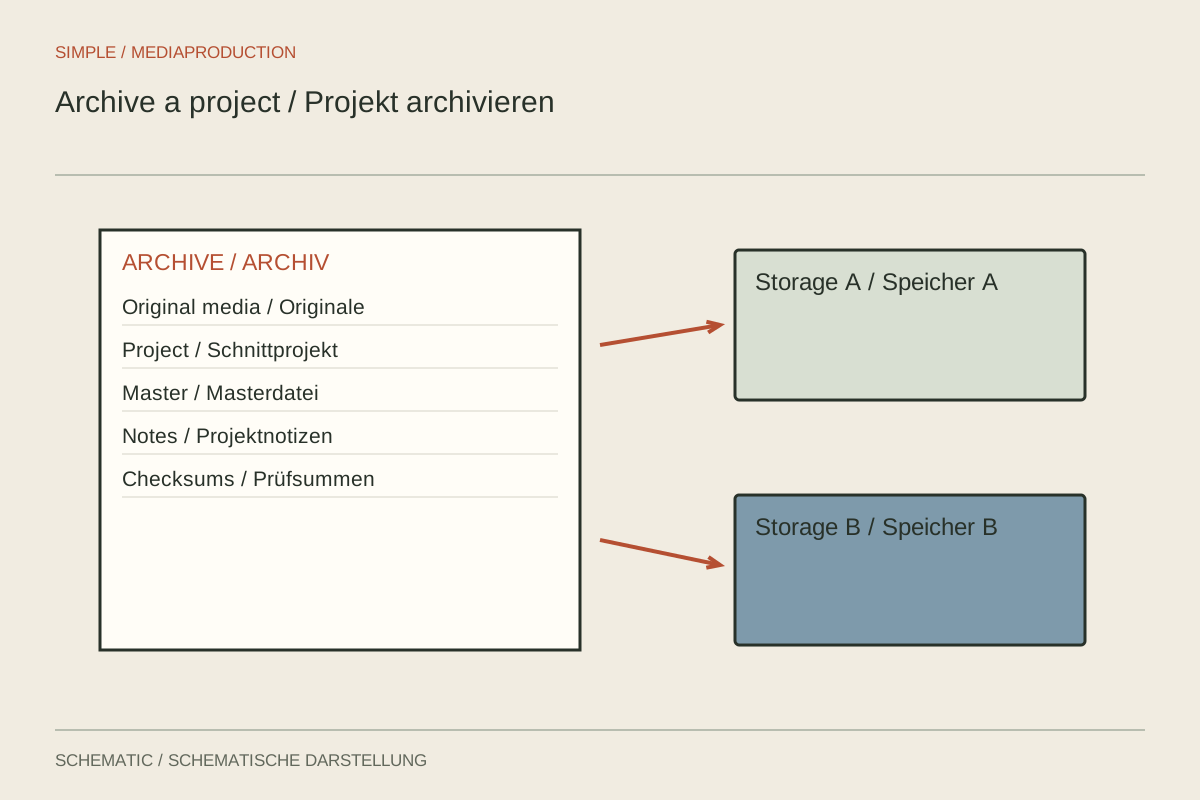
Deliberately select what should survive: original media, editable project, graphics, audio, captions and final outputs. The choice depends on anticipated changes and agreed retention objectives. Archiving only the finished video preserves the film, but not necessarily its editability.
Keep a clearly named master or reference version. It helps identify the intended result even if a project behaves differently in newer software. Record language, format, approval state and important technical properties. A file called “Export_7” will explain little about its purpose years later.
Distinguish regenerable working files from irreplaceable sources. Caches and some previews can be recreated under suitable conditions; original recordings and custom graphics cannot. Remove working files only after understanding their role and checking the completeness of the actual collection.
Document dependencies
Save a short project description identifying the main sequence, application versions and extensions. Record which elements exist only as rendered versions. If an animation is no longer editable, that limitation should be visible in the archive rather than discovered during an urgent revision.
Associate external sources and supporting records clearly. These may include approved scripts, music documentation or notes about fonts not supplied. Retain personal or confidential information only as needed for the agreed purpose. A production archive is not a reason to collect every accompanying message indiscriminately.
Use a simple structure with clear folder names. One possible division is original media, project, graphics, audio, text and outputs. Adapt it to the real contents. A large empty hierarchy provides no better organisation than a few understandable areas.
Keep independent copies
One external drive remains one point of failure. Plan multiple copies and geographically separated storage. CISA describes the familiar 3-2-1 approach: three copies, two media types and one off-site copy. The implementation should fit the data volume, access needs and actual risks.
Synchronisation is not automatically an independent backup. An accidental deletion may propagate to other synchronised locations. Check whether version history, recovery options and separate backups genuinely exist. A synchronised status does not establish that later restoration will succeed.
For important collections, checksums can help identify changes or transfer errors. Save a manifest containing relative paths and calculated values. A checksum establishes identity against a comparison state, not whether the original recording was editorially complete or technically flawless.
Test recovery, not mere presence
Restore a representative portion from backup into a separate test location and open the media. Test the project and its dependencies where the intended environment remains available. Document precisely which files and functions were checked. A sample is not a complete inspection of every frame.
Schedule periodic checks of readability and the required equipment or software. Storage technology and working environments change. When migration becomes necessary, verify the new copy before retiring the old collection. A successful copy operation alone does not confirm correct organisation or functioning project links.
Record responsibility, location and the most recent test date. The archive should make sense without remembering the original shoot. Its value lies in reliably finding and reusing a known state, rather than merely retaining as many unsorted files as possible.