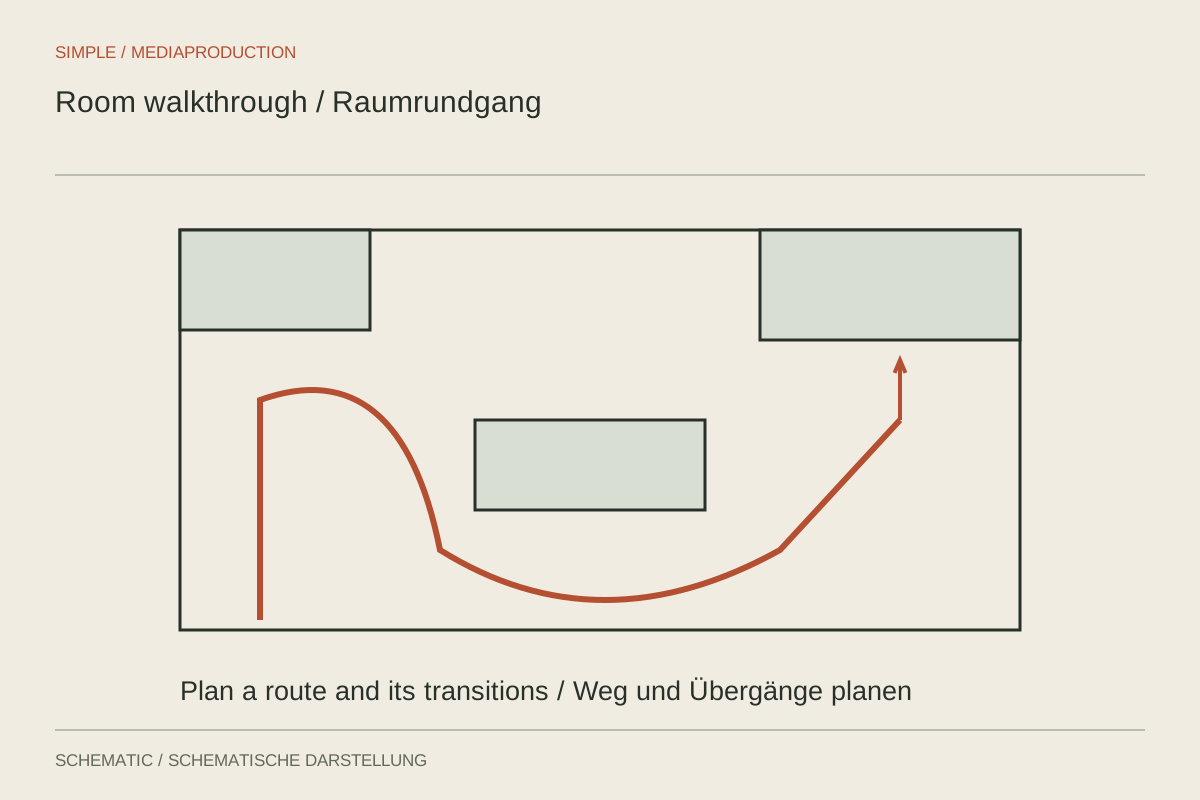
A walkthrough should communicate how spaces connect. A collection of attractive individual images can still lose that orientation. Plan a comprehensible route with recognisable transitions. The camera need not travel every metre without a cut, but viewers should understand where they are.
Walk the route without filming
Begin at a useful entrance and note the sequence of areas. Find positions where an overview explains the spatial relationship. Doors, passages and recurring landmarks help more than a series of tight details. Remove unnecessary obstacles from the intended route.
Inspect mirrors, windows and glossy surfaces for accidental reflections of the camera or crew. Consider changing light between rooms too. A bright window area and a dark corridor may need very different settings. Plan those transitions instead of hurriedly readjusting throughout one long take.
Use movement selectively
A short, steady move can reveal depth. Fast walking and repeated direction changes make orientation harder. Pause briefly before and after movement. This gives the edit useful joins and gives viewers time to understand the space.
Avoid excessively wide perspectives that stretch a room unnaturally. Straight lines and familiar objects provide clues to perceived size. A walkthrough should explain the spatial situation rather than imply different proportions through optical exaggeration. Several ordinary viewpoints can provide more information than one extreme angle.
Show distinctive details once their location is clear. A window handle, alcove or material close-up can add information, but cannot replace an understanding of the layout. If the film explains a route, junctions and transitions should remain more important than decorative close-ups.
Preserve continuity in the edit
Arrange shots so the route remains followable. A cut into another room may need a brief transition or clear identification. Avoid repetitions that appear to send viewers backwards when a new area is intended. Test the sequence with someone unfamiliar with the location.
Add labels only when they provide genuine orientation. Check room names and visible information. Sound can support the walkthrough, but should not obscure necessary explanation. The completed version works when viewers understand the connections rather than experiencing each room as an unrelated picture.