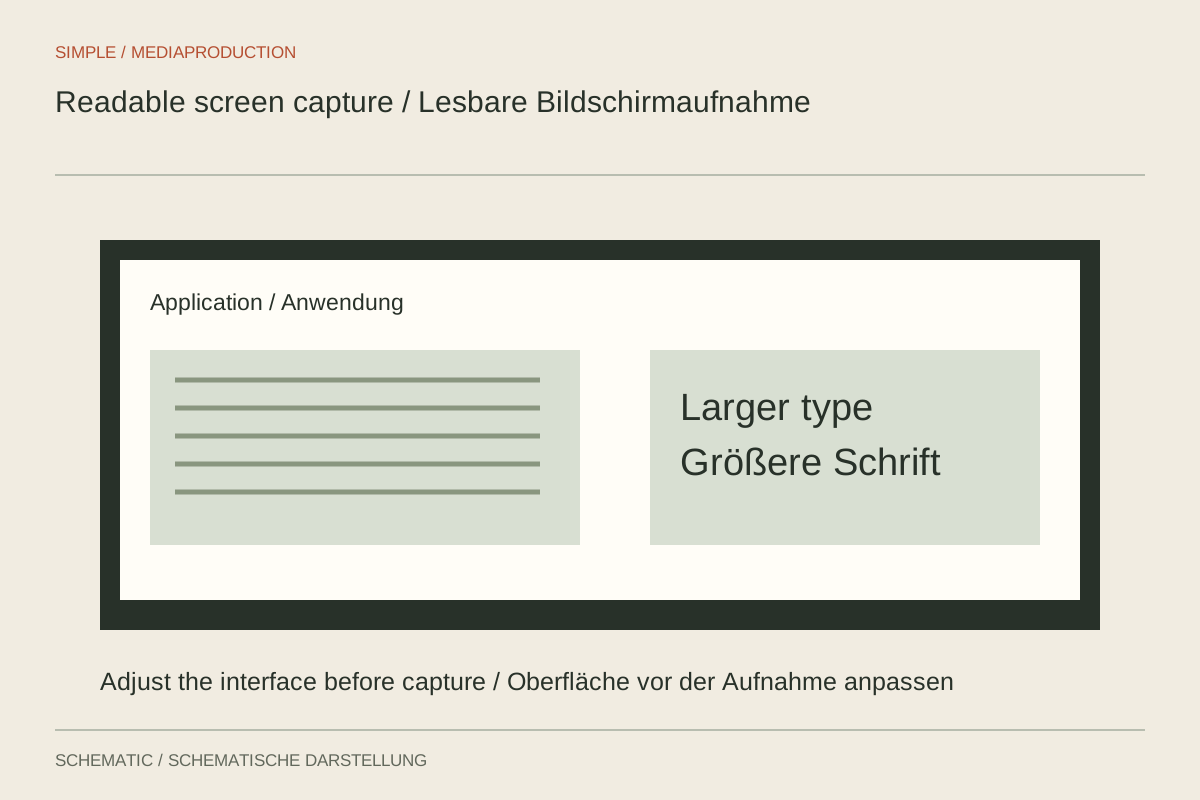
A screen recording can have a high technical resolution and still be difficult to read. Showing an entire large desktop on a small phone makes menus and labels tiny. The decisive factor is not capture pixel count alone, but the actual size of important elements within the final image.
Work backwards from the output
Choose the intended format first. If explaining one application window, the whole desktop need not appear. Enlarge the interface or browser content until important labels occupy enough space. Check whether that adjustment causes the application to rearrange its controls, because the demonstration must remain accurate.
Reducing a 3840-pixel-wide desktop to 1920 pixels halves the width of every captured element. An already small label does not become easier to read. A carefully selected capture area may be more useful than heavily enlarging a tiny region afterwards.
Control scaling
Deliberately coordinate recording, project and export dimensions. Unintentional repeated scaling can soften edges. Inspect the preview at a useful display size and export a short test containing small text, fine lines and a moving cursor.
Enlarge details only where the explanation needs them. Show the surrounding context first so viewers know which area they are seeing. A calm transition between overview and detail is often easier to follow than a continuously roaming virtual camera across the screen.
Simplify the recording
Close unnecessary windows and prepare example data. Suppress notifications and remove sensitive content from the capture area. A clean demonstration environment prevents distraction and makes later retakes easier to record under the same conditions.
Move the cursor deliberately and let it rest briefly after an action. Avoid continuously circling the element being discussed. A menu that remains open only momentarily may be technically recorded without offering useful reading time. Plan that pause while speaking and clicking rather than hoping to fix it later.
Inspect the final file
Test the output where it will actually be viewed, including smaller displays. Examine motion as well as still frames, because compression can affect fine letter edges differently during movement. If text remains unreadable, revise the framing or interface size and record the relevant passage again.
A higher export bitrate can reduce compression damage, but it cannot enlarge text that occupies too little of the frame. Upscaling a weak recording does not reliably invent clean letter shapes either. The most effective change is often made before recording: show less at once and make the relevant interface clearly visible.